Last updated:
Healthcare Room Data Sheet Automation: From Standard to Governed Output
TL;DR
Healthcare room data sheet automation should turn governed room standards into coordinated data and drawings while preserving exceptions, revision status, and clinical approval. The goal is not a faster PDF. It is one traceable room definition that can drive schedules, plans, elevations, equipment, finishes, and review.
What is healthcare room data sheet automation?
Healthcare room data sheet automation is a controlled process that maps an approved room standard to project rooms, generates consistent outputs, and flags what still needs human review. It connects a room code and revision to requirements such as size, occupancy, furniture, fittings, equipment, building services, finishes, accessibility, and layout guidance.
A room data sheet is often treated as a final document. That framing is too late. The real asset is the governed room definition behind the sheet. The PDF, spreadsheet row, model room, plan, elevation, and equipment schedule should be outputs or views of the same approved information.
The Australasian Health Facility Guidelines provide a useful public example. AusHFG Part B contains Health Planning Unit documents, Schedules of Accommodation, and Standard Component Room Layout Sheets and Room Data Sheets. Its 2026 update also describes aligning Room Data Sheets with an Item Control Schedule and publishing import-ready data. (AusHFG Parts)
That relationship suggests a robust automation target:
Room standard + item library + project exception + revision state = reviewed room definition
The sheet comes after that equation. If teams automate only document formatting, they still reconcile the same room across multiple sources by hand.
Which source data should drive healthcare room data sheet automation?
Healthcare room data sheet automation should begin with an authority ladder. Each field needs a source, an owner, a revision, and a rule for project-specific variation.
Do not collapse these layers into one “template” field. A standard room can be derived or modified for a project. AusHFG materials explicitly distinguish standard components, derived rooms based on a standard, and unique non-standard rooms. Automation must preserve that lineage rather than silently turning every variation into a new anonymous copy.
Every room instance should carry at least:
• Stable room and standard identifiers
• Standard title, source, revision, and review state
• Department and functional location
• Target and actual area
• Occupancy and operational notes
• Required items with quantities and service connections
• Finish and performance requirements
• Layout or clearance rules
• Project exceptions and approval status
• Last generated output and synchronization state
See how semantic tags can organize program data across more than one dimension.
Pick one frequently repeated clinical room and map every field on its current sheet to an authoritative source before automating the layout.
How should the source-to-sheet workflow operate?
The workflow should be a sequence of inspectable transformations, with a stop for review wherever a project decision changes a standard.
1. Register the standard library
Import or enter standard room definitions with stable codes, revisions, and source links. Validate required fields and units before any project room is mapped. A missing equipment quantity should appear as missing, not default to zero.
2. Map project room types
Connect each project room type to one standard, a derived standard, or an approved non-standard definition. Keep the mapping visible in the program so reviewers can find every room affected by a standards update.
3. Resolve items and requirements
Join furniture, fittings, equipment, finishes, and services through governed identifiers. Avoid free-text matching when a controlled item code exists. If the standard and item library use different revisions, block generation or mark the mismatch for review.
4. Apply project exceptions
Represent an exception as data: original value, proposed value, reason, approver, date, and scope. Do not overwrite the source standard. One exception may apply to a room type, a department, a phase, or a single instance, and those scopes must remain distinguishable.
5. Connect model geometry
Match the room definition with a modeled room or space. Calculate actual area and validate dimensional, accessibility, clearance, opening, and equipment relationships that the project has chosen to test. A room can satisfy an area target and still fail operational layout.
6. Generate coordinated outputs
Produce the room data sheet, room layout sheet, plan, required elevations, item list, finish schedule, and open-exception summary from the same state. Each output should show its generation time and source revision.
7. Review, approve, and regenerate
Route unresolved fields and exceptions to named reviewers. After approval, regenerate affected outputs and record the new signature. Never rely on a reviewer remembering which PDFs are stale.
What should be automated, and what still needs clinical review?
Automate repeatable data movement, validation, and output generation. Keep clinical, operational, regulatory, and project-specific judgments with accountable reviewers.
This boundary matters because automation can increase the speed and reach of a bad assumption. If the wrong standard is mapped to 80 rooms, perfect generation makes the error more consistent, not less harmful.
The review interface should therefore expose the assumptions before the drawing. Show the selected standard, inherited values, exceptions, unconfirmed items, and affected room count. Let a reviewer edit structured data and regenerate, rather than marking up every output separately.
Explore why department-first and space-first structures both matter in architectural programming.
How do you control revisions across room sheets and BIM?
Use two independent revisions: the source-standard revision and the project-room-definition revision. A standards authority may update an item code or performance field while the project retains its previously approved room. Conversely, the project may create an exception without changing the external standard.
Track these states:
1. Current: project definition matches the selected standard and approved exceptions.
2. Source updated: a newer standard exists, but the project has not reviewed it.
3. Project modified: an approved exception changes one or more inherited values.
4. Conflict: mapped sources disagree or use incompatible units or codes.
5. Incomplete: a required field has no governed value.
6. Output stale: the room definition changed after its sheet was generated.
7. Approved: named reviewers accepted the specific definition and output signature.
AusHFG's March 2026 update illustrates why translation status matters. It distinguishes Standard Components that received full review from those translated without content review and explains that some new fields remain blank where they could not be directly mapped. An automation pipeline should preserve that status instead of interpreting every imported value as equally reviewed. (AusHFG Standard Components import update)
How should teams validate generated room data sheets?
Validate both content and coordination. A visually complete sheet can still be wrong if it uses stale data, omits an item, or shows a plan that does not match the listed requirements.
Use a matrix like this for every output type:
Sample ordinary rooms and edge cases. Include a standard room, a derived room, a non-standard room, a room with multiple instances, a room with an approved exception, and a room affected by a standards revision. Compare every field, item, and geometry reference, not just page count or room title.
How does Snaptrude support a governed room-data workflow?
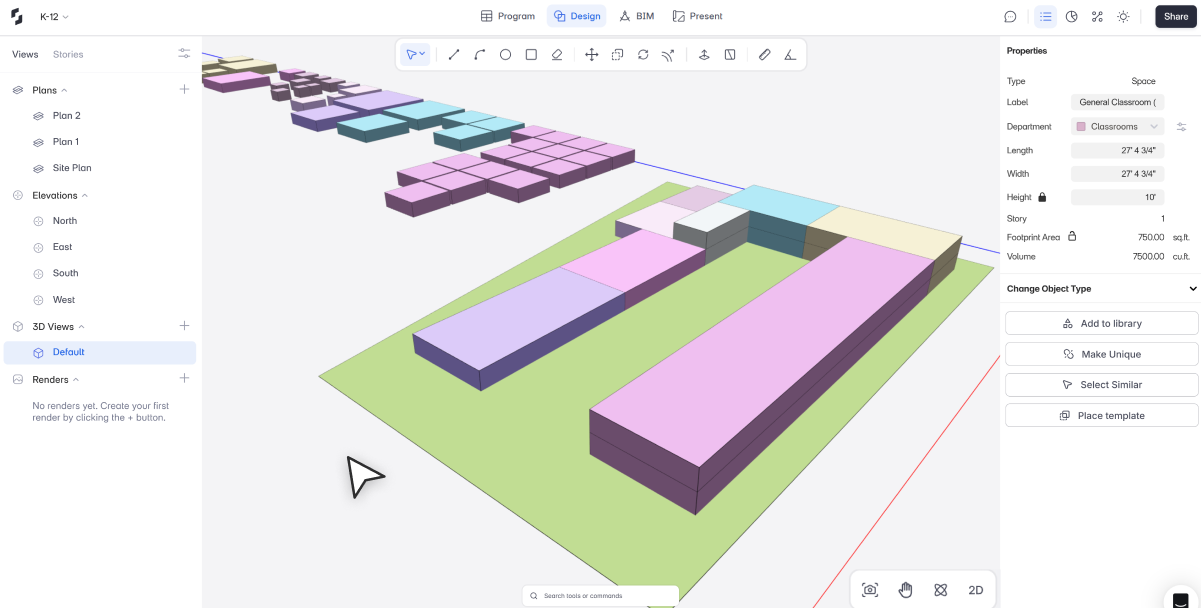
Snaptrude's Program supports AI-assisted space planning and architectural programming, area calculations, adjacency planning, spatial layouts from program requirements, and a connection from program data to 3D design. BIM Mode supports walls, floors, doors, windows, materials and quantities, automatic plans, sections, elevations, schedule generation, and IFC export.
Together, those verified capabilities can provide connected program, geometry, and documentation context for a room-data workflow. They do not by themselves certify a room against a healthcare guideline or approve a clinical exception. A project team must still establish the standard library, review rules, data ownership, and acceptance evidence.
Learn how color coding can stay tied to healthcare program meaning.
References
AusHFG Parts: The Australasian Health Infrastructure Alliance's official overview locating Schedules of Accommodation, Room Layout Sheets, and Room Data Sheets within Part B.
Content Update: Standard Components File for Import: AusHFG's March 2026 notice describing alignment between Room Data Sheets, the Item Control Schedule, import data, and review status.
Frequently Asked Questions About Healthcare Room Data Sheet Automation
Q: What is included in a healthcare room data sheet?
A: A healthcare room data sheet can include room identity, function, area, occupancy, furniture, fittings, equipment, finishes, building services, environmental requirements, and project notes. The exact fields depend on the governing framework and project brief. The sheet should identify its source standard and revision, while any project-specific departure should be recorded as an explicit exception with review status.
Q: Is a room layout sheet the same as a room data sheet?
A: No. A room data sheet primarily records structured requirements, while a room layout sheet represents a typical spatial arrangement. They should be coordinated but not treated as interchangeable. A list can be complete while the layout fails clearance or workflow needs. A drawing can look plausible while omitting required items or services. Both should resolve to one reviewed room definition.
Q: How should standard and non-standard rooms be handled?
A: Map a standard room to its governed component and revision. Represent a derived room as a variation that retains its source lineage. Treat a non-standard room as a project-owned definition with its own approval path. Do not duplicate and rename content without recording the relationship. That practice makes later standards updates, exception reviews, and affected-room searches far more reliable.
Q: What is the biggest risk in room data sheet automation?
A: The biggest risk is automating an assumption that has not been reviewed. A wrong room mapping, stale item library, or silent exception can propagate across many rooms and outputs. Mitigate that risk with source identifiers, revision states, completeness checks, explicit exceptions, named approvals, and output signatures. Automation should make uncertainty visible before it multiplies the result.
Q: Can Snaptrude generate information used in room-data workflows?
A: Snaptrude connects architectural programming with 3D design and supports area calculations, adjacency planning, BIM geometry, material quantities, plans, sections, elevations, and schedules. Those capabilities can support coordinated room information and documentation. Healthcare teams must still define the governing standard, map room types, manage exceptions, and approve clinical or regulatory decisions through their project process.
Q: Does Snaptrude certify healthcare rooms against AusHFG or another standard?
A: The verified product facts do not state that Snaptrude certifies rooms against AusHFG or any healthcare guideline. Use Snaptrude's program, BIM, and documentation capabilities as part of a governed workflow, then apply the project's selected standards and qualified review process. Compliance, clinical suitability, and exception approval remain accountable professional decisions, not automatic software outcomes.
Pilot healthcare room data sheet automation on one standard, one derived room, and one exception, then compare every output with the approved source.



