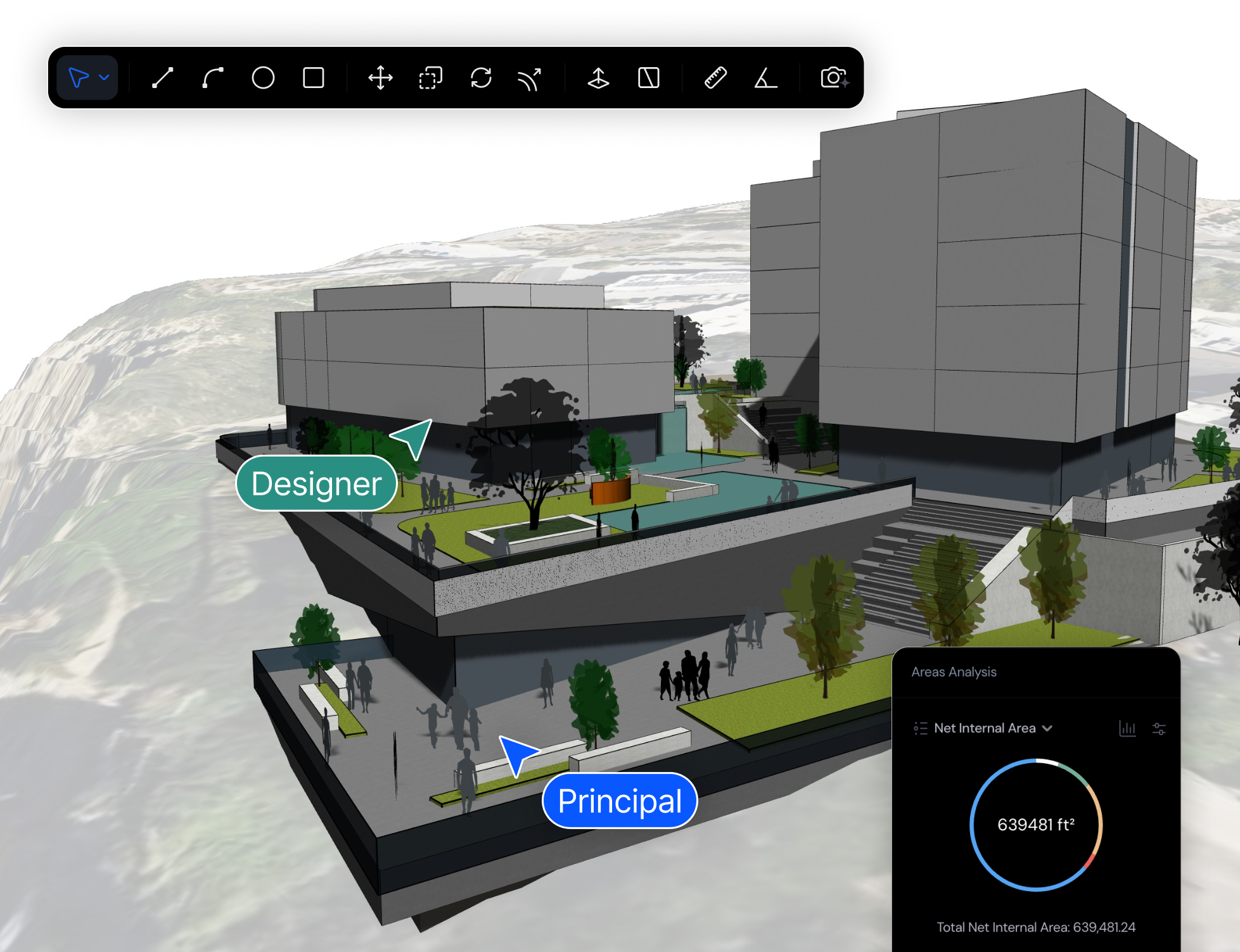
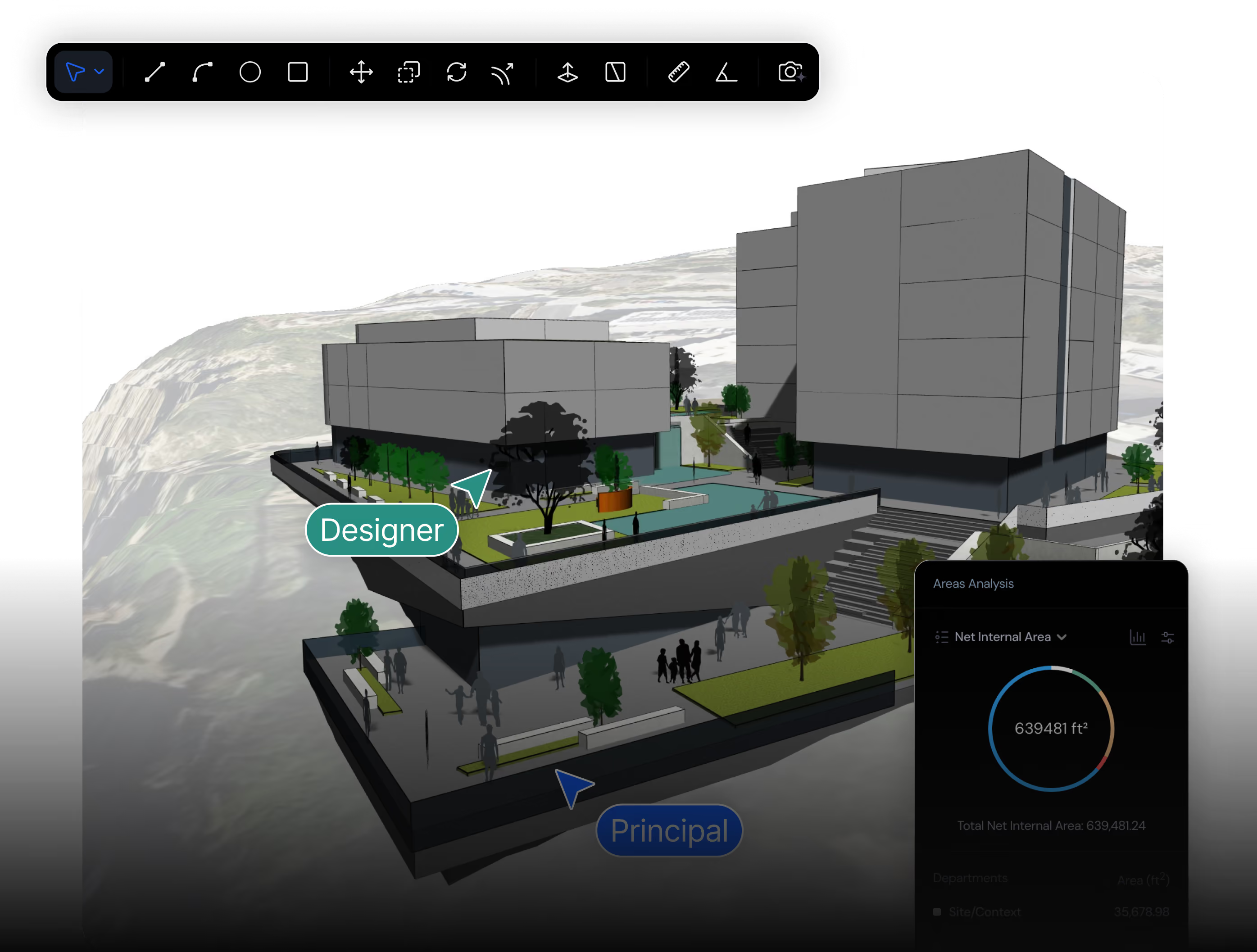
Most architects use SketchUp for quick concept modeling and Snaptrude when that model needs to become real BIM. SketchUp is a fast, intuitive surface modeler with no native building data: no walls, rooms, areas, or schedules. Snaptrude keeps the same early-design ease but produces a browser-based, AI-native parametric BIM model, imports your existing .skp files, and exports to Revit, IFC, and DWG.
See how Snaptrude helps architecture teams move faster from concept design to BIM-ready deliverables.
.png)
Built for architects who need BIM-ready outputs, real-time collaboration, and a faster path from early design to documentation.
Best suited for early concept modeling and visualization, but often requires extra tools or workflows for BIM deliverables.
• AI turns an RFP or brief into a detailed program and site analysis.
• Massing and floor plans stay live-linked to that program as you iterate.
• Real building data — areas, rooms, walls — stays under the design the whole time.
• One-click massing-to-BIM with walls, floors, and roofs resolved.
• Clean export to Revit, Rhino, DWG, and IFC when documentation begins.
• Push-pull massing in SketchUp — fast, but the shapes carry no building data.
• Do area and program math by hand in a separate spreadsheet.
• Rebuild the model from scratch in Revit once schematic design starts.
• Re-create plans, sections, and schedules that the SketchUp model never held.
• Rebuild client presentations in a separate rendering or layout tool each revision.
Upload an RFP or describe the project and generate a program, site analysis, and massing. SketchUp starts you at a blank canvas every time.
Snaptrude keeps areas, programs, rooms, and walls live under the design. SketchUp models are surfaces with no building data unless you add paid plugins.
Work in real time with teammates, consultants, and clients on one connected model — no installs, no file versions to merge.
Export to Revit, Rhino, DWG, and IFC with parameters intact. SketchUp geometry usually has to be rebuilt before a BIM team can use it.
Compare key differences across modeling, export options, collaboration, and project delivery workflows.
Parametric BIM. Walls, slabs, columns, doors, windows, rooms with defined types and properties.
Surface modelling. Polygons and faces. No native BIM semantics.
Native IFC 2x3 and IFC 4. No plugin. Passes structural-consultant review.
Plugin-based. Architects commonly report 30–40% of elements losing classification on export.
Native .rvt bi-directional export via Snaptrude Manager.
No .rvt export. Architects re-model in Revit for CDs.
Multiple architects in one live browser model. Figma-style.
File-based. Trimble Connect helps, but no live co-editing.
14 AI agents: site analysis, zoning, massing, program, layout, sketch-to-BIM.
None native. Some third-party AI plugins, fragmented.
Fast in-browser modelling with a Sketch-to-BIM agent. Close to SketchUp on raw modelling pace, faster on anything BIM-shaped.
Industry benchmark for fast intuitive surface modelling. Still has the edge on pure push-pull surface work.
Native .skp import. Your existing work transfers.
Native. SketchUp’s home format.
Built-in cloud rendering and live walkthroughs — enough for most client presentations without a separate tool.
V-Ray or Enscape add-ons are industry-best for cinematic output, at ~$500+/yr each on top of SketchUp.
Browser-based. Mac, Windows, Linux. No install.
Desktop install. Mac and Windows. Web version is feature-limited.
Free tier. Professional $499 (BIM, IFC, .rvt, AI all included). Organization $1,199.
SketchUp Pro ~$349. SketchUp Studio ~$1,199 (adds V-Ray, Scan Essentials). Plugins extra.
Snaptrude imports SketchUp files directly. No export-to-OBJ-and-pray. No rebuild.

Open Snaptrude in the browser and import your .skp directly. Nothing to rebuild, no conversion detour.

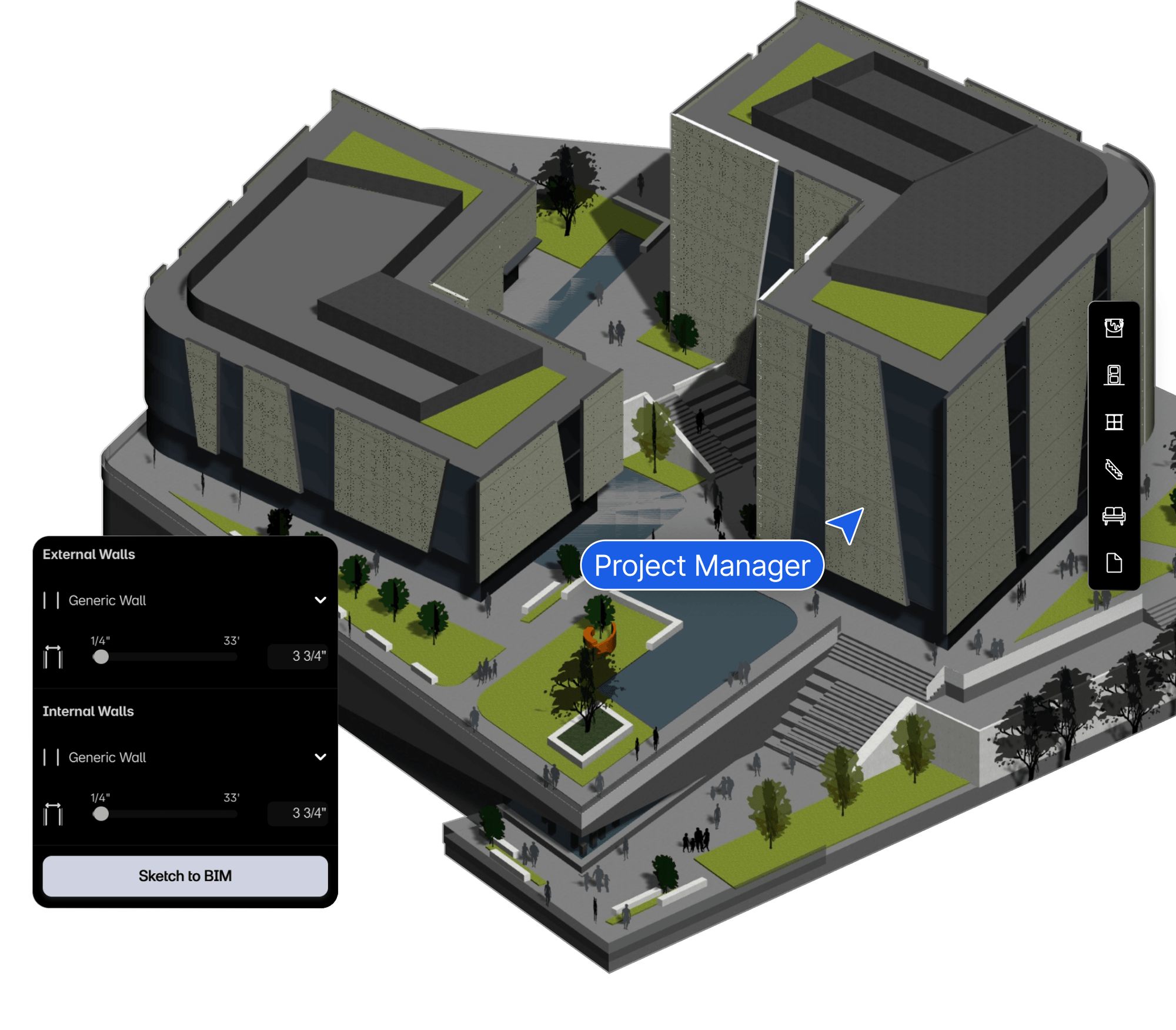
One click converts your massing into parametric walls, slabs, doors, windows, and rooms, with area schedules generated automatically.

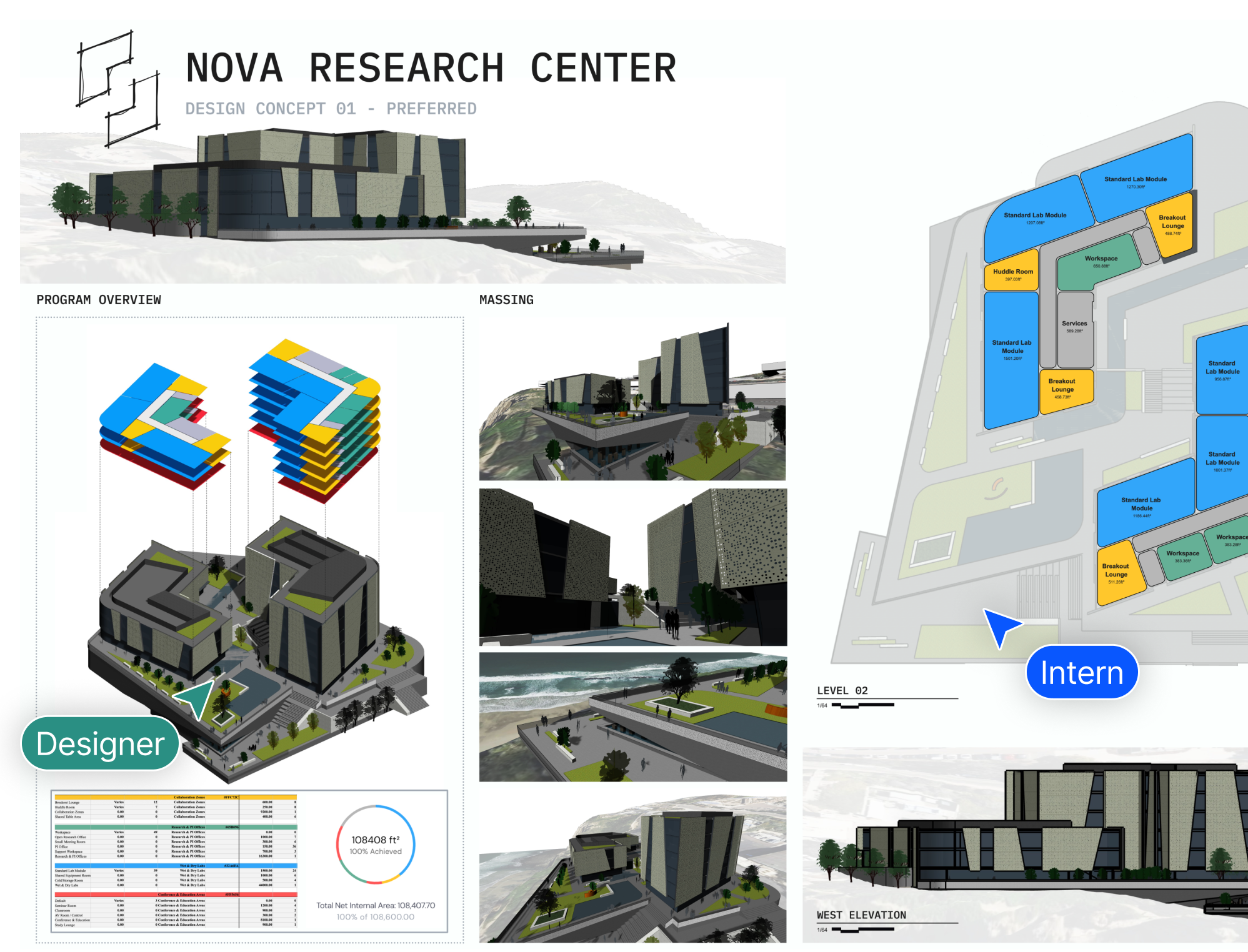
Design client presentations with AI renders all in Snaptrude or Hand the model off as native .rvt, IFC, DWG, or PDF.
From feasibility to BIM, Snaptrude’s AI agents help you analyze, plan, and move faster through early-stage design.

Site analysis, zoning, massing, program stacking, core placement.

Cited code research, space generation, room sizing, stacking.

Office standards applied, sketch-to-parametric BIM conversion.
Yes. Snaptrude imports .skp files directly in the browser, so models you built in SketchUp carry over with no rebuild and no conversion step. Once imported, you develop them with real BIM data instead of leaving them as surface geometry.
Yes. A SketchUp model is surface geometry with no building data, but Snaptrude's one-click Mass-to-BIM turns massing into parametric walls, slabs, doors, windows, and rooms, with area schedules generated automatically. You keep the shape you designed and gain data SketchUp never held.
Yes. After importing your .skp and adding BIM data, you export a native .rvt through Snaptrude Manager, plus IFC, DWG, and PDF. A downstream Revit or ArchiCAD team gets a data-rich file to document, instead of tracing over a flat SketchUp export.