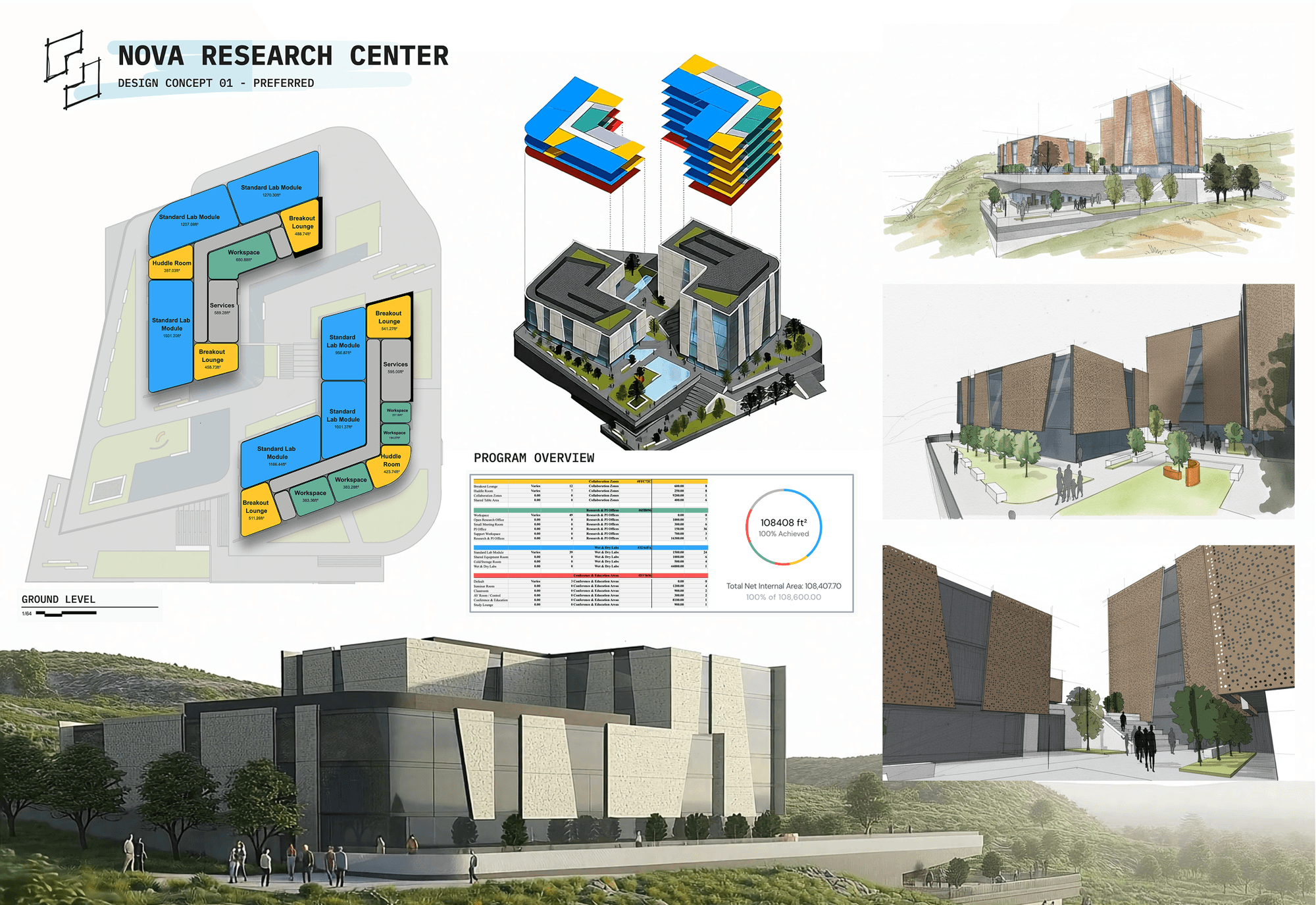
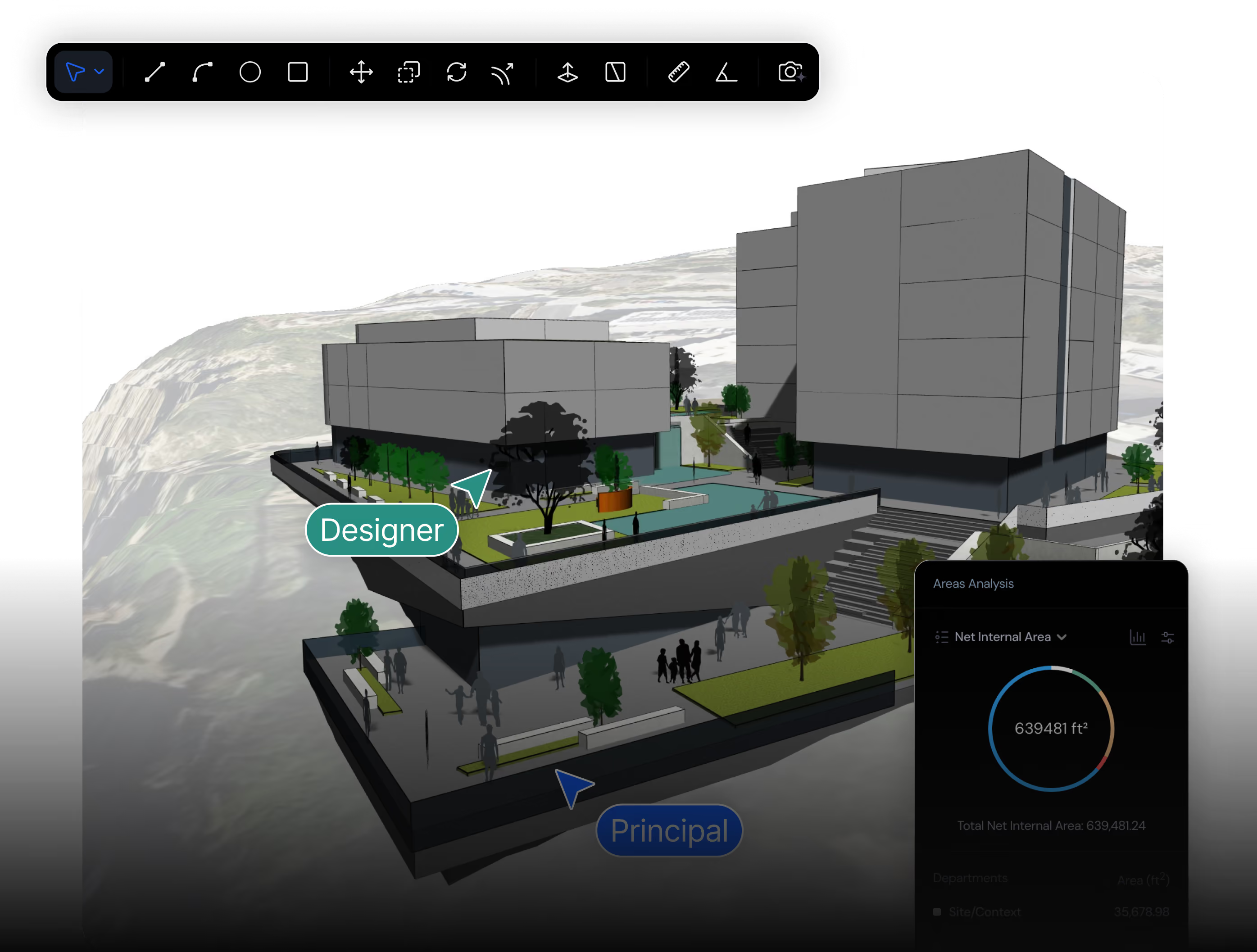
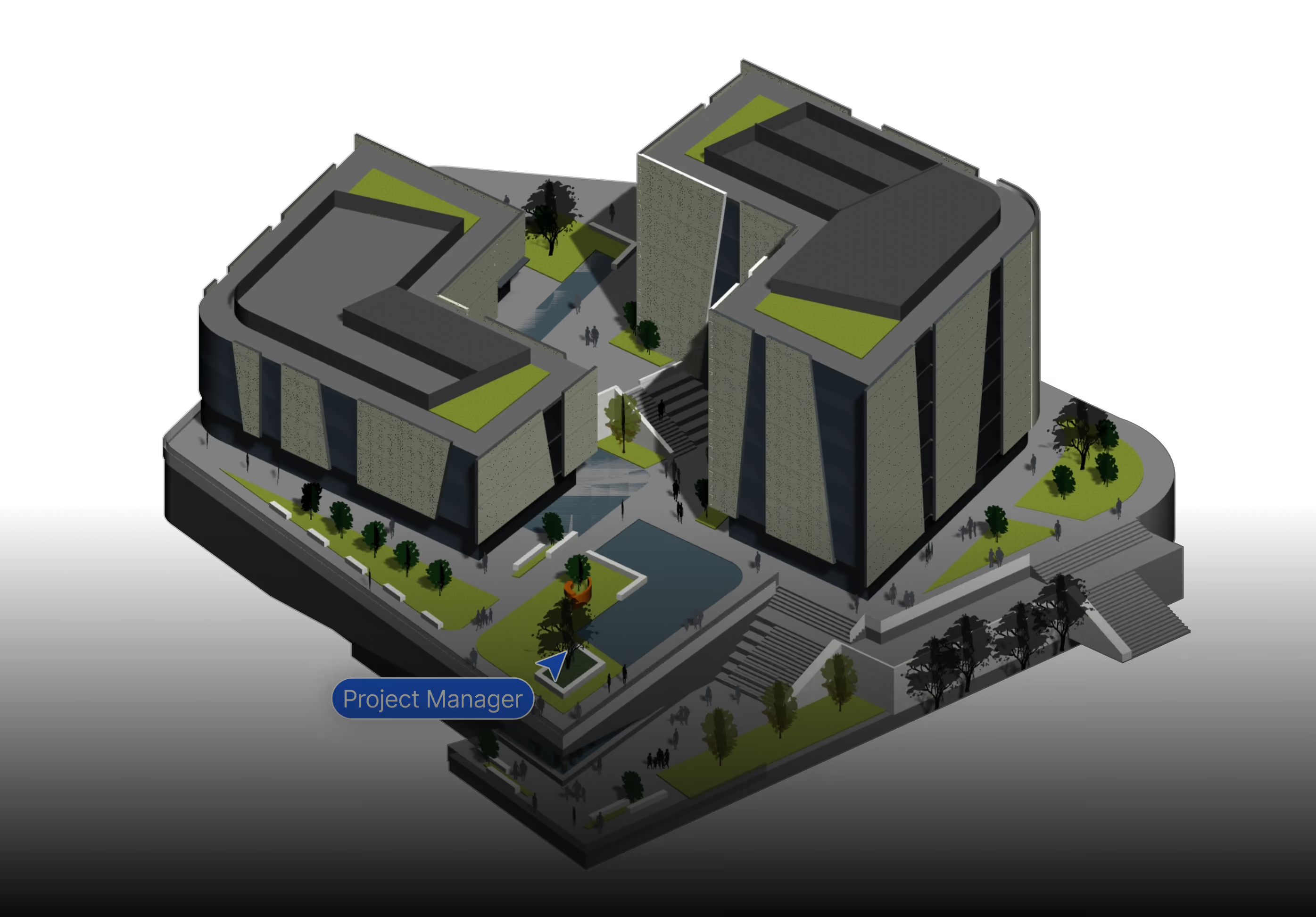
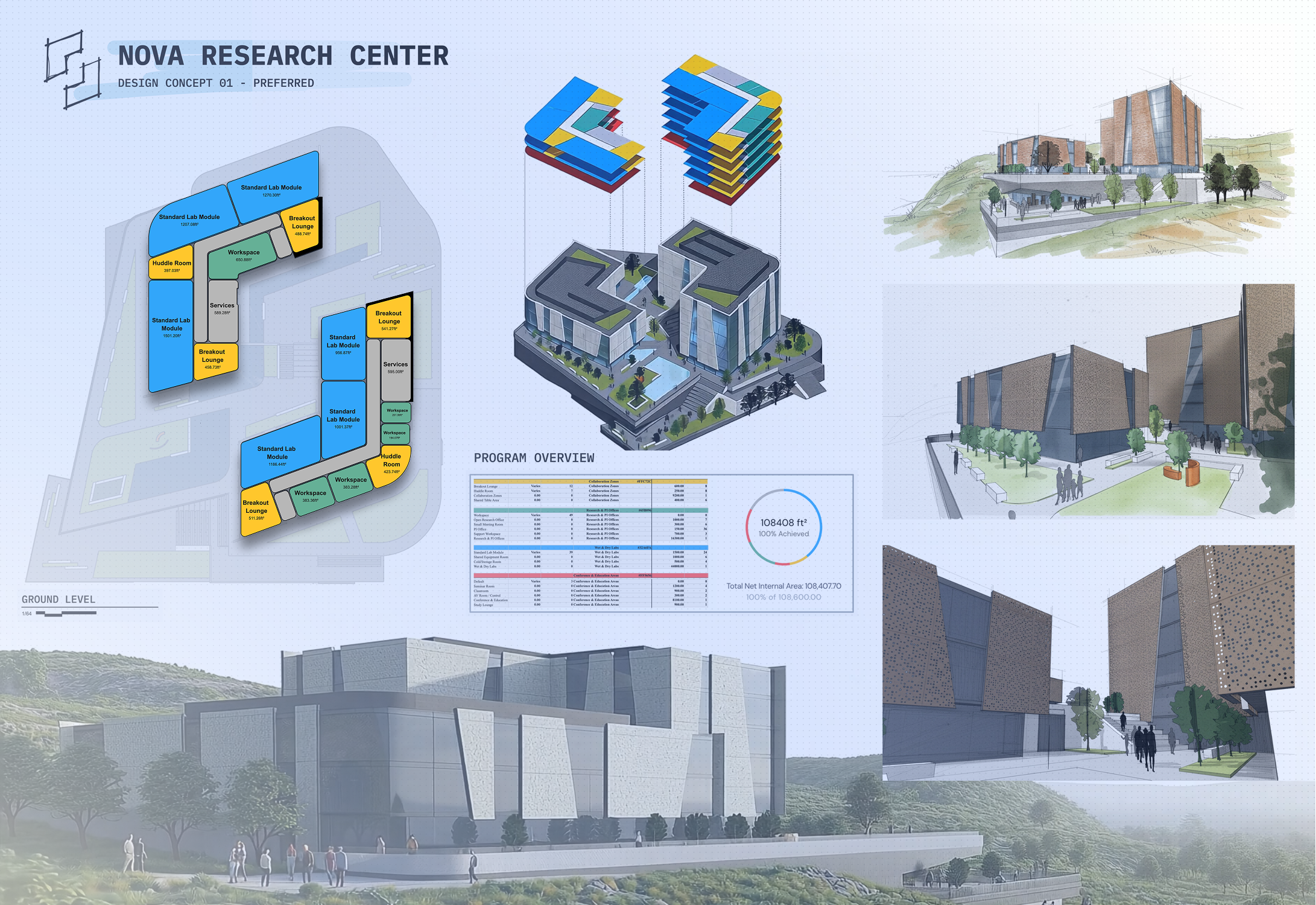
Most architecture teams use Snaptrude for early-stage design and Revit for construction documents. Revit is the industry standard for detailed BIM documentation and construction delivery. Snaptrude is a browser-based, AI-native BIM platform built for everything before that: brief, program, site analysis, massing, and schematic design, then exports cleanly into Revit.
See how Snaptrude helps architecture teams move faster from concept design to BIM-ready deliverables.
.png)
Early-stage architectural design: feasibility studies, zoning envelopes, massing options, program stacking, schematic BIM, real-time cloud collaboration, and AI-assisted option generation.
Construction documents, LOD 400+ fabrication detail, multi-discipline coordination through Autodesk Construction Cloud, and any project where consultants are locked into the Autodesk ecosystem.
• AI programming and massing generated straight from an RFP or brief.
• Real building data: areas, rooms, walls live from the first sketch.
• 10× faster than Revit for early-stage and schematic design.
• Clean export to Revit, Rhino, DWG, and IFC when documentation begins.
• Deep detailing, schedules, and construction documentation.
• Mature family and component libraries for delivery-grade BIM.
• Multi-discipline coordination on large, long-running projects.
• Best when the project is already past concept and headed to CDs.
Upload an RFP or describe the project and generate a program, site analysis, and massing. Revit starts you at templates and families with no automation of design intent.
Test options in minutes, not hours. Snaptrude is built for the fluid schematic phase where Revit's documentation model is heavy and slow to change.
Open a project on any machine. No installs, no license servers, no local files to manage. Revit is a heavyweight desktop install per seat.
Work live with teammates, consultants, and clients on one connected model, instead of syncing central files and merging worksets.
Compare key differences across modeling, export options, collaboration, and project delivery workflows.
Parametric BIM. Walls, slabs, columns, doors, windows, rooms with defined types and properties.
Parametric BIM — the industry standard, with the deepest documentation engine in AEC and LOD 400+ fabrication detail.
Native IFC 2x3 and IFC 4. No plugin. Passes structural-consultant review.
Built-in IFC export, but class mapping and template setup take real configuration to pass consultant review.
Native .rvt bi-directional export via Snaptrude Manager.
It is Revit — but early-stage models made anywhere else still get rebuilt into it by hand. No round-trip for outside work.
Multiple architects in one live browser model. Figma-style.
Worksharing is file-based. Real-time co-editing requires the ACC add-on, per seat.
14 AI agents: site analysis, zoning, massing, program, layout, sketch-to-BIM.
None native. You start at templates and families — no automation of design intent from a brief.
Fast in-browser modelling with a Sketch-to-BIM agent. Close to SketchUp on raw modelling pace, faster on anything BIM-shaped.
Not the tool's job. Most firms do concept in SketchUp or Rhino, then rebuild the model in Revit later.
Native .skp import. Your existing work transfers.
Imports .skp as static reference geometry — most teams end up rebuilding it rather than reusing it.
Built-in cloud rendering and live walkthroughs — enough for most client presentations without a separate tool.
Native rendering not client-ready. Most firms route to Enscape or Lumion, then PDF.
Browser-based. Mac, Windows, Linux. No install.
Windows-only desktop install, per seat. No Mac version — and a Revit 2024 file will not open in Revit 2023, so teams upgrade in lockstep.
Free tier. Professional $499 (BIM, IFC, .rvt, AI all included). Organization $1,199.
Revit standalone ~$3,030/yr. AEC Collection ~$3,430/yr. BIM Collaborate Pro / ACC is a separate per-seat add-on.
Run feasibility, concept, and SD in Snaptrude — then export to native .rvt at the DD handoff.

Open Snaptrude in any browser and import your .rvt directly. No plugin, no Windows, no export gymnastics.

Iterate on concept and schematic design with one-click Mass-to-BIM, AI agents, and create presentations with AI render, all in one model your whole team can open at once.

When documentation starts, push a native .rvt out through Snaptrude Manager. Materials and custom parameters carry across, so your Revit team keeps its pipeline intact.
From feasibility to BIM, Snaptrude’s AI agents help you analyze, plan, and move faster through early-stage design.

Site analysis, zoning, massing, program stacking, core placement.

Cited code research, space generation, room sizing, stacking.

Office standards applied, sketch-to-parametric BIM conversion.
Yes. Snaptrude imports .rvt files directly in the browser, up to 150 MB, so your existing Revit model becomes the starting point instead of something you redraw. You develop concept and schematic design in Snaptrude, then export back to Revit when documentation begins.
Yes. Snaptrude exports a native .rvt file through Snaptrude Manager, and materials and custom parameters carry across. That two-way path lets you design in Snaptrude and hand a real Revit file to the team producing construction documents, rather than a flattened export.
No. Snaptrude runs in the browser on Mac or Windows, so you can open and edit a .rvt file with no Revit license and no Windows machine. Nothing installs locally, so IT does not need to provision anything to get started.