Last updated:
Department-first or space-first? Program Mode now supports both
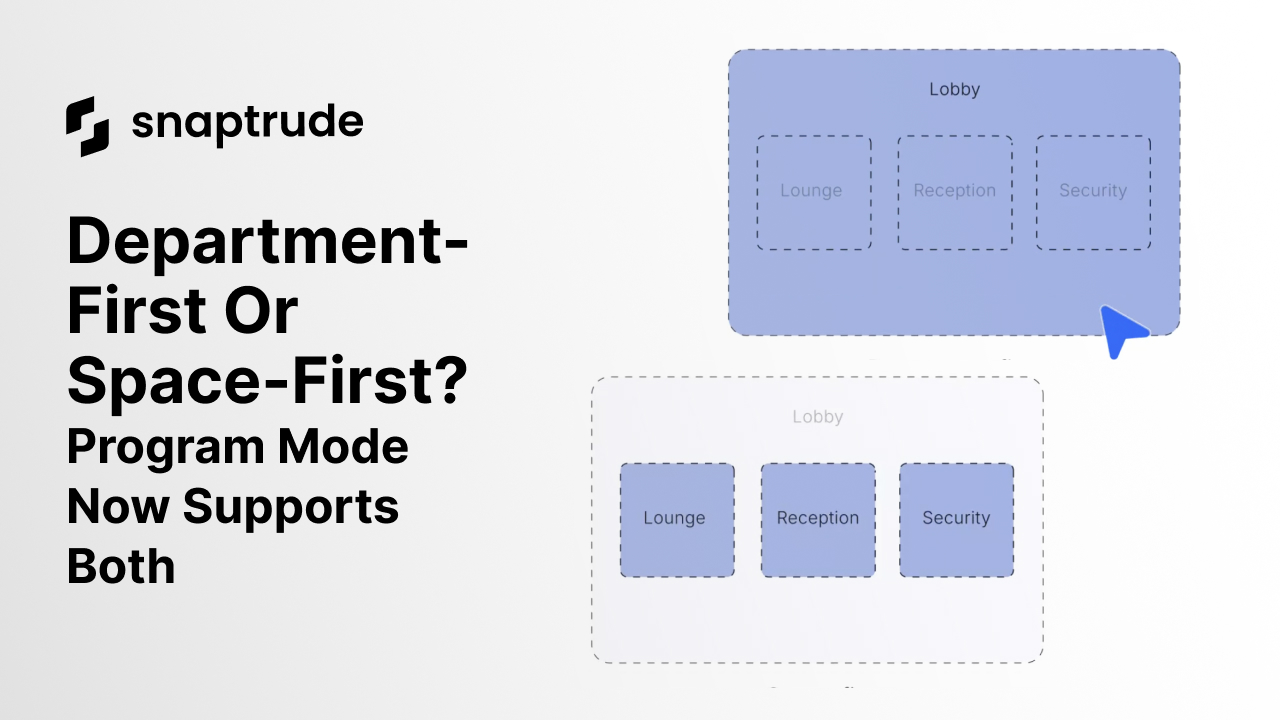
Ask ten architects how they start planning a building, and you'll get different answers. Not because teams are inconsistent, but because projects demand different starting points.
A commercial developer may need to understand maximum allowable area as early as possible. A K-12 project might begin with a fixed program that has little flexibility. A hospital may need to block out departments first, while a workplace project may start by testing individual spaces and adjacencies.
Where you start is usually dictated by what you're optimizing for.
Some teams begin department-first, defining major program blocks, setting gross targets, and understanding how the building stacks before getting into detail. Others work space-first, drawing or generating rooms, testing layouts, and letting the larger structure emerge over time.
Both approaches are valid. And on most real projects, teams move between them as goals evolve.
The problem is that many tools quietly assume one correct way to begin. If your project doesn't fit that assumption, or if your priorities change midstream, area logic starts to break down. Targets drift. Conversions feel risky. And the program becomes harder to trust as it grows.
This update to Program Mode is about preserving that flexibility, so teams can start where it makes sense for their goals and move forward without friction.
Making department planning explicit and predictable
We've reworked how departments behave in Program Mode to make department-level planning clearer, more structured, and more reliable, without forcing you into a single way of working.
At the core of this update are nested department objects. All department objects now live cleanly under their department header rows. This makes large programs easier to scan, easier to manage, and far less error-prone as they evolve.
More importantly, department targets are now explicit and predictable.
You can set gross area targets in two clear ways. If you want control, you can enter manual values and see efficiency reflected directly at the department level. If you leave those fields empty, targets are auto-calculated using efficiency, with hover states that explain exactly what's happening.
There's no ambiguity about where numbers come from or how they're derived. You always know whether a value is system-calculated or user-defined.
Moving freely between workflows
The biggest change is how conversions between spaces and departments now behave.
Previously, switching between space-level and department-level planning could cause unexpected shifts in area logic. Targets might change. Numbers might not line up the way you expected. That made teams hesitant to switch approaches mid-stream.
Now, conversions preserve intent.
When you convert a space into a department, its achieved area moves from net to gross. When you convert a department into spaces, achieved area moves from gross to net. Targets remain unchanged unless you explicitly edit them.
This means you can start department-first, define gross targets, stack and plan at a high level, and then move into space-level programming without losing control of areas.
Or you can start space-first, drawing or generating spaces directly, and introduce or refine departments later, knowing that targets and efficiencies will stay consistent as the program grows.
You're no longer locked into the way you started.
A clearer structure for evolving programs
To support this flexibility, we've also updated the Program Mode template itself.
Department-level net and gross totals now live together, achieved efficiency is visible, obsolete columns have been removed, and the layout has been simplified to reduce noise. All existing projects are automatically migrated, so teams can benefit from the clearer structure immediately.
The goal here isn't just cleaner tables. It's confidence.
Confidence that your program reflects your intent.
Confidence that numbers won't shift unexpectedly.
Confidence that you can change how you work without breaking what you've already built.
Designed to support how teams actually work
This update doesn't try to declare a "right" way to plan. Instead, it acknowledges how architectural programming actually happens: iteratively, collaboratively, and often non-linearly.
Some projects start with big blocks. Others start with rooms. Most do both.
By making department planning explicit and conversions predictable, Program Mode now supports that reality. You can move between department-first and space-first workflows freely, keeping your program organized, flexible, and accurate from start to finish.
And as with everything we're building in Snaptrude, this is one step toward a larger goal: reducing friction in early design, so teams can spend less time managing structure and more time making decisions that matter.


