3.40.0
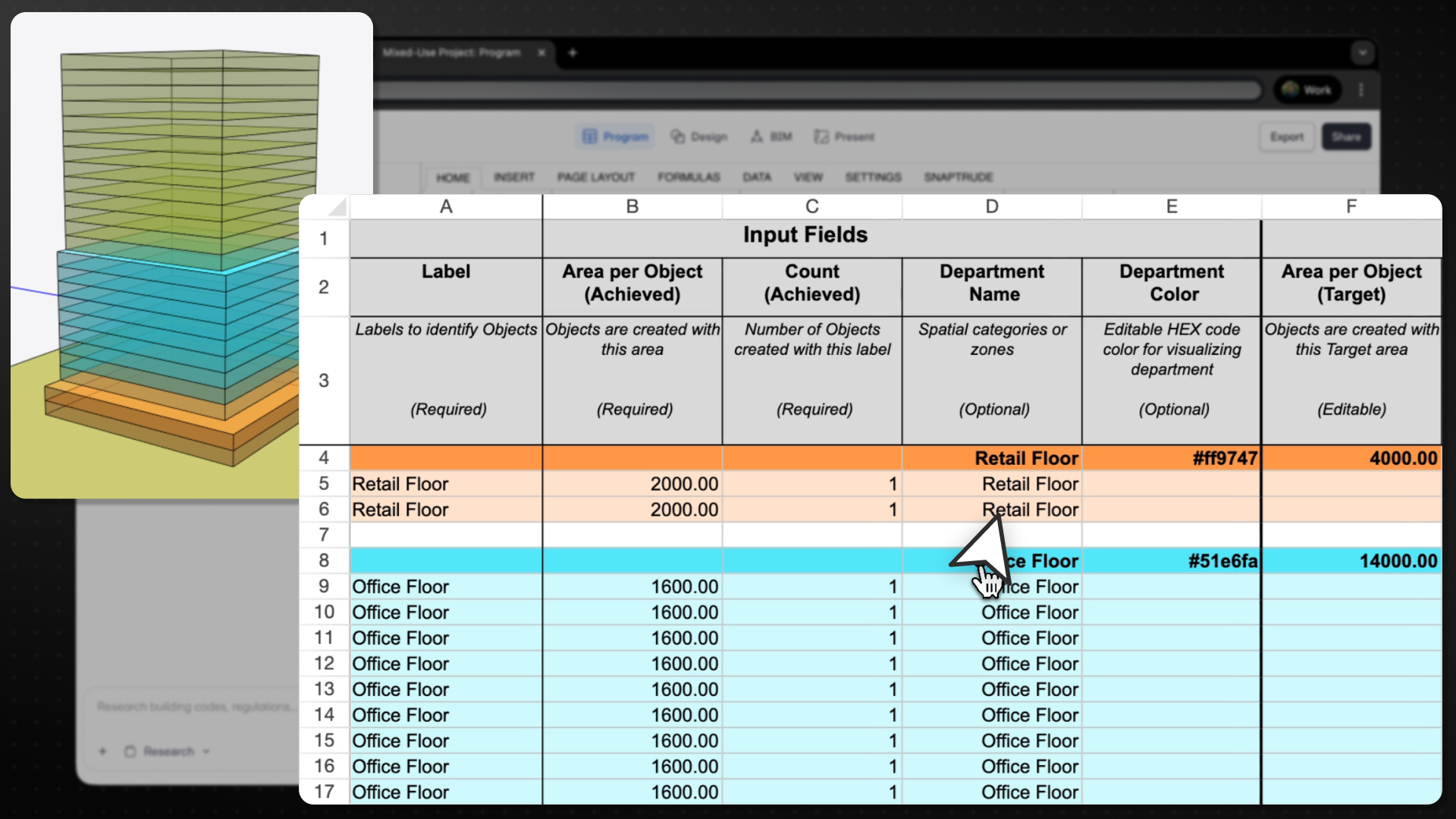
“This update makes department-level planning explicit and predictable, so teams can move between space-first and department-first workflows without breaking area logic.”
– Aman Jain, Product Specialist
What’s New
We have introduced a significantly improved Department workflow in Program Mode, bringing clearer structure, reliable area logic, and better support for both department-first and space-first planning approaches.
Key Improvements
1. Department Object Nesting
All department objects now automatically nest under their department header row, making large programs easier to read, scan, and manage.
2. Clear & Flexible Department Target Setting
You can now define Gross Area Targets for departments in two intuitive ways:
- Manual Targets
- Enter values in columns F and G.
- → Gross Target = F × G
- Manual overrides are clearly highlighted, with efficiency shown directly in the department header.
- Auto-Calculated Targets
- If F and G are empty or zero:
- → Gross Target = Net Target × Efficiency (default efficiency = 1.4)
Hover states clearly explain whether efficiency is auto-calculated or overridden.
3. Predictable Space ↔ Department Conversions
Conversions now preserve area intent without unexpected changes:
- Space → Department: Achieved area moves from Net → Gross
- Department → Space: Achieved area moves from Gross → Net
Targets remain unchanged unless explicitly edited by the user.
4. Updated Program Template Structure
To improve transparency and accuracy:
- Department-level Net & Gross totals now live in columns M–T
- New Achieved Efficiency metric added
- Obsolete columns removed and layout simplified
- All existing projects are automatically migrated
Supported Workflows
Department-First
- Define departments first
- Set gross targets upfront
- Stack and plan using department objects
- Transition cleanly into space-level programming
Space-First
- Draw or generate spaces directly
- Add or modify departments later
- Department targets and efficiencies remain consistent throughout
This update makes department planning clearer, more flexible, and far more predictable, especially for complex programs that evolve over time.