Last updated:
BIM Model Performance Testing for Real Project Workflows
TL;DR
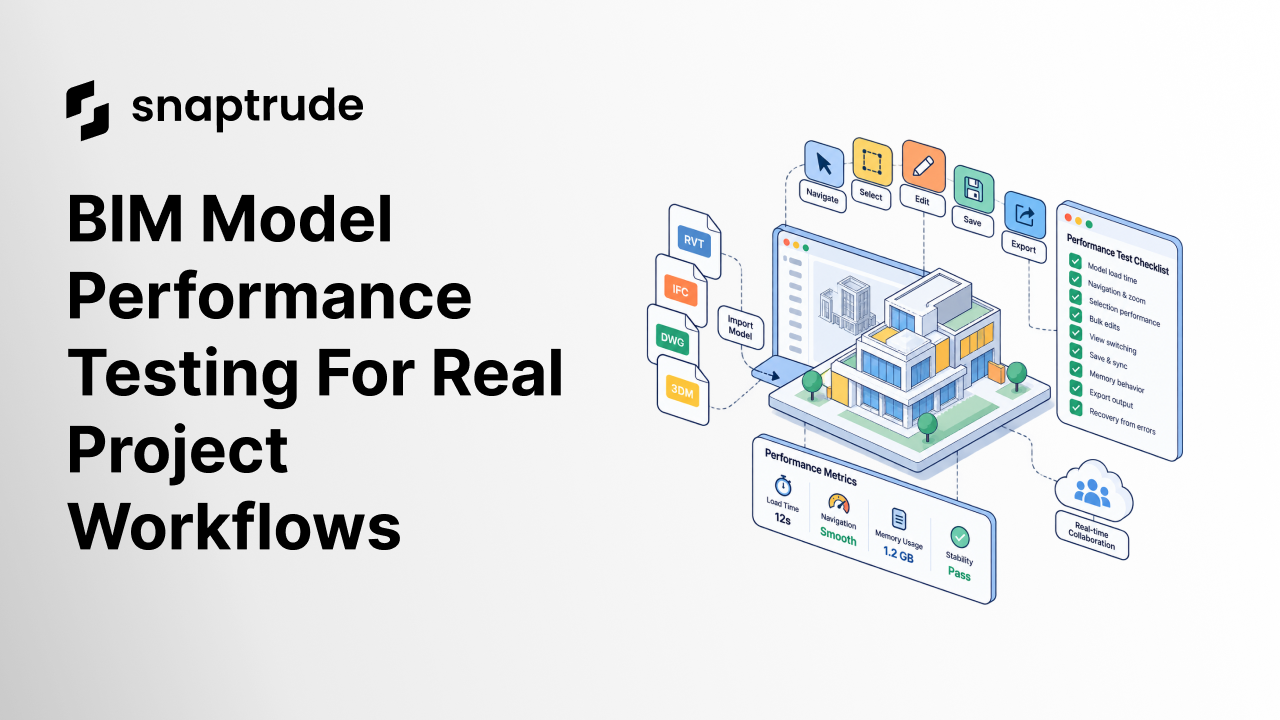
BIM model performance testing should measure the actions people repeat on a representative project, not only file-open time. Test load, navigation, selection, bulk edits, save, memory behavior, and recovery in a controlled sequence. Record the model, device, action, expected result, elapsed time, and any failure before a pilot becomes a standard.
What is BIM model performance testing?
BIM model performance testing is a repeatable measurement of how a model behaves during real design actions. It includes the time to open and display a project, but it also tests what happens after the file is ready: orbiting, zooming, selecting, filtering, editing, copying, switching views, saving, exporting, and recovering from an invalid action.
The test should represent a workflow, not a hardware contest. A tool may load a model quickly but lag after a large selection. Another may navigate smoothly until repeated edits increase memory use. A third may pass on a vendor sample and fail on imported geometry or a multi-building project.
The acceptance question is practical: Can the project team complete its common tasks at a predictable pace without restarting, simplifying away essential content, or waiting for a specialist?
Why should BIM model performance testing use a representative model?
BIM model performance testing needs a representative model because scale is not just file size. Performance depends on object count, geometry complexity, repeated elements, imported content, metadata, visible context, views, collaboration state, and the operation being performed.
Choose a sanitized project slice that includes the conditions your team handles every week:
Do not use a high-risk live deadline as the first test. Keep expected results known, protect client information, and make the model available to every tool in the pilot under the same conditions.
This focused test fits inside the broader BIM software evaluation process. It turns “felt fast” into evidence the selection team can compare.
Which actions belong in a BIM performance benchmark?
A BIM performance benchmark should cover one complete session from load to recovery. Run actions in the same order and repeat the sequence after a fresh start.
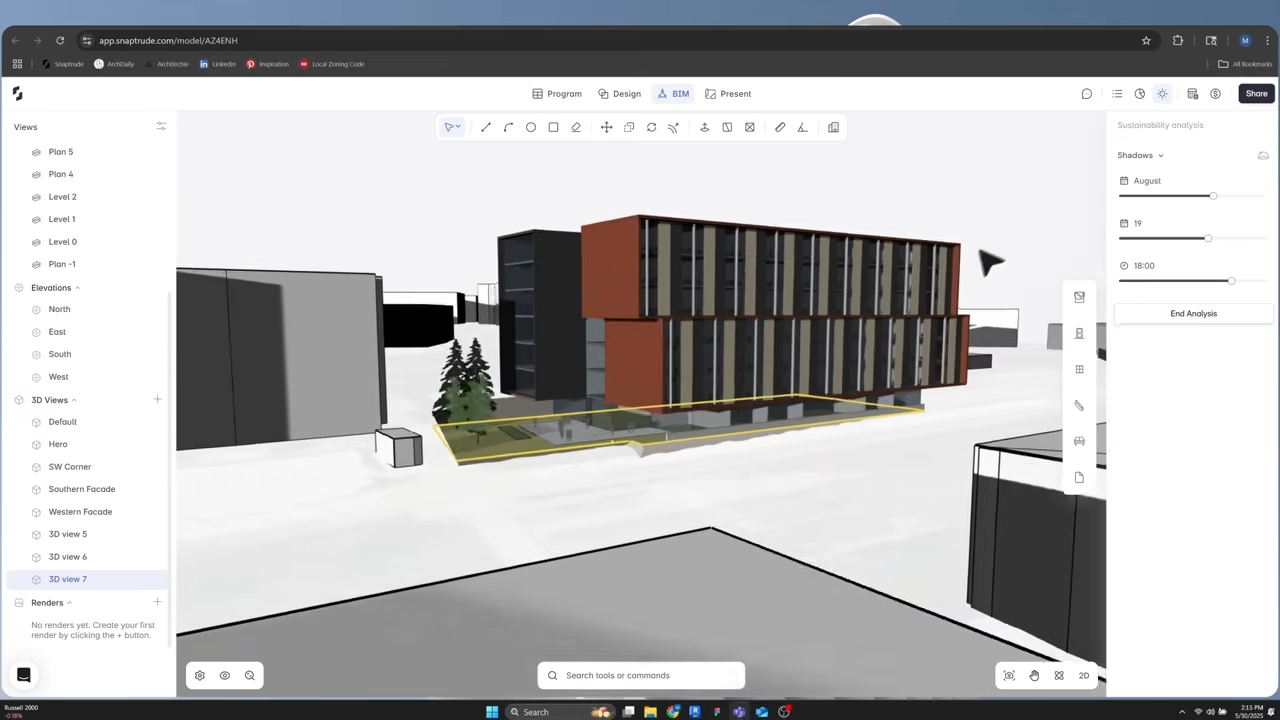
Test a representative workflow in Snaptrude.
How should a team measure BIM model performance testing?
Measure elapsed time, responsiveness, correctness, and recovery together. A fast operation that creates the wrong result does not pass. A correct operation that locks the interface for an unpredictable period may not pass either.
For each action, record:
Use medians from several runs for timing. More importantly, document outliers and failures. A single repeatable crash during the team's most common bulk operation is more decision-relevant than an impressive average open time.
How do common BIM performance tests compare?
Different tests answer different questions. No single benchmark represents a working day.
Start with simple timings to locate a problem, then use a workflow benchmark for an adoption decision. That is why a serious evaluation looks more like due diligence than a software demo.
What should count as a passing performance result?
A passing result should meet thresholds defined before the test and tied to the team's work. Avoid universal claims such as “under five seconds for everything.” A reasonable threshold for a design studio depends on model class, operation frequency, device policy, network environment, and the consequence of delay.
Define three bands:
Do not average away a hard failure. If the tool cannot complete the operation that drives a weekly design review, fast navigation elsewhere does not compensate.
How does Snaptrude address model performance workflows?
Snaptrude is cloud-native, browser-based, and works on modern browsers. It supports real-time multiplayer collaboration, program-to-design connections, automatic plans, sections, and elevations, and presentation output from the model. The product fact base also records a proprietary browser-based geometry kernel and significant performance improvements.
Those facts make Snaptrude a candidate for a browser-based benchmark, not an exemption from testing. Use your own representative model and actions. If external exchange matters, include the relevant Revit, Rhino, DWG, or IFC path. The article on how the Revit and Snaptrude link was built provides additional workflow context.
Which verified sources frame the current need?
The numerical context shows that BIM is widely used and construction is economically significant. It does not set a universal speed target. Acceptance thresholds must come from the firm's workflow.
Frequently Asked Questions
Q: What is BIM model performance testing?
A: BIM model performance testing is a controlled check of how a representative project behaves during common actions such as opening, navigating, selecting, editing, saving, exporting, and recovering. It records both speed and correctness. A useful test specifies the model, hardware, network, software version, action, expected result, measured response, and any workaround so another reviewer can reproduce the result.
Q: Is file-open time enough to compare BIM software?
A: No. File-open time measures only the start of a session. Teams spend far more time navigating, selecting, editing, switching views, saving, coordinating, and producing output. Some performance defects appear only after repeated operations or large selections. Keep open time as one metric, then run a representative workflow and a longer session to find memory growth, degradation, or recovery failures.
Q: Which model should a firm use for performance testing?
A: Use a sanitized model that represents normal project complexity without putting a live deadline or client information at risk. Include typical stories or buildings, repeated elements, imported content, properties, saved views, and one output task. Avoid a pristine vendor sample and an extreme model no team normally uses. The goal is controlled realism with known expected results and repeatable actions.
Q: How many times should a performance test be repeated?
A: Repeat timed actions at least several times after a warm-up, and run the complete workflow more than once from a fresh start. Use the median for routine timing, but keep every crash, timeout, and extreme outlier in the decision record. Repeat under the same device and network conditions first. Then test a second approved device class if the firm's hardware environment varies materially.
Q: Should cloud BIM performance include network testing?
A: Yes. Record connection type, approximate bandwidth and latency when available, and whether collaboration or synchronization is active. Test the environments the team actually uses, including office, remote, and approved travel conditions. Separate network delay from model processing where possible. A cloud workflow should be evaluated as a complete service experience, because an architecture team cannot act on theoretical local speed that users never receive.
Q: How can Snaptrude fit into a BIM performance pilot?
A: Run Snaptrude in an approved modern browser on the same representative model and action sequence used for every candidate. Test load, navigation, selection, common edits, collaboration, generated views, Present Mode, save behavior, and required exports. Record device and network conditions. Snaptrude's browser-based architecture and real-time collaboration are relevant product facts, but the pass decision should come from your measured workflow results.
Q: What should block BIM software adoption on performance grounds?
A: Block adoption when a critical workflow produces an incorrect result, repeated crash, unrecoverable model state, or delay that prevents the team from completing an agreed task. Also block when the only workaround removes essential project content or requires a specialist for routine work. Document the failure, affected model class, reproduction sequence, and owner. Averages should not conceal a hard failure in a high-frequency operation.
How should BIM model performance testing end?
BIM model performance testing should end with a signed decision record: model class, environment, test sequence, pass thresholds, results, failures, workarounds, and owners. Keep the benchmark for future releases and hardware changes. Performance is not a one-time speed contest. It is the continuing ability to complete real project work without avoidable interruption.



