Last updated:
BIM Model Exchange Requirements: Define the Delivery Before Export
TL;DR
BIM model exchange requirements should state what the receiving team needs to do, which objects and information support that task, how geometry and identity must behave, and what evidence proves acceptance. Choose a format only after defining purpose. A file that opens is not automatically a usable delivery.
What are BIM model exchange requirements?
BIM model exchange requirements are the observable conditions a model must meet for a defined transfer. They describe purpose, scope, object classes, properties, units, geometry, model structure, identity, coordinate basis, file format, validation, and acceptance. Their job is to replace “send the model” with a delivery both sides can test.
Start with the receiving use. Coordination, quantity review, energy analysis, visualization, continued authoring, and asset handover need different information. A detailed-looking model may still fail if it lacks the classifications, properties, spatial relationships, or edit behavior the receiving task depends on.
Write one sentence that names the action, actor, and output. For example: “The cost planner must be able to group agreed architectural elements by classification and read the approved quantity properties.” That sentence gives the team a reason to include some information and exclude the rest.
Then define five layers of requirement:
buildingSMART describes Information Delivery Specification as a way to define information requirements in both human-readable and computer-interpretable form. IDS can check entities, classifications, properties, values, and units in IFC workflows. It is useful when the project needs machine-checkable information, but geometry and behavior still require fit-for-purpose tests.
How do you write BIM model exchange requirements around a receiving task?
Map the task before listing fields. Ask the recipient what they will select, measure, edit, coordinate, calculate, or publish. Record the application and version, but do not assume that a named application explains the exchange. Two people using the same software may need different model views and property sets.
Separate required, optional, and prohibited information. Required data must be present and valid. Optional data may be transferred but cannot determine acceptance. Prohibited data may include sensitive, contractually restricted, irrelevant, or risky content that should not leave the authoring environment.
For every required object group, state:
Do not fill unknown values to satisfy a checker. A clear “not provided” rule is safer than invented data. If an attribute is mandatory, name its source and accountable author. If the source does not exist at that stage, either change the requirement or change the delivery timing.
Define the coordinate basis and spatial hierarchy separately from object properties. A model can pass property checks and still arrive displaced, assigned to the wrong level, or contained in the wrong building. Test overall extents, known control points, level elevations, and a few representative objects before accepting the whole set.
Use Snaptrude to prepare an editable model and test the receiving task before delivery.
What should BIM model exchange requirements say about unsupported elements?
Unsupported does not have to mean lost. Decide whether each unsupported class will be preserved as reference geometry, transferred as a generic object with identified limitations, rebuilt in the receiving tool, delivered through a separate linked model, or excluded by agreement.
Make the consequence visible. If an object will lose parametric behavior but retain geometry, say so. If it can be seen but not scheduled, say so. If identity changes on every export, downstream issue tracking may become unreliable. The requirement should describe the minimum acceptable behavior, not promise equivalence the exchange cannot guarantee.
Test repeated edit-and-exchange loops when the receiving team will continue authoring. Element identity, host relationships, openings, classifications, material assignments, and spatial position can behave differently after a second transfer. A one-way visualization check does not prove a round trip.
The account of how the Revit and Snaptrude bidirectional link was built offers product-specific context for one exchange path. The requirements document still defines what your project must pass; the test record provides evidence.
Which BIM model exchange requirements belong in the delivery matrix?
Keep the matrix short enough to use. Link detailed classifications, property definitions, or model-view rules rather than burying them in cells. Version the requirements alongside the delivery milestone, and require changes to be acknowledged by author and recipient.
At review, separate three outcomes: accepted, accepted with assigned exceptions, and rejected for the stated purpose. “Technically delivered” is not a meaningful fourth state. The acceptance record should name the tested file, model revision, requirement version, reviewer, results, and next action.
How does Snaptrude fit a BIM model exchange workflow?
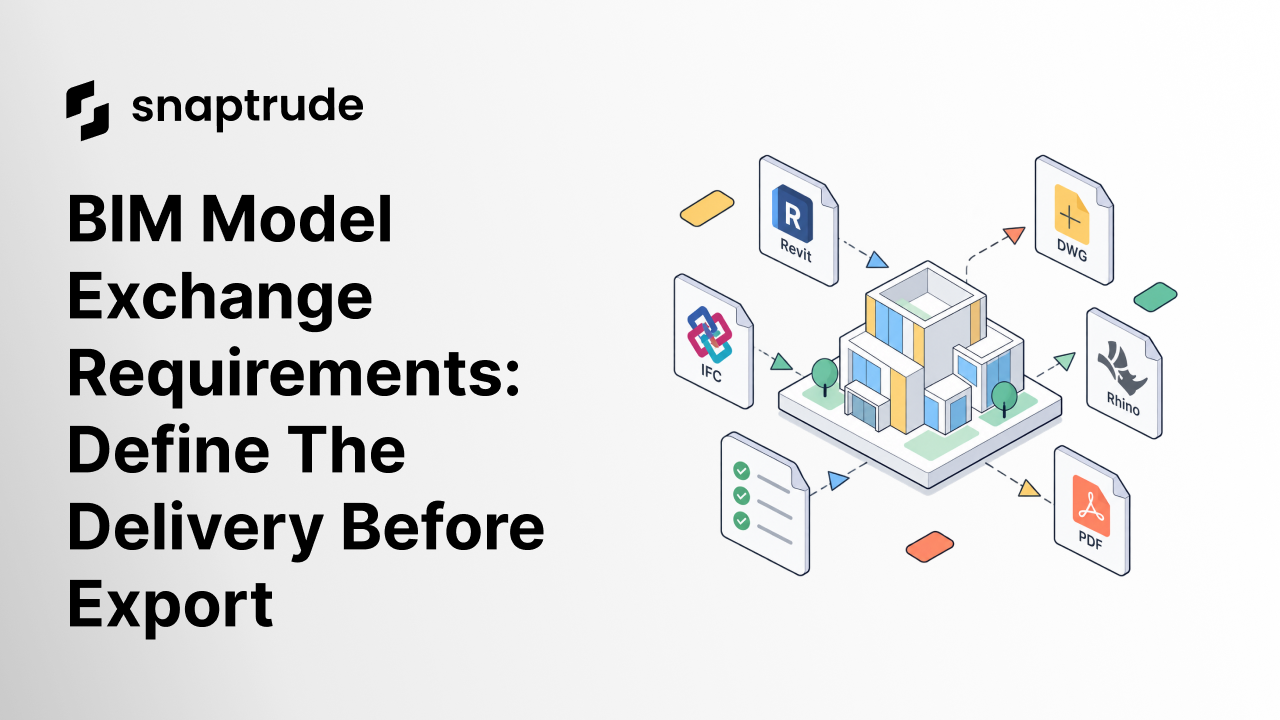
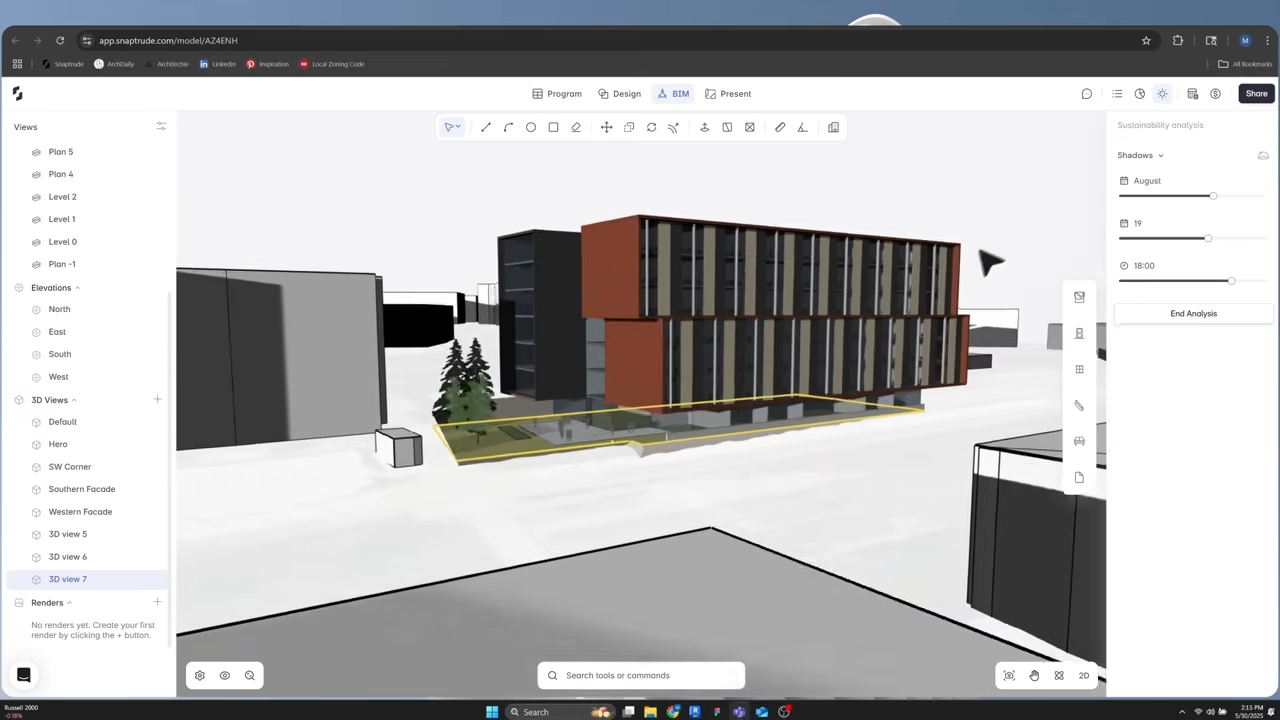
Snaptrude supports full BIM modeling, plans, sections, elevations, schedules, quantities, and IFC export. It also supports Revit, Rhino, DWG, and PDF export paths. These verified capabilities provide several ways to move model or presentation information into a receiving workflow.
The team still needs to define and test its BIM model exchange requirements. Product support for a format does not establish that every object, property, relationship, or receiving action will behave identically in every application. Use a representative model, inspect the output in the actual destination, and record exceptions before relying on the path for a deadline.
For a broader selection process, How to Evaluate BIM Software explains how to test tools against real project work. Model exchange requirements narrow that evaluation to what an already modeled delivery must contain for the next team and task.
Frequently Asked Questions
Q: What are BIM model exchange requirements?
A: BIM model exchange requirements define the purpose, scope, objects, information, geometry, structure, format, and acceptance evidence for a model transfer. They tell the author what to provide and the recipient how to verify it. A good requirement is observable and tied to a downstream task, such as coordination, quantity review, continued authoring, analysis, or asset handover.
Q: Should a BIM exchange start by choosing IFC or a native format?
A: Start with the receiving task, then select the format and model view that can support it. IFC provides an open standard for model data, while native formats may preserve application-specific behavior. Neither choice is automatically complete. Define required objects, information, geometry, identity, and edit behavior, then run the same acceptance test in the actual receiving application.
Q: What is the difference between IDS and BIM model exchange requirements?
A: BIM model exchange requirements are the complete delivery agreement. buildingSMART’s Information Delivery Specification can make IFC information requirements machine-checkable for entities, classifications, properties, values, and units. IDS is therefore one useful implementation mechanism. Geometry, visual fidelity, application behavior, coordinates, and human acceptance may still need additional checks outside the IDS file.
Q: How should unsupported BIM elements be handled?
A: Agree whether each unsupported element will be preserved as reference geometry, transferred as a generic object, rebuilt in the destination, delivered in a linked model, or excluded. State what will remain visible, editable, schedulable, and traceable. Record the limitation before delivery, assign an owner, and test a representative object so the recipient does not discover the consequence during live work.
Q: Which BIM formats can Snaptrude export?
A: Verified product facts list Revit, Rhino, DWG, IFC, and PDF export paths for Snaptrude. The best path depends on the intended receiving task. Teams should confirm current availability, choose a representative model, and test required objects, properties, coordinates, views, and downstream actions in the destination. Format support alone is not a universal fidelity guarantee.
Q: Can Snaptrude automatically validate every exchange requirement?
A: Product facts confirm BIM authoring, derived drawings and schedules, quantities, and several export paths. They do not establish universal automated validation for every project requirement or receiving application. Use external or project-specific checking where needed, inspect geometry and behavior, and require a named human acceptance decision before treating the exchanged model as ready for its defined purpose.
Start a Snaptrude project and write the receiving test before you export.



