Last updated:
The Top 7 MEP Coordination Software Tools for Commercial BIM Projects (2027)
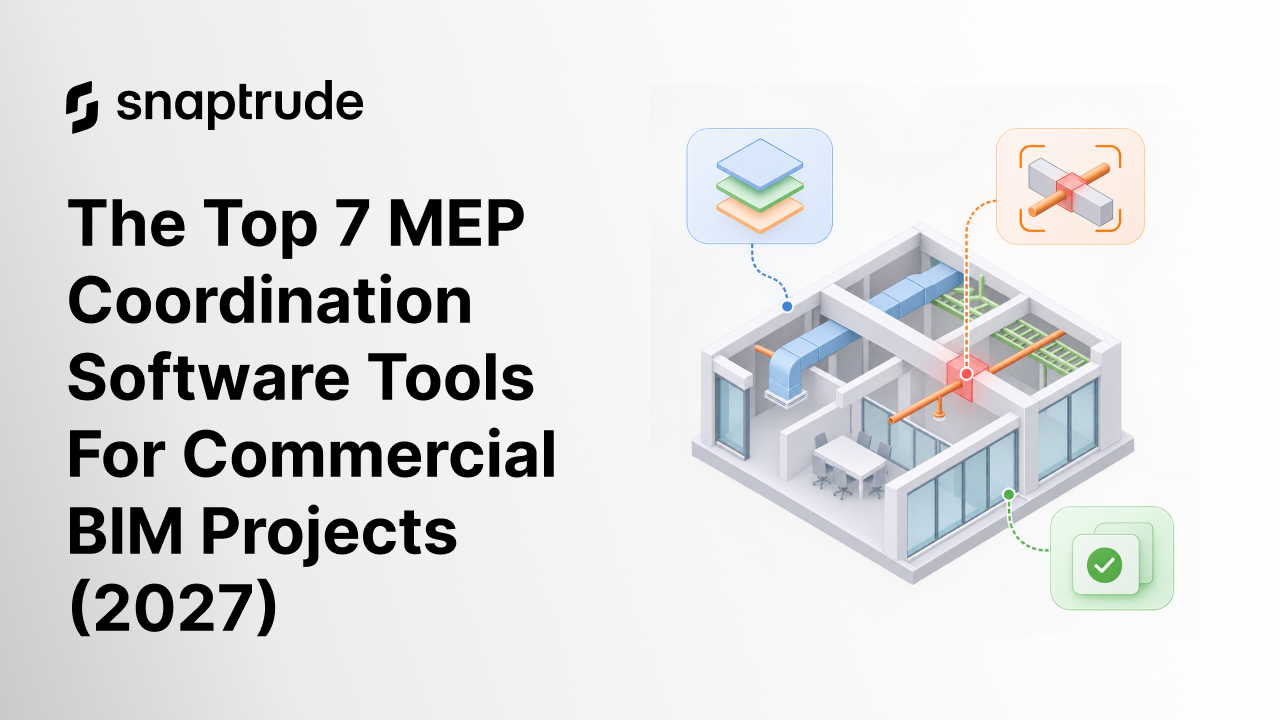
A sprinkler main and a structural beam cannot share the same twelve inches of ceiling. On a commercial floor plate, hundreds of similar conflicts sit hidden in the model. Someone has to find them before the trades do.
That someone needs software built for comparing disciplines, not for authoring one. MEP coordination tools federate the models, test them against each other and track every conflict to closure. The right pick depends on how your team works, not on a single feature list.
This guide compares seven tools across the coordination chain. We cover what each does well, where it stops and what it costs. We also name limits plainly, including those of our own product.
What are the top MEP coordination software tools for commercial projects?
Snaptrude builds the clean architectural model that MEP teams coordinate against, then exports it as IFC or .rvt. Navisworks federates models and runs clash tests. Solibri checks models against rule sets.
Revizto pairs clash results with 2D and 3D issue tracking. BIMcollab manages issues through the BCF standard. Dalux puts models in front of site teams, and MagiCAD runs clash checks inside the MEP design itself.
Prices come from vendor pages and review sites. Several vendors publish no price, so confirm every number before you budget.
Why does MEP coordination need dedicated software?
Authoring tools show one discipline well. They rarely show how the ductwork, the pipework and the structure collide. Coordination software opens all of them in one federated view.
The cost of getting this wrong is documented. NIST's 2004 interoperability study estimated that inadequate interoperability cost the U.S. capital facilities industry $15.8 billion in 2002. Owners and operators bore about $10.6 billion of it.
Those figures are old, and the tools have improved. The problem has not changed: data that cannot move cleanly between disciplines costs money. Coordination software catches that cost while it is still a conflict in a model.
A coordination loop has four steps. Each discipline publishes a model, someone federates and tests them, and the conflicts become tracked issues. The authors then fix them and publish again.
No single tool in this list does all four steps equally well. Teams usually combine two or three. The list below is ordered by the chain, from the source model to the site.
What should you check before you choose?
Four questions narrow the field. Which formats do your consultants deliver? Does the tool test hard clashes only, or clearance zones too?
Then ask how issues are tracked and closed. Finally, ask how licensing scales as the team grows.
Format comes first. IFC is the common currency, yet a file that opens is not automatically a usable delivery. Snaptrude's guide to BIM model exchange requirements shows how to define the receiving task before you pick a format.
Issue tracking comes second. buildingSMART's BCF standard lets different applications share model-based issues by pointing to elements in a shared IFC model. A tool that speaks BCF keeps you from being locked into one vendor's issue list.
Rules come third. buildingSMART approved Information Delivery Specification 1.0 as an official standard on June 1, 2024. It lets teams define information requirements that software can check automatically.
1. Snaptrude: The clean architectural model your MEP team coordinates against
Disclosure: Snaptrude is our product, so we are not neutral here. We placed it first because it feeds the rest of this list, and we say plainly where it stops.
Snaptrude is the design OS for the AEC industry, where humans and AI collaborate to create a better built environment. It carries one model from a blank site through to constructability documents. It treats architecture, engineering and design, including MEP, as one platform.
Be clear about its role in this list. Snaptrude is not a clash detection engine. Its own guide to MEP BIM software points teams to dedicated coordination tools for clash testing.
What it contributes is the model everyone else coordinates against. Rooms, ceilings and shafts define the space that ductwork and pipework must fit inside. A clean source model gives the coordination tools less to untangle.
Coordination strengths
Snaptrude imports .rvt files up to 150MB in the browser. On export, materials and custom parameters carry across through the Snaptrude Manager plugin. The bidirectional .rvt link keeps the MEP team's own pipeline intact.
It also exports IFC, which MEP and model-checking tools can open. Real-time multi-user editing lets architects and engineers work in one live model. Every output stays visible, editable and traceable, so the architect keeps the judgment and the authorship.
Limits to plan around
No clash detection engine sits inside Snaptrude, so pair it with one of the tools below. It also has no energy, carbon, CFD wind, noise or microclimate analysis. Sun hours, shadow and illuminance are the only analyses it offers.
MEP teams that need deep fabrication detail will still use dedicated design tools. Test a real project slice before you commit, including the IFC export. Confirm that your coordination tool reads the result as you expect.
Licensing and cost
The Free plan costs $0. Pro is $50 per month, and Max is $100 per month billed annually. Enterprise adds SSO, SAML, MFA, directory sync and open API access at custom pricing.
Credit-based pricing is coming, so confirm current allowances with the Snaptrude team. Enterprise buyers can also request access to the trust and compliance center.
Who relies on it
Named customers include Dekker, Studio+ and Cucor Consulting. Dekker's architect said Snaptrude "filled a gap that we had, in our Design process." Snaptrude maintains a dedicated trust and compliance center, available on request.
2. Navisworks: The federated clash-testing standard
Navisworks combines models from many sources into one federated view. The Manage tier adds Clash Detective, which tests one set of elements against another. The lower Simulate tier focuses on review and simulation, and its listing does not include clash detection.
It has long served as a neutral meeting ground for trades. Snaptrude's own MEP guide lists it among the coordination environments teams use. Its support for 60+ file formats explains that role.
Coordination strengths
Clash Detective reports each conflict in context, so a coordinator can see the pipe and the beam together. TimeLiner links the model to a schedule for 4D simulation. Quantification tools capture material quantities from 2D or 3D designs.
Manage also integrates issues with the vendor's cloud platform. Dalux publishes a plugin that uploads Navisworks models. That shows how widely other tools accommodate it.
Limits to plan around
Navisworks reviews models and does not author them. Reviewers who compare Revizto with it often say Revizto is easier to use. Ease of use is a real cost on a busy team.
Check the tier before you buy. Simulate lacks clash testing, so a team that wants clash detection needs Manage.
Licensing and cost
Manage lists at $2,835 per year, $355 per month or $8,500 for three years. Simulate lists at $1,145 per year. Resellers show different figures, so confirm the price at checkout.
Who relies on it
The product overview names no customers. Its reach shows indirectly, through plugins and integrations from other vendors. Ask your trade partners which version they run before you standardize.
3. Solibri: Rule-based model checking for IFC-first teams
Solibri checks model quality against rules, not only geometry against geometry. Nordic BIM Group sells it in Starter, Essential, Advanced and Premium editions. A separate Security+ edition runs offline for air-gapped environments.
IFC is the working format. Models from major authoring tools open as IFC across all tiers. Solibri does not open DWG files natively.
Coordination strengths
Essential adds predefined rules, structured clash detection and BCF issue management. Advanced adds custom rule creation, clash matrix control, IDS validation and quantity take-off. Premium adds centralised rule governance and extended IDS management.
Integrations with common data environments come with Essential and above. That helps when issues must flow into the project's shared platform.
Limits to plan around
Quality in means quality out. An IFC export with missing properties will fail the rules, and the fault sits in the export, not the checker. Custom rules also take time to write and maintain, so assign an owner.
Licensing and cost
Solibri publishes no prices, and a specialist advises on tier and licence. Starter is named-license only. Essential, Advanced and Premium offer named or floating licenses.
A 30-day free trial is available. Annual automation allowances come with Advanced and Premium seats.
Who relies on it
The product page names no building clients. Ask the vendor for references in your region and building type before you commit.
4. Revizto: Issue tracking that lives in 2D and 3D
Revizto brings clash results, 2D sheets and 3D models into one workspace. Its clash module advertises multiple clash types, dynamic groupings, interactive visual analysis and automations. The 2D and 3D overlay lets a coordinator compare a sheet against the model.
Coordination strengths
Splitview, advanced search and an appearance profiler help coordinators locate an issue and see it in context. AR, VR and QR code features carry issues from the screen to the site. The vendor advertises 100+ plugins, formats and integrations, plus an open API.
Reviewers on Capterra praise its visualization, collaboration and handling of large model data. They also compare its usability favorably with older coordination tools.
Limits to plan around
Reviewers also report a learning curve, a sometimes clunky interface and slow performance on large files. Several describe clash setup as difficult. Run a pilot on your largest model before you roll it out.
Licensing and cost
Revizto does not publish prices. Its Capterra listing shows contact vendor and a free trial. Budget for a quote conversation.
Who relies on it
Revizto's site cites 1000+ customers, 80K+ projects and 280TB of models ingested. Its Capterra listing shows a 4.4 rating from 49 reviews. These are vendor and review-site figures, not audited counts.
5. BIMcollab: BCF issue management with a free model checker
BIMcollab is built around the BCF standard. Its plug-ins let authoring tools create and receive issues, so an issue travels with the model. ZOOM adds model checking and clash detection.
A free ZOOM version offers basic IFC viewing and validation. That makes it a low-risk way to test an IFC delivery.
Coordination strengths
The paid version adds rule-based clash detection, flexible clash grouping and Smart Issues that automate clash management. Model checking uses IDS requirements, Smart Views and dynamic lists. Smart Views color-code elements by their properties.
Because BCF is an open standard, issues are not trapped in one product. That suits teams whose members use different software.
Limits to plan around
BIMcollab's strength is issues and checking, not authoring or site delivery. ZOOM licenses sit on a separate plan page. The free tier will not run rule-based clash tests.
Licensing and cost
The plans page lists Basic, Advanced and Enterprise at €12.50, €18.75 and €25 per user per month. Those appear to be annual-commitment prices, with monthly billing at €19, €29 and €39. Confirm the billing split with the vendor.
A 30-day trial of all features is available. Advanced and Enterprise add Smart Views in the web viewer.
Who relies on it
BIMcollab names no customers on the pages we reviewed. Its main proof is standards alignment, with BCF at its core. Ask for reference projects that match your building type.
6. Dalux: Models in the hands of the site team
Dalux focuses on getting models and drawings to the people who build. Its free BIM Viewer combines discipline models and drawings and lets teams invite unlimited users. It supports native BIM, IFC and drawing files.
Coordination strengths
Dalux offers model review and issue management for architects and engineers. Dalux Field covers quality assurance, health and safety and compliance on site. A Navisworks plugin lets coordinators bring clash tests into Dalux comments.
That makes it a practical place to close the loop. The coordinated model reaches the field, and the field's observations return as issues.
Limits to plan around
The vendor's homepage does not mention clash detection. Treat Dalux as the place where coordinated models are used and issues recorded, not where clashes are found. Advanced features may carry seat minimums.
Licensing and cost
BIM Viewer and Field Basic are free. Paid tiers are quoted through the local team. Ask for the seat minimums in writing.
Who relies on it
Dalux says it is trusted by 1,700,000 users. It also calls itself Europe's biggest construction management software. Both are vendor claims, so check local coverage and support in your region.
7. MagiCAD: Clash checks inside the MEP design itself
MagiCAD is MEP design software for ventilation, piping, electrical and related systems. It runs inside popular BIM and CAD authoring environments. Its Common Tools include a clash detection tool that works across the whole project.
Coordination strengths
Real-time detection flags clashes as the designer models. On-demand detection suits periodic checks. Hard clashes are physical collisions, and soft clashes occur between clearance zones defined for the objects.
Reports go to a BCF manager. There, designers add images and comments to each clash topic. Reports can be exported and imported to share with partners.
Limits to plan around
MagiCAD is an authoring add-on, so it sees the project from one designer's seat. A federated, multi-discipline check still needs a neutral tool. The clash tool page names only one authoring platform, so confirm support for your environment.
Licensing and cost
MagiCAD publishes no prices. Its site routes buyers to a contact page. Ask which modules your design scope needs.
Who relies on it
The vendor says thousands of companies in over 80 countries use it. Its homepage carries testimonials from engineers at WSP and AFRY. These are vendor-selected quotes, so ask for peers on similar projects.
Frequently asked questions
What is the difference between MEP coordination and clash detection?
Clash detection finds conflicts between elements. Coordination is the wider process. It covers federating models, testing them, assigning each issue, fixing it and testing again.
Do small teams need more than one tool?
Usually, yes, though the stack can stay small. One tool federates and tests, and another tracks issues. A free viewer or checker can fill a gap while you learn what you need.
Which file formats should we require from consultants?
Ask for IFC for model exchange and BCF for issues. Define the receiving task first, then test a real project slice. A file that opens is not the same as a file that works.
Can free tools handle a commercial project?
They can help, but they have limits. BIMcollab's free ZOOM tier offers basic IFC viewing, and Dalux's free BIM Viewer shares models on site. Rule-based clash testing sits in paid tiers.
When should coordination begin?
Begin while the architectural model still fixes ceiling zones and shaft locations. A conflict raised in the model costs less rework than one found on site. Early coordination also gives MEP designers a stable space to design into.
Where does Snaptrude fit?
Snaptrude sits at the start of the chain as the source model. It exports IFC and .rvt for consultants and coordination tools. It does not replace a clash engine, and it does not replace the architect.
Conclusion: Match the tool to your coordination role
Choose Navisworks if your trade partners already federate in it and you need clash tests with 4D simulation. Choose Solibri if rule-based checking and IDS matter most. Pair either one with an issue tracker.
Choose Revizto if coordinators live in 2D and 3D together. Choose BIMcollab if BCF and open standards drive your workflow. Choose Dalux when the main gap is getting coordinated models to site.
Choose MagiCAD when designers should catch clashes while they model. Add a neutral federated check on top. Choose Snaptrude when you want a clean, single architectural model feeding all of them.
Want to see how your architectural model behaves when MEP teams open it? Book a Snaptrude demo and bring a real project slice. We will walk through the IFC and .rvt exports together and flag anything that needs work.