Last updated:
BIM Template Adoption Plan: From Setup to Repeat Use
TL;DR
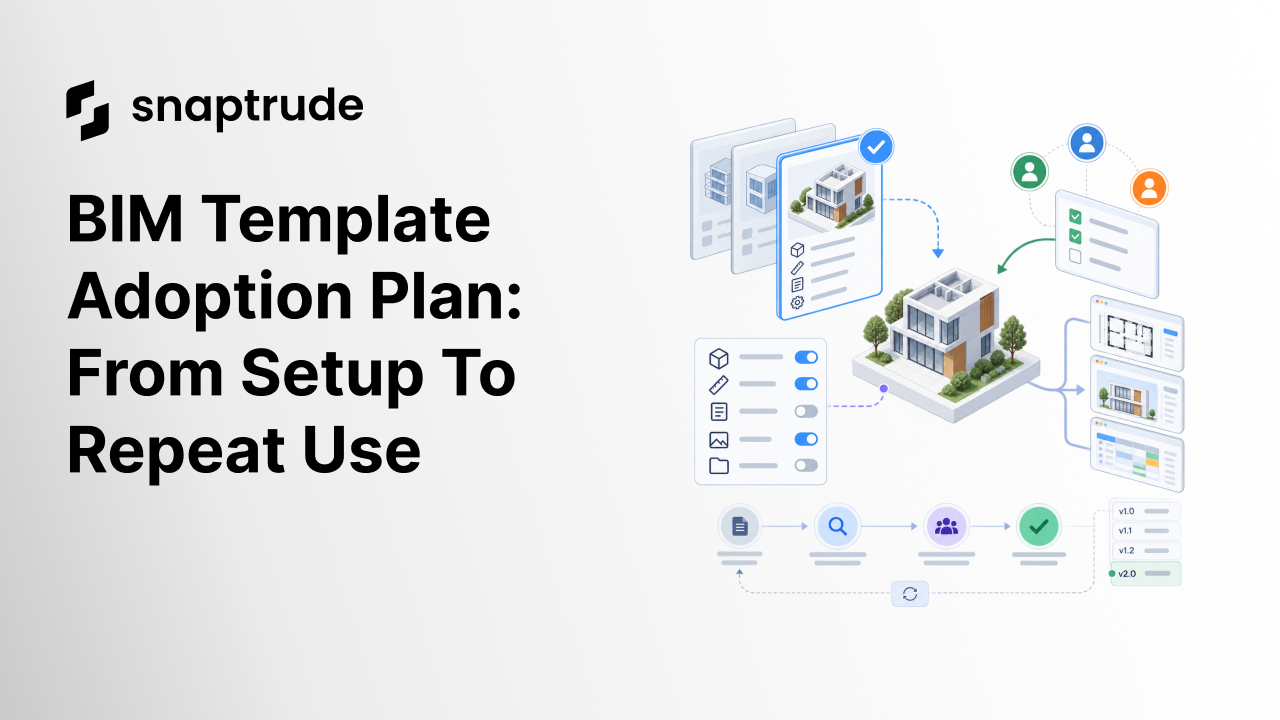
A BIM template adoption plan succeeds when the team can find the right starting point, use it on a representative project, repeat the workflow without expert rescue, and improve it through controlled releases. Measure accepted use, rework, and retrieval, not training attendance or the number of objects packed into the file.
What belongs in a BIM template adoption plan?
A BIM template adoption plan should define the target workflow, template scope, pilot project, user roles, training at the point of work, support path, success measures, release process, and maintenance owner. It should explain how a person moves from a blank project request to a trusted starting point.
Begin with a narrow job. “Standardize BIM” is too broad. “Start a small commercial project with the approved levels, views, sheets, naming, area rules, and export settings” is observable. The template can expand after the team proves that workflow.
Document what the template controls and what remains a project decision. Common controlled content may include view naming, sheet structure, annotation conventions, object or type seeds, classifications, schedules, project parameters, and export settings. Site, code, climate, client, consultant, procurement, and building-system decisions should not be buried as universal defaults.
Assign four roles even if one person holds several:
Create visible release information: version, date, supported software or workflow, major changes, known limitations, and migration guidance. A template without a release record becomes hard to distinguish from an old local copy.
The existing analysis of the architecture software template paradox explains why good content can remain unused. The adoption plan converts that diagnosis into a rollout: discoverability, first use, repeat use, and controlled maintenance.

How do you run the first project in a BIM template adoption plan?
Choose a representative project, not the simplest possible file or the most exceptional commission. The pilot should exercise common views, sheets, objects, schedules, quantities, collaboration, and an exchange or deliverable the practice actually needs.
Before work begins, establish a baseline. Record how the same setup was done previously, which decisions were repeated, where users searched for content, and which outputs required correction. Do not invent a time-savings target. Measure the pilot against observed work.
Give users a short project-start path:
Train in the context of those actions. A long tour of every template feature increases exposure but does not prove that someone can start a project. Ask the user to complete the first real setup, narrate uncertainty, and record where labels, defaults, or instructions fail.
Keep the master protected during the pilot. Project teams can test changes in a branch or request queue. The owner decides whether an improvement is project-specific, a candidate for the next release, or a correction that warrants an immediate update.
Use Snaptrude to test a repeatable browser-based BIM project start with your team.
How does a BIM template adoption plan move from first use to repeat use?
Repeat use is the real acceptance test. A second person should be able to start a second representative project without the template author beside them. If success depends on private knowledge, the workflow has not been captured yet.
Measure a small set of behaviors:
Review the reasons behind non-use. A user may not know the template exists, may not trust it, may find it too heavy, or may work on a project outside its scope. Those are different problems. Do not solve every adoption failure by adding more content.
Progressive detail matters. Early design users need enough structure to protect program, geometry, and downstream work without forcing detailed selections before they have evidence. Later-stage users need controlled ways to replace broad defaults with specific types and information. Make those transitions selective and editable.
For a product-start example, review what the first hour in Snaptrude looks like. The adoption plan covers the broader operating system around project starts, support, releases, and repeat use.
Which BIM template adoption plan stage should you measure?
Set a review cadence based on change, not habit alone. Trigger review when software behavior, project requirements, firm standards, classifications, deliverables, or recurring issues change. Retire obsolete content from normal discovery while keeping an audit record for projects that still depend on it.
Control template weight. Every default, family, object, rule, and automation has a carrying cost. Add content when it removes a repeated decision or protects an important standard. Remove or archive content that creates search noise, performance problems, or contradictory choices.
How does Snaptrude fit a BIM template adoption plan?
Snaptrude is browser-based, works in modern browsers, and supports real-time multiplayer collaboration. Verified product facts include BIM modeling, program data connected to 3D design, area calculations, plans, sections, elevations, schedules, quantities, presentation templates, and several export paths.
These capabilities can support a standardized project workflow, but the team must still define template scope, ownership, release control, training, and acceptance. Product facts do not establish that one default configuration suits every practice. Start with a representative job, validate the resulting model and outputs, then expand the standard based on evidence.
Frequently Asked Questions
Q: What is a BIM template adoption plan?
A: A BIM template adoption plan is a structured rollout for moving a template from technical setup into trusted team use. It defines the target workflow, scope, pilot, roles, support, measures, releases, and maintenance. The plan tests whether people can discover the template, complete a real first project, repeat the process, and improve the standard without uncontrolled master-file edits.
Q: Should a BIM template include every family and setting?
A: No. Include content that protects a repeated standard or removes a frequent setup decision. A bloated template can slow projects, confuse search, and present irrelevant choices. Keep less common content in a controlled library, document when to retrieve it, and review usage. The master template should give a reliable start, not attempt to predict every project condition.
Q: How do you choose a BIM template pilot project?
A: Select a representative project that exercises common model content, views, sheets, schedules, collaboration, and a real downstream deliverable or exchange. Avoid an unrealistically simple test and an exceptional project that cannot represent normal work. Establish the prior setup baseline, name the pilot owner, record interventions and rework, and require an accepted output before expanding the rollout.
Q: How should BIM template adoption be measured?
A: Measure whether eligible projects use the current release, how long a correct start takes, how often expert rescue is needed, which searches fail, and which template issues cause rework. Compare those results with an observed baseline. Training attendance and file size are activity measures. They do not prove that the template improves accepted project work.
Q: Can Snaptrude support a standardized BIM workflow?
A: Snaptrude supports browser-based BIM, real-time collaboration, program data connected to 3D design, area calculations, model-derived drawings and schedules, quantities, and presentation workflows. These verified capabilities can form part of a standard today. The firm still needs to define the approved starting state, roles, release process, project-specific decisions, and validation checks.
Q: Does Snaptrude provide one universal BIM template for every firm?
A: Verified product facts describe modeling, data, collaboration, presentation, and export capabilities, not a universal template that replaces firm standards. Practices differ in project types, deliverables, classifications, graphics, consultants, and regulations. Use a BIM template adoption plan to configure and test the workflow your team needs, then maintain it through named ownership and versioned releases.
Start a Snaptrude pilot and test whether a second team member can repeat the setup.



