Last updated:
BIM Observability: Make Intermittent Model Failures Explainable
TL;DR
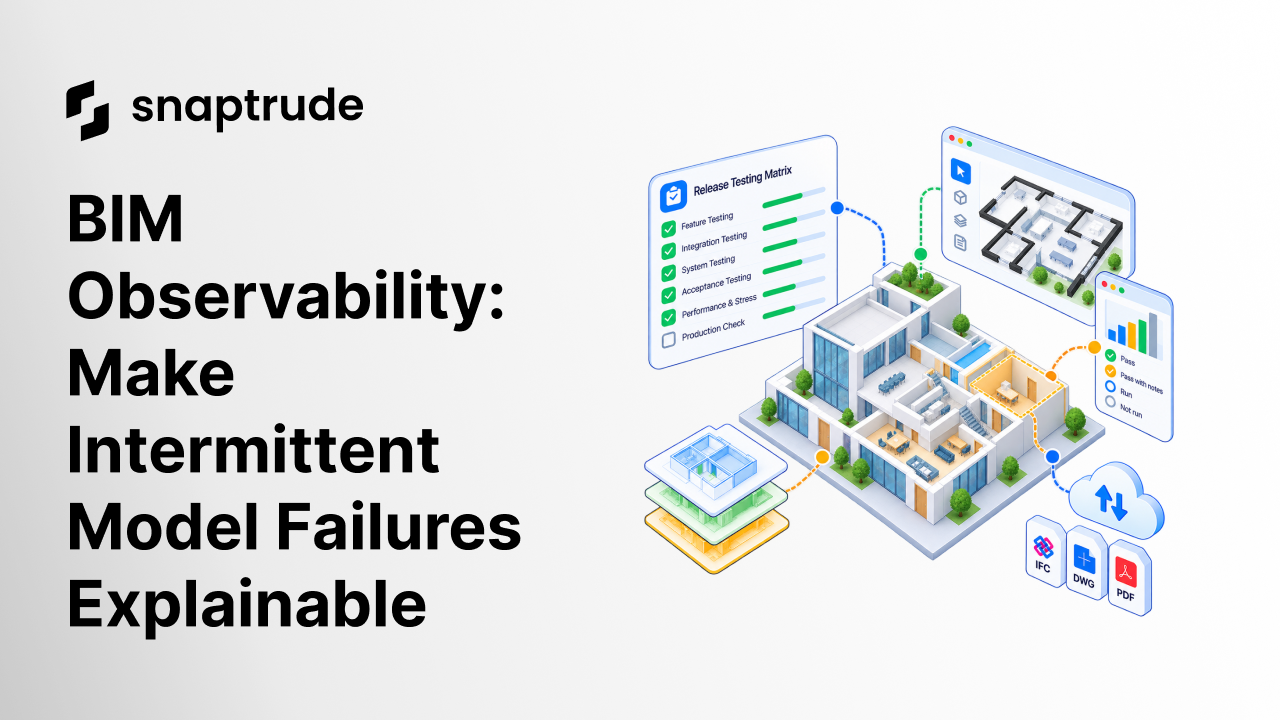
BIM observability makes a model workflow explainable from the outside by connecting a user action to the changes, dependencies, checks, and system signals that followed. Start with the failures users feel, instrument one critical path, and capture enough correlated evidence to answer why a problem occurred without collecting every possible event.
What is BIM observability?
BIM observability is the ability to understand what happened inside a building-model workflow by examining the signals it produces. Those signals may include model-change records, structured logs, traces across dependent operations, performance metrics, validation results, and the final state visible to the user.
Observability is different from a dashboard full of system health numbers. OpenTelemetry defines observability as the ability to ask questions about a system without already knowing its inner workings. A properly instrumented application emits traces, metrics, and logs that help teams answer why something is happening, including novel problems that were not anticipated in advance. (OpenTelemetry observability primer)
That distinction is especially important in BIM. One user action can touch geometry, metadata, drawings, quantities, permissions, collaboration state, and persistent storage. The interface may remain responsive even when a dependent update is missing. A save may succeed while one derived view is stale. A failure may appear only after a particular sequence of edits.
A useful observability system connects four layers:
1. Intent: What was the user trying to do?
2. Execution: Which operations and dependencies ran?
3. Validation: Which checks passed, failed, or never ran?
4. Outcome: What state did the user see, and was it usable?
When those layers share a correlation identifier, a team can follow one model action end to end. Without that connection, diagnosis becomes a search across unrelated timestamps and partial reports.
Why does BIM observability start with user outcomes?
The best starting point is not infrastructure. It is a concrete failure that affects design work. “The service is slow” is broad. “Selecting a set of objects takes long enough to interrupt repeated editing” is a user outcome. “A dependent schedule does not reflect an accepted geometry change” is another.
OpenTelemetry's reliability guidance asks whether a service is doing what users expect. A system can be technically available and still be unreliable if it produces the wrong outcome. That framing keeps BIM observability tied to project work rather than to signals that are easy to collect but hard to act on. (OpenTelemetry observability primer)
Begin with a small outcome inventory:
• Import a representative model and confirm required objects appear.
• Navigate and select without losing interactive control.
• Edit geometry and verify dependent data updates.
• Collaborate on the same model and confirm accepted changes persist.
• Generate a view, schedule, or export and compare it with source state.
• Recover from an error without corrupting accepted work.
Each outcome should have a named owner, a definition of success, and a short list of signals that would explain failure. This is more disciplined than instrumenting every method and hoping useful patterns emerge later.
A structured BIM software evaluation can help choose representative workflows before you decide what to instrument.
Explore Snaptrude on a familiar project and observe the complete path from program or geometry change to the model outputs your team reviews.
Which signals matter for BIM observability?
Traces, metrics, logs, and model-change records answer different questions. OpenTelemetry describes traces as the path a request takes, metrics as measurements captured at runtime, logs as records of events, and baggage as contextual information passed between signals. The categories should be correlated, not substituted for one another. (OpenTelemetry signals)
Avoid high-cardinality labels that make metrics expensive or unsafe. OpenTelemetry notes that metric memory cost grows with distinct attribute combinations. Raw user IDs, file paths, or model-object IDs usually do not belong in metric dimensions. Keep detailed identifiers in permissioned traces or change records, then use bounded categories for aggregate measures. (OpenTelemetry metrics)
Privacy should shape the design from the beginning. Record the minimum evidence needed to reproduce the behavior. Separate operational telemetry from project content, use retention limits, restrict access, and replace identities with safe correlation keys wherever possible.
How should a BIM change record be structured?
A change record should explain the transaction from the model's point of view. It does not need to expose internal implementation. It needs to show what action was requested, which state it expected, which objects or relationships changed, what dependent work followed, and whether validation accepted the final state.
Use these fields as a starting contract:
• Correlation ID and parent action ID
• Workflow and action type
• Model version or accepted-state reference
• Safe object-type and relationship identifiers
• Requested operation and bounded parameters
• Dependent updates scheduled and completed
• Validation checks and results
• Duration and resource indicators
• Error class, retry, recovery, and final disposition
• User-visible result
The final disposition matters. A retry that succeeds is still diagnostic evidence. A recovery that restores the previous state is different from an operation that partially applies changes. Record whether the user can continue, must review, or should roll back.
Structured records also make comparison possible. If one workflow fails after a particular dependent update, a team can find similar paths. If a performance change removes unnecessary work but causes a visual or editing regression, the change record and outcome check reveal the tradeoff.
How do you reproduce intermittent BIM failures?
Reproduction starts by preserving sequence and state. A screenshot may show the visible symptom, but it rarely captures the model version, previous actions, parallel collaboration, validation status, or timing relationship that created it.
Build a reproduction packet with:
1. A safe model fixture or minimized state reference
2. The ordered user actions and tool operations
3. Correlated traces and structured events
4. Expected intermediate and final state
5. The actual divergence point
6. Environment and version information relevant to the behavior
7. Recovery result and any collateral changes
Distributed traces are valuable because they preserve the relationship between work across components. OpenTelemetry notes that tracing helps debug behavior that is difficult to reproduce locally and shows how a request flows through a complex system. (OpenTelemetry traces)
Once reproduced, reduce the case. Remove unrelated geometry and actions while confirming the problem still occurs. The smallest faithful case becomes a regression test. Keep the original correlation ID and a link to the accepted diagnosis so future teams understand what the test protects.
How can teams introduce BIM observability without a broad refactor?
Choose one critical workflow with recurring, consequential failures. Define its user outcome, then instrument the boundaries between major steps. A thin vertical slice usually teaches more than a wide layer of uncorrelated logs.
A practical rollout has four phases:
1. Outcome contract: Define success, failure, and recovery from the user's perspective.
2. Correlation: Give the action one identifier that follows execution, validation, and persistence.
3. Focused signals: Add traces, events, and measures only where they answer named diagnostic questions.
4. Operational review: Use real incidents and support cases to remove useless signals and fill meaningful gaps.
Set an exit criterion for the first phase. For example: the team can explain where the workflow diverged, reproduce the case safely, and confirm whether recovery preserved accepted state. If the new signals cannot answer those questions, adding more dashboards will not fix the contract.
Read how architectural AI needs explicit constraints when you instrument assisted workflows that can modify design state.
How does Snaptrude relate to BIM observability?
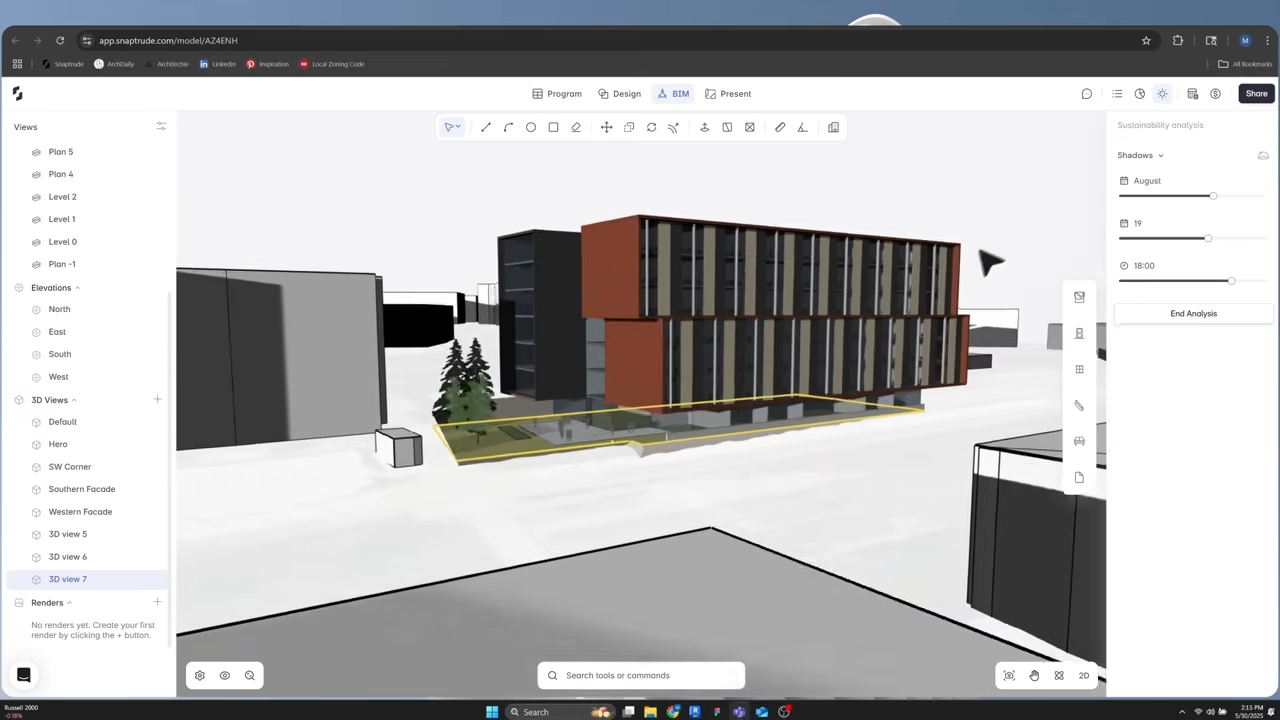
Snaptrude is cloud-native and browser-based, supports real-time multiplayer collaboration, and connects architectural programming, concept modeling, BIM information, documentation, and presentations across four modes. BIM Mode includes building elements, material assignments and quantities, drawings, schedules, and IFC export. Present Mode reflects live model changes.
Those verified capabilities illustrate why observability should follow a design action across connected representations. A useful diagnostic record may need to show that geometry changed, the corresponding model information remained current, and the view or schedule used for review reflected the accepted state.
This article does not claim a particular Snaptrude telemetry implementation or performance result. It describes an evaluation method teams can apply to any connected BIM workflow. Product reliability should be judged on representative work, with observable outcomes, editable state, and explicit recovery evidence.
References
Observability primer: OpenTelemetry, updated April 2026. Defines observability and explains how traces, metrics, and logs help answer why a system behaves as it does.
Signals: OpenTelemetry, updated March 2026. Defines traces, metrics, logs, and baggage as distinct categories of system output.
Metrics: OpenTelemetry, updated July 2026. Supports the warning that high-cardinality attribute combinations increase metric memory cost.
Traces: OpenTelemetry documentation. Explains traces as the path of a request and their role in understanding complex distributed behavior.
FAQ: Frequently Asked Questions
Q: What is the difference between BIM monitoring and BIM observability?
A: Monitoring checks known conditions, such as whether an operation failed or a duration crossed a threshold. Observability gives teams enough connected evidence to investigate questions they did not predict, including why a model action produced the wrong state. Both are useful. Monitoring alerts the team, while observability connects intent, execution, validation, and user outcome for diagnosis.
Q: Does BIM observability require distributed tracing?
A: Not always. A single-process workflow may begin with structured change records, validation events, and outcome measures. Distributed tracing becomes useful when one action crosses services, workers, or asynchronous updates. The requirement is correlation: a reviewer should be able to follow the action from request to final state. Use the smallest signal set that answers the diagnostic question.
Q: What should teams avoid recording in BIM telemetry?
A: Avoid collecting raw project content, personal identifiers, object-level identifiers in aggregate metrics, or unlimited free-form logs without a defined need. Record the minimum evidence required for diagnosis, apply access controls and retention limits, and use safe correlation keys. Detailed traces may be permissioned separately from bounded operational measures so privacy does not become an afterthought.
Q: How do you prove an observability rollout is useful?
A: Use a known hard-to-diagnose workflow and ask whether the new signals identify the divergence point, preserve the action sequence, support safe reproduction, and confirm recovery. Track time to diagnosis and recurrence only after those basics work. A larger signal volume is not success. The system should reduce uncertainty about user-visible failures and guide a bounded corrective action.
Q: Can BIM observability catch visual correctness problems?
A: It can support them when visual checks are part of the outcome contract. Performance traces alone cannot prove that hidden lines, selections, or dependent views are correct. Add deterministic state validation where possible and a representative visual review where judgment is required. The observability record should then connect the visual result with the operation and model state that produced it.
Q: How can Snaptrude be evaluated with BIM observability principles?
A: Choose a representative path across Snaptrude's program, design, BIM, collaboration, or presentation capabilities. Define the intended final state, perform the workflow, and inspect whether geometry, information, views, quantities, or exports remain consistent and editable. Record failures by user outcome and sequence. Do not infer an internal monitoring implementation from the product experience; evaluate the observable result directly.
Try Snaptrude with a complete, familiar workflow and evaluate reliability from the user's first action to the final review artifact.



