Last updated:
Architectural AI Rendering Quality Assurance: Protect Design Intent
TL;DR
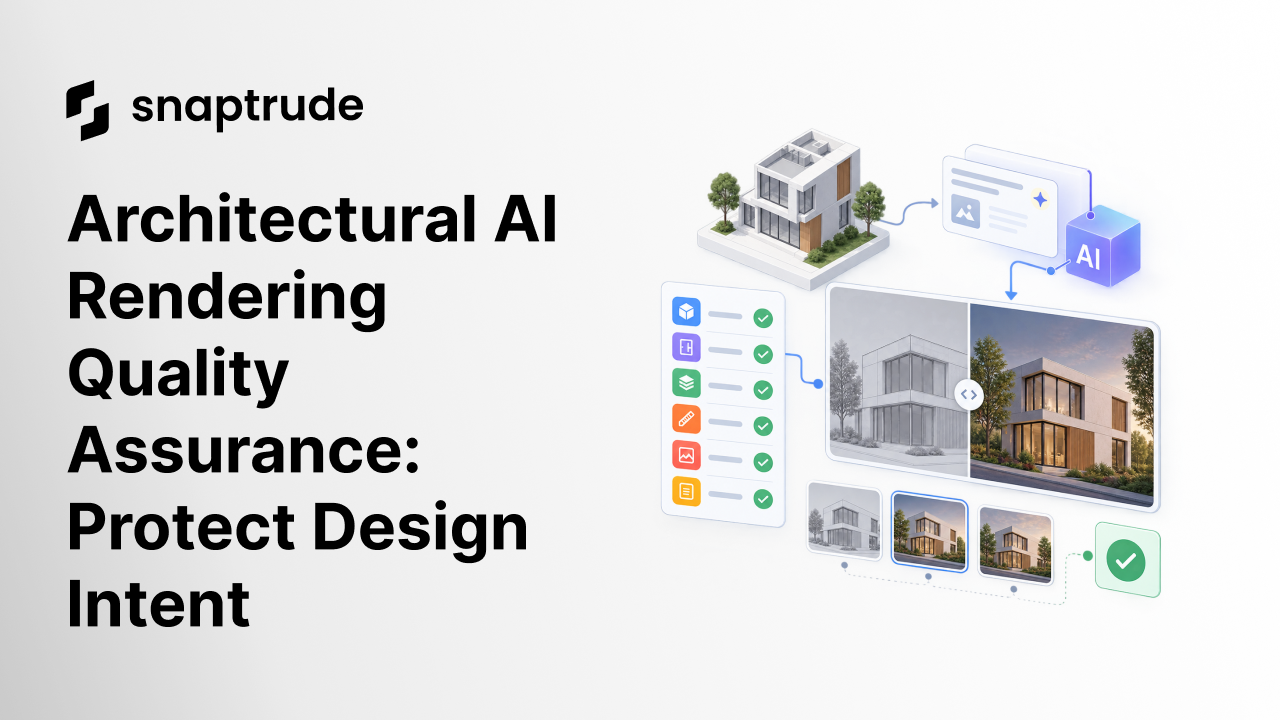
Architectural AI rendering quality assurance compares every generated image with an approved source view before the image reaches a client. Check fixed geometry, openings, materials, scale cues, context, and revision history, then approve the image for a stated purpose instead of treating visual polish as proof of accuracy.
What is architectural AI rendering quality assurance?
Architectural AI rendering quality assurance is a repeatable review that tests a generated image against a known design state. It separates visual quality from architectural fidelity. An image can be atmospheric, coherent, and presentation-ready at first glance while adding a door, removing a column, changing a facade bay, stretching a room, or inventing a view outside the model.
Start by naming the image's purpose. A mood study can tolerate more interpretation than a planning submission, design-development review, or image intended to explain a specific material decision. Approval should therefore be purpose-specific. “Good image” is too vague. “Approved to discuss facade mood, not approved to represent opening dimensions” is useful.
Freeze a source view before generation. Record the model revision, camera, crop, visible elements, and any references supplied to the image model. That source is the control. If the camera or model changes later, create a new review rather than comparing unlike states.
Review six layers in order:
Do not ask one reviewer to hold the whole comparison in memory. Place the source and generated view side by side, use a difference overlay when possible, and annotate every accepted deviation. A visible record turns taste into a reviewable decision.

How should architectural AI rendering quality assurance begin before prompting?
The review begins with a constraint brief, not after the image arrives. Divide the prompt into what may change and what must remain fixed. Describe the desired atmosphere, lighting, material character, planting, weather, and level of realism under the editable section. List massing, openings, camera, proportions, circulation, and protected architectural elements under the fixed section.
Use positive instructions for the intended result and explicit preservation rules for sensitive geometry. Name the evidence hierarchy too: the model view governs geometry, the material board governs finishes, and a precedent image governs mood only. When two references conflict, the reviewer should know which one wins.
Generate one change class at a time. Changing lighting, landscape, facade material, and camera in one pass makes it hard to identify why fidelity fell. Smaller iterations also make rejection cheaper. Keep the accepted source beside each new output and compare it with the last accepted image, not merely the last generated image.
Maintain a short iteration log:
NIST organizes AI risk work around four functions: govern, map, measure, and manage. That structure maps cleanly to visualization. Set authority and purpose, identify what could change, compare output against criteria, then approve or recover. NIST's AI Risk Management Framework also stresses that validity depends on context, which is exactly why a beautiful concept image and an accurate design-review image need different thresholds.
Use Snaptrude to keep your live model beside the image you are reviewing.
Which architectural AI rendering quality assurance method fits the review?
Use at least a side-by-side comparison for every image. Add overlays and measured checks when the image claims architectural specificity. Add a second reviewer when the image will support a contractual, regulatory, funding, or public decision.
The stop rule matters. Reject an image if it changes a protected element, creates a safety or access misunderstanding, obscures a material decision, or cannot be traced to a source revision. Do not repair a misleading image only with a caption. Regenerate it or narrow its approved use.
For a wider workflow view, Why AI in Architecture Feels Like More Work explains why disconnected AI creates extra review. The article on clients using AI on architectural work explains why image changes also need a clear conversation about authorship and intent.
How does Snaptrude support architectural AI rendering quality assurance?
Verified product facts describe Snaptrude as a browser-based platform with live BIM modeling, real-time visualization, Present Mode, and client-ready views that update with the model. They also document a visualization environment used for AI rendering demonstrations. Private-beta AI capabilities should be described as demonstrated, not as guaranteed availability or performance.
The practical advantage of a model-connected workflow is the reference. Teams can retain the source model, saved view, program information, and presentation context while they evaluate an image. Snaptrude does not remove the need for human approval, and product facts do not claim universal automatic detection of image hallucinations. The team should still compare, annotate, decide, and record permitted use.
FAQ: Frequently Asked Questions
Q: What is the first check in architectural AI rendering quality assurance?
A: Compare the generated image with the exact source view used for generation. Check the overall mass, floor lines, facade rhythm, roof, openings, and camera before discussing atmosphere or beauty. If those fixed elements have changed, stop the review and reject or regenerate the image. Material nuance cannot compensate for a render that communicates the wrong building.
Q: How can architects reduce AI image hallucinations?
A: Separate fixed architectural constraints from editable visual choices, state which reference controls each decision, and generate one class of change at a time. Keep the camera and source revision fixed during a comparison series. These practices reduce ambiguity, but they cannot guarantee fidelity. Every result still needs a side-by-side check because image models can invent plausible details.
Q: Should an AI render be measured against the previous generation?
A: Compare it with the last accepted image and the governing model view. The immediately previous generation may already contain an unnoticed error, so using it as the only reference can compound drift. Record each requested change and unintended difference. If the source model or camera changes, start a new review sequence with a new baseline.
Q: Can a concept image use a lighter review standard?
A: Yes, when its permitted use is explicitly limited. A mood study may allow interpretive materials, vegetation, weather, or context. It should not silently become evidence of exact geometry, code compliance, accessibility, or constructability. Label what the image is approved to communicate and what it is not. Increase the review threshold before any external decision relies on architectural specificity.
Q: Does Snaptrude automatically detect every incorrect element in an AI render?
A: Verified product facts do not establish universal automatic detection of every visual inconsistency. Snaptrude provides a live, model-connected environment and presentation workflow that can serve as the comparison source. A named reviewer should still inspect protected geometry, openings, materials, and context, then record approval or rejection for the image's intended use.
Q: Is AI rendering generally available in Snaptrude?
A: Product facts document AI rendering in demonstrations and describe Snaptrude AI capabilities as private beta, not as general-availability service commitments. Confirm current access and supported workflows before planning a deadline around them. Regardless of availability, use the same quality method: preserve a source view, constrain the intended change, compare every result, and approve it for a specific purpose.
Start with the model, generate deliberately, and approve only what preserves the design.



