May 14, 2026
3.53.1
Copy Array Controls for Unique Objects
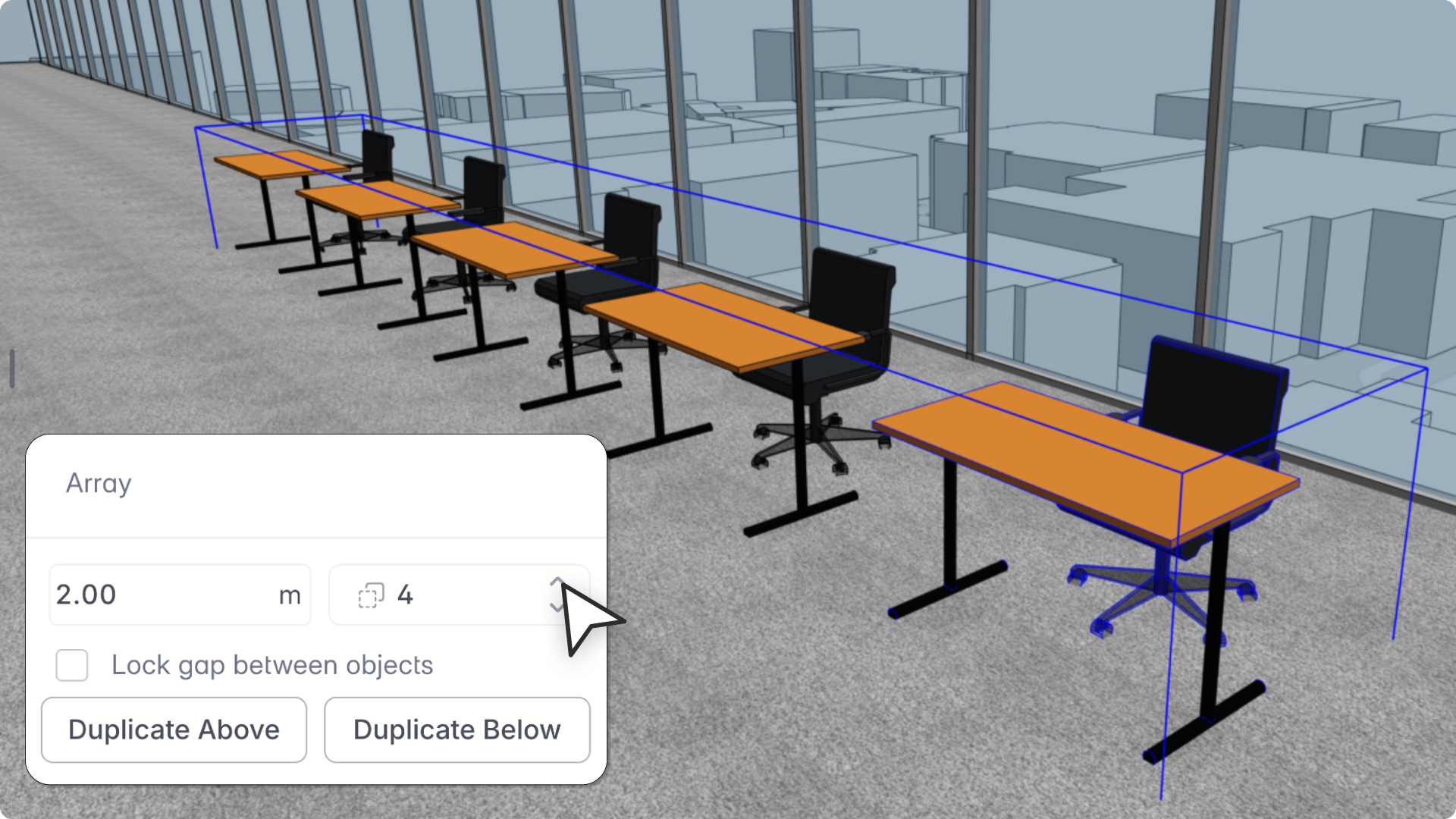
"When you create copies as Unique objects, you should be able to come back and adjust the array, just like you would with Instances. That expectation is completely reasonable, and now the tool matches it."
- Spoorthi Narayan, Product Specialist
Snaptrude's Copy Array tool lets you duplicate objects as Instances (linked) or Unique (independent). Previously, only Instance-based arrays kept editable count and spacing controls after placement. Unique copies lost those controls once placed. Now they don't.
What's new
- Editable count and spacing: Reselect a Unique copy array after placement to adjust count and spacing from the Object Properties panel, without recreating it.
- Context-aware panel: Instance-only controls (Select Instances, linked gap locking) are hidden for Unique arrays. Count, spacing, duplicate above/below, and array expansion controls remain.
- Array continuity: Local geometry edits to individual objects don't affect array-level controls. Count and spacing stay adjustable regardless.
What this makes possible
- Furniture layouts where each piece needs individual edits later
- Facade modules or window bays with spacing adjustments after placement
- Parking bays, seating rows, and modular planning layouts
Note
Reference lines cannot be made into parametric copy arrays in either Instance or Unique mode.