3.46.0
"Architects constantly need to reference what's above or below while they're working. Before this, that meant switching views back and forth. Now you just turn on what you need and keep designing."
– Spoorthi Narayan, Product Specialist
What's New
You can now view any floor above or below as an underlay directly within your active plan. Turn on what you need, snap to it, and keep working without switching views.
View Any Story from Any Plan
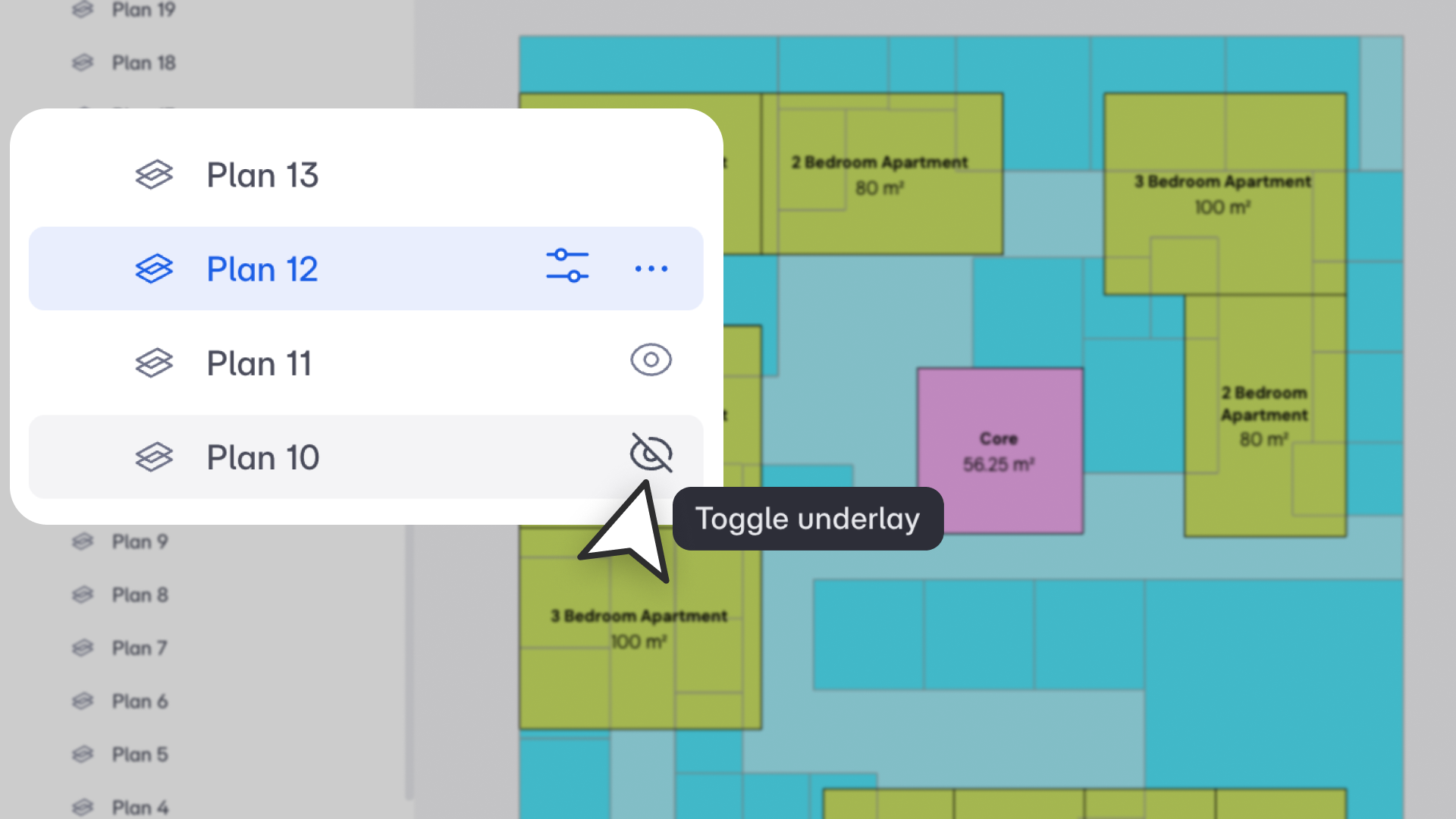
Enable any floor as an underlay from your active plan, including basements and roof plans. You can turn on multiple underlays at once. Each view saves its visibility settings independently.
Hover over any plan in the Views panel to reveal an eye icon. Click it to show that view as an underlay. Works with both default and saved/custom plan views. Site plans are excluded since they have no cut plane.
Visual Styles That Keep Things Clear
Underlays are styled automatically so you always know which floor you're looking at. The immediate lower story shows solid grey edges and fill. Other lower stories each get a unique color. The immediate upper story shows as black dashed lines, and other upper stories as grey dashed lines.
These styles work across color, texture, and monochrome modes and apply to spaces, reference lines, site elements, and BIM objects. You can adjust line color, type, or weight per view through View Settings without affecting the source plan.
Snap to Any Floor
Underlay objects support full snapping from your active story: vertex, edge, midpoint, intersection, magnetic, and axis extension. This works across Draw, Move, Copy, Rotate, Offset, and Edit workflows. Hover over an underlay object to see a tooltip showing the object type and the story it belongs to.
Everything Stays in Sync
Imports (CAD, PDF, image, topo, Revit, Rhino) are nested under their cut planes and appear automatically when a plan is enabled as an underlay. Drag a plan into Present Mode and it shows exactly what's visible in Design or BIM mode, with all active underlays and custom styles intact. Renaming, deleting, or adding stories updates underlays automatically across all views.