February 13, 2026
3.45.2
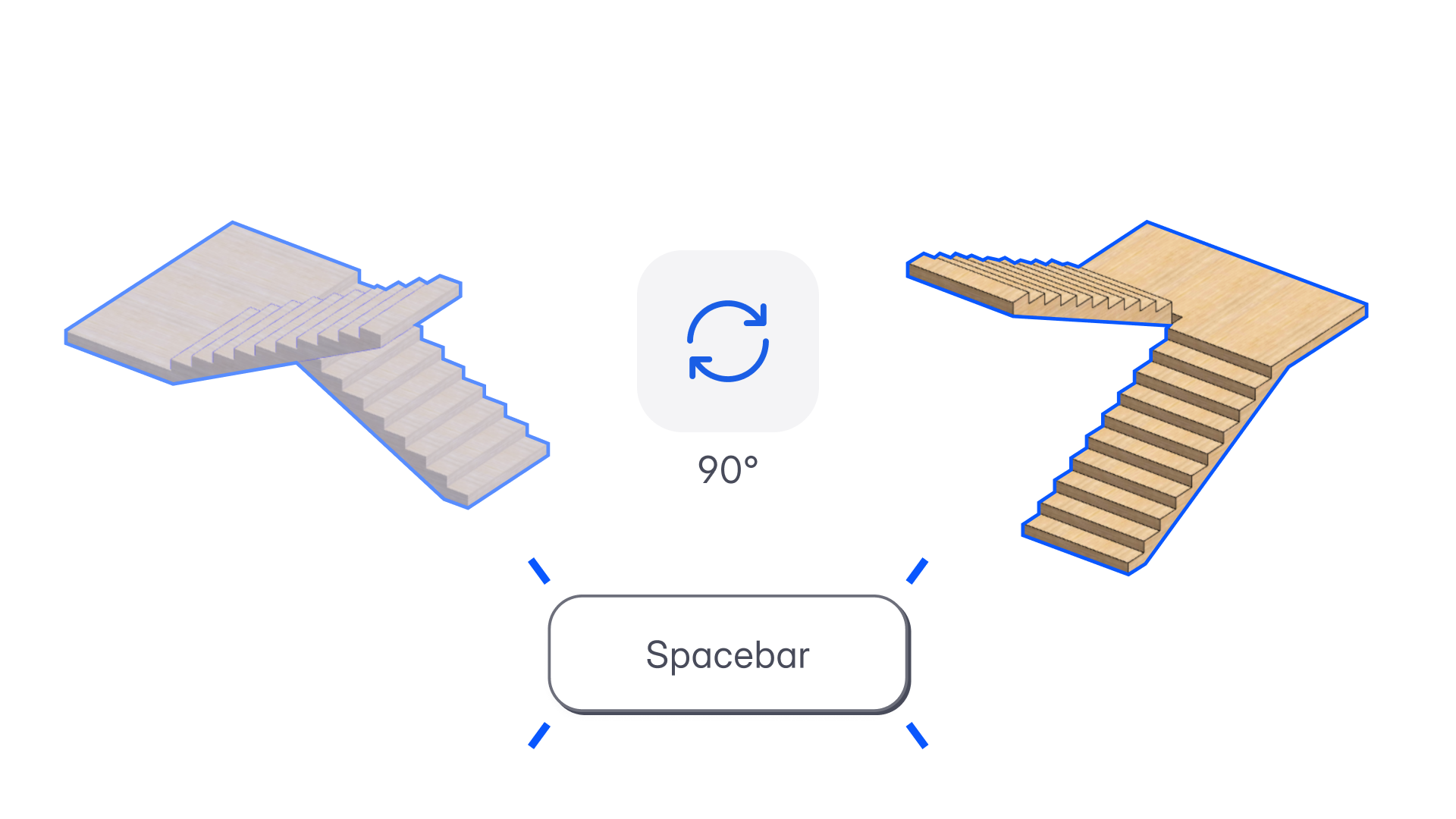
Quick 90-Degree Rotate with Spacebar
“Rotation is one of the most frequent micro-actions in design. Now it’s instant, consistent, and available everywhere you need it.”
– Spoorthi Narayan, Product Specialist
What’s New
You can now rotate most selectable objects 90° clockwise using the Spacebar, both during placement and after selection.
This standardizes rotation behavior across planning, BIM, imports, and AI-generated objects, making orientation changes fast, predictable, and consistent.
Supported Objects
Quick 90° Rotate now works across:
- Spaces (drawn, AI-generated, program-generated; all geometry types)
- Site & Topography
- Reference Lines
- BIM Elements (walls, slabs, roofs, ceilings, columns, beams, flooring, mass)
- Revit-imported BIM objects
- Staircases
- Groups & Parametric Groups
- Instances
- Imports (Revit, Rhino, 3D files, PDF, CAD, images)
Not supported: Doors, Windows, Voids.
How It Works
Selection-Based Rotation
- Press Spacebar to rotate selected object(s) 90° clockwise
- Rotation:
- Happens around the object’s pivot
- Does not change position, level, or story
- Press up to 4 times to complete a full 360° rotation
- Each rotation is a single Undo/Redo step
Multi-Selection
- Multiple objects rotate together around the selection bounding box centroid
- Grouped objects behave consistently
This update makes orientation changes effortless across modeling, planning, AI workflows, and imports, bringing a small but powerful speed boost to everyday design.