January 7, 2026
3.40.3
Revit Room Parameter Import
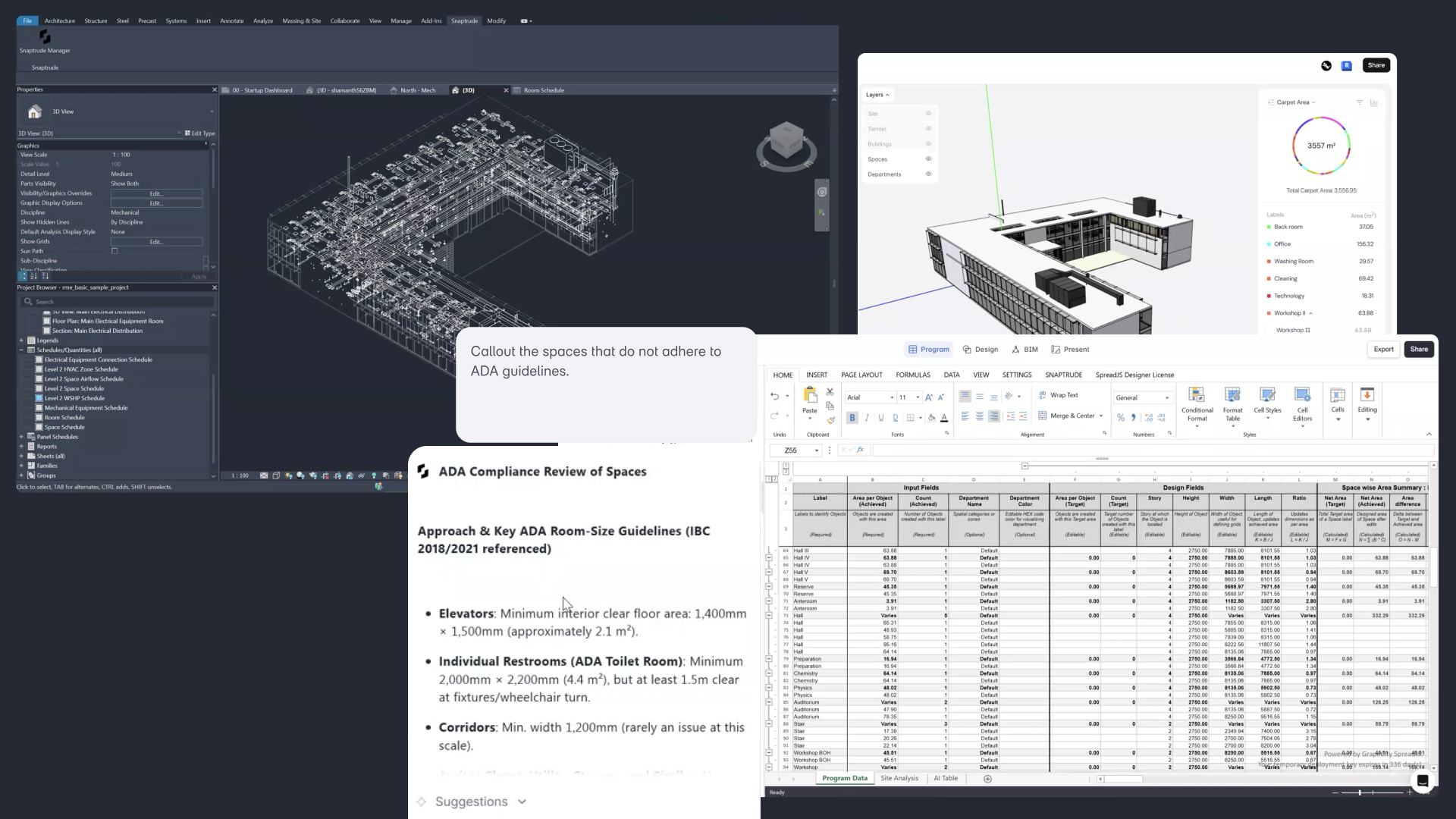
“Room geometry is only half the story. By bringing Revit parameters into Snaptrude, we’re preserving design intent and unlocking much deeper analysis right from day one.”
– Shamanth Thenkan, Product Specialist
What’s New
Snaptrude now imports all Revit room parameters (both standard and custom) directly into Program Mode. Along with room geometry, your Revit metadata is preserved and mapped into Snaptrude’s program tables, enabling richer analysis, validation, and AI-powered queries without rebuilding data manually.
Key Capabilities
Complete Parameter Import
- Imports built-in Revit parameters (Name, Number, Level, Phase, Comments, etc.).
- Imports custom text and numeric parameters defined in Revit.
- Parameters are brought in as read-only references to ensure data integrity.
Program Sheet Mapping
- Imported parameters automatically appear in Program Mode under custom calculation columns.
- No manual remapping required—data is ready for use immediately.
AI Queries with Parameter Context
- The Research Agent can now reference imported Revit parameters.
- Ask questions like:
- “List all rooms where Department = Cardiology”
- “Flag rooms where Area is less than the Minimum Area parameter”
- “Which departments exceed their area budget?”
- “Show rooms missing required parameters”
Validation & Analysis
- Validate room areas, department allocations, and compliance rules using your original Revit data.
- Combine geometric analysis with parameter-driven logic for more accurate checks.
Supported Import Workflows
- Works with both Direct Revit Import and Snaptrude Manager Import.
- Parameters are imported automatically alongside rooms—no extra setup needed.
This update makes Snaptrude a truer extension of your Revit model, carrying not just room shapes but the data, standards, and logic that define them.