November 19, 2025
3.38.0
AI Stack: Re-prompting
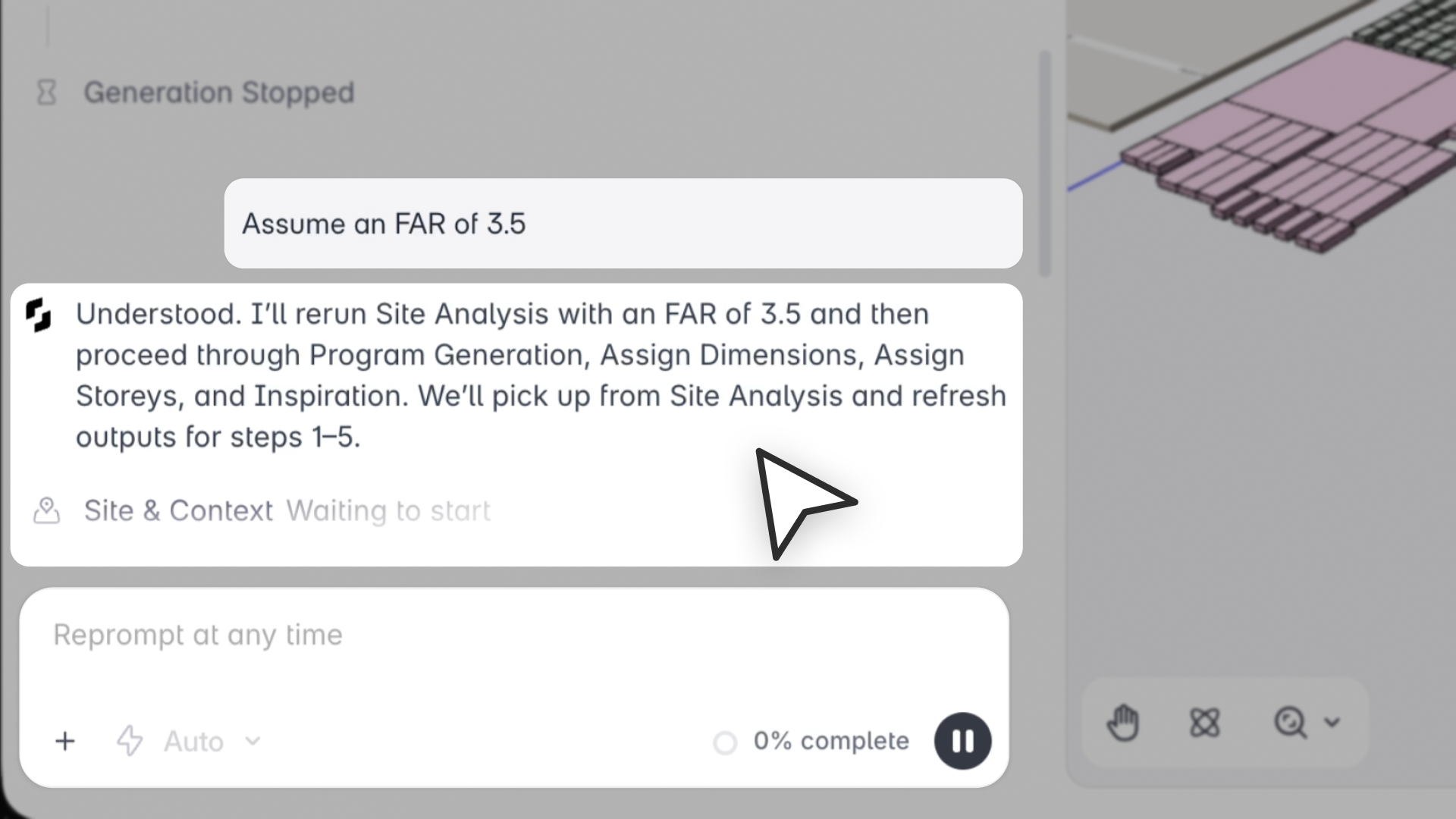
“AI Reprompting turns the AI stack into a true design conversation, letting architects correct, refine, and redirect the AI at any point without starting over.”
— Amy Kim, Product Specialist
What’s New
Snaptrude now supports Reprompting, so you can adjust your AI-generated design at any time, during the stack or after it completes. The system automatically classifies your prompt, reruns only the necessary steps, and preserves earlier decisions so you never lose progress.
This means you can refine the program, adjust constraints, correct assumptions, or request design changes, without restarting the project or manually reconfiguring the stack.
Why This Matters
- AI design becomes iterative, not one-shot
- Fix mistakes instantly instead of creating a new project
- Add constraints mid-stream without breaking the stack
- Explore variations quickly by stacking reprompts on saved outputs
- Maintain context across prompts, even days later
Architects can now shape the AI output as naturally as they sketch: refine, correct, and redirect until the design feels right.
Use Cases
- Fix AI mistakes: “Retail should only be 50% of ground floor.”
- Modify program mix: “Change the Area allocation. Add 20 more 1 Bedroom units.”
- Adjust dimensions: “Make classrooms 20’ x 25’.”
- Shift stacking logic: “Move admin to ground level.”
- Explore variations: “Try an office–retail mix using the same FAR.”
- Follow-up prompts in Program/Research mode: “Add elevators and two egress stairs.”
How Prompts Are Classified
The system reruns one of these steps:
- Site Analysis: if you change site parameters or FAR
- Program Creation: if you modify area targets, counts, or space definitions
- Space Dimensions: if you adjust sizing or proportions
- Vertical Stacking: if you modify story counts or distribution
- Design Inspiration: style, materials, visual changes