November 12, 2025
3.34.1
Input Field Improvements
What’s New
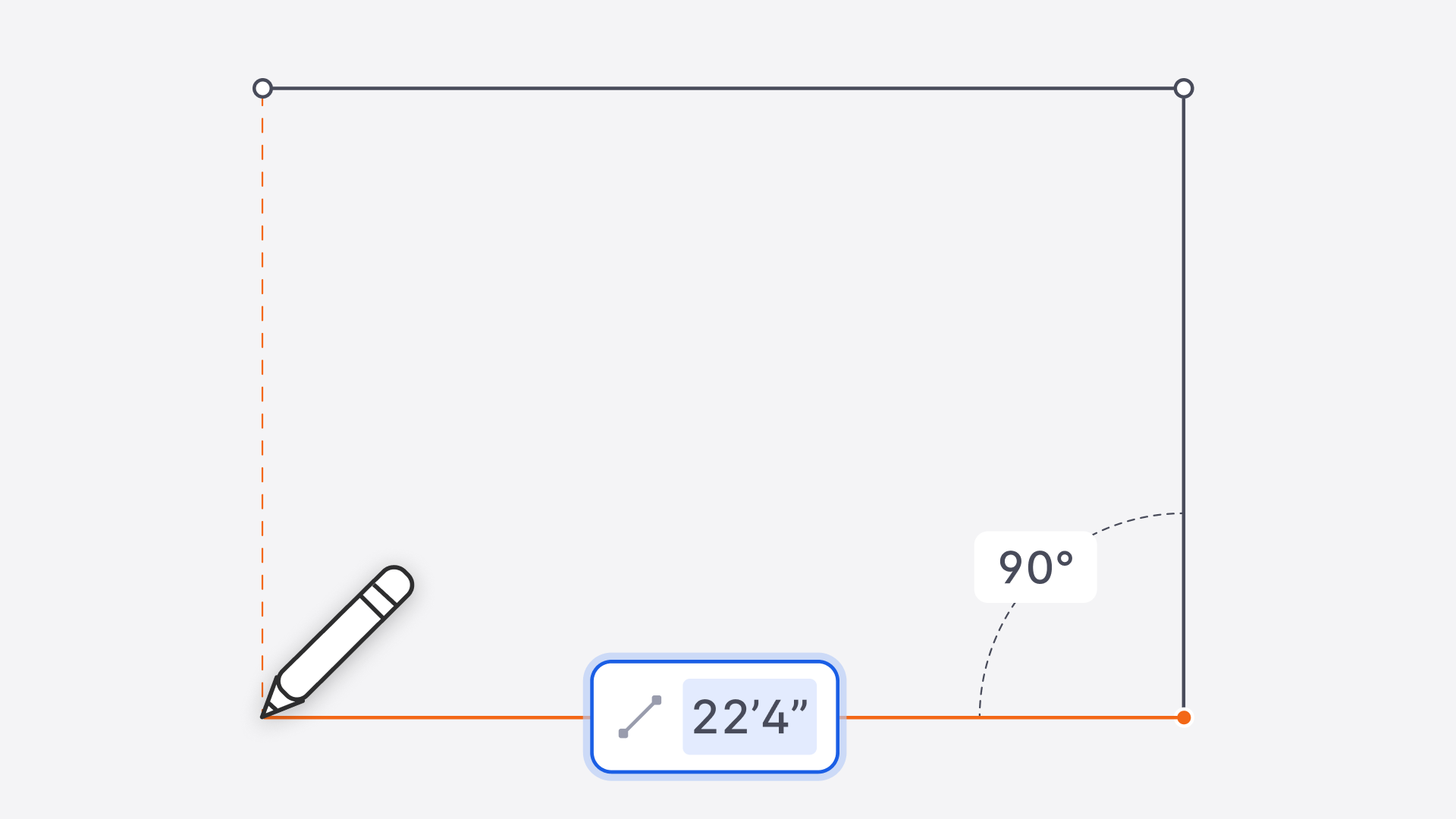
Snaptrude now uses a unified, single-field input for all imperial measurements, replacing the old two-field feet/inches system. This new input is smarter, more flexible, and works consistently across all drawing and editing workflows.
1. Single Input Field for Feet + Inches
- Old segmented inputs (
30'|4") are replaced by one clean input field. - Users can type any standard format:
30'4",30 4,30 4",364",30, or decimal values (30.33 → 30'4").
- Missing inches default to
0"→30becomes30'0". - No more cursor-position inference: Inputs reflect exactly what you type.
2. Consistent Behavior Across All Tools
The unified input is now used in:
- Line, rectangle, arc, circle tools
- Move, copy, parametric copy
- Story heights, OPP properties, and dimension fields
- All supported units: ft-in, meters, cm, mm, inches
- Values auto-convert when switching units.
3. No More Truncated Inputs
Previously, long numbers were cut off with … and couldn’t be read or edited properly.
- Inputs now auto-resize or scroll smoothly to accommodate long values.
- Ensures clarity even for large measurements or pasted values.
4. Smarter, Faster Text Selection
A major UX improvement across all numeric inputs:
- First click: automatically highlights the entire value → users can overwrite instantly.
- Second click: places the cursor for precise editing.
- Applies to both numeric and text fields across the product.
Benefits
- Prevents accidental autofill errors due to cursor position
- Reduces cognitive load with a consistent, universal input pattern
- Speeds up drafting and editing for both new and expert users
- Ensures “what you type is what you get” with no hidden behavior
- Fully backward-compatible with older projects