Last updated:
BIM Design Decision Log: Reconstruct Why the Model Changed
TL;DR
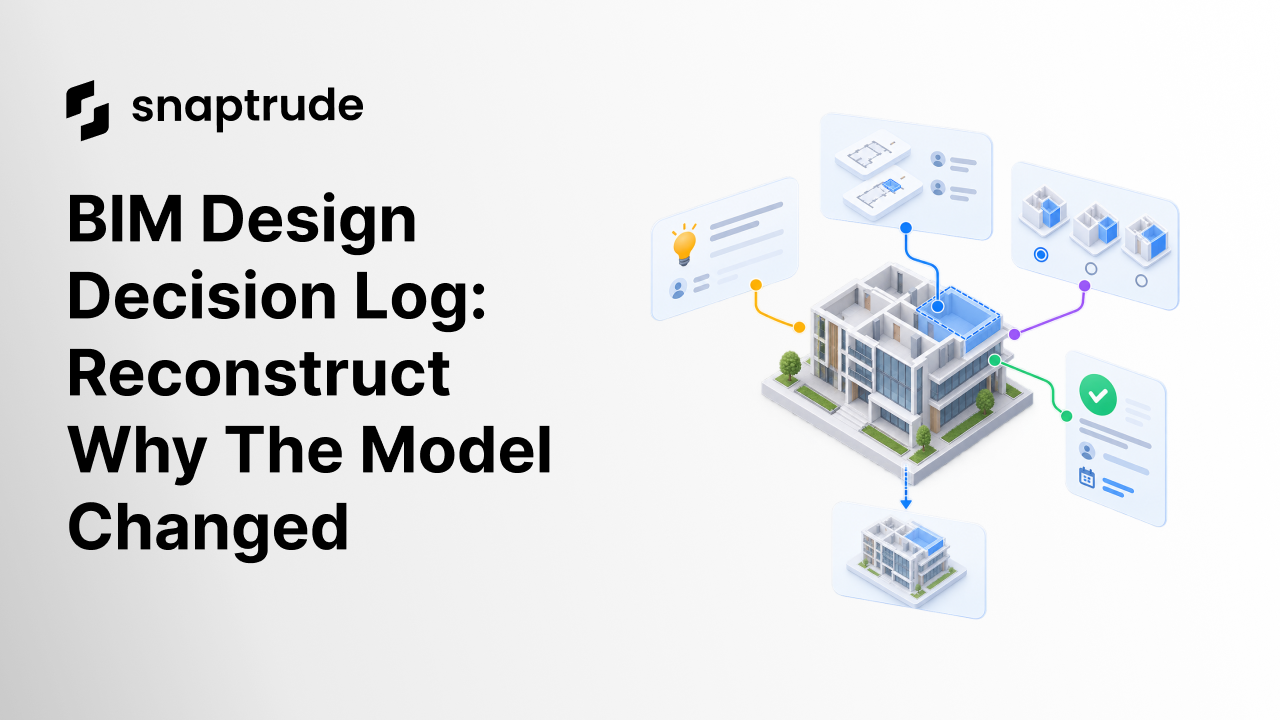
A BIM design decision log records more than who changed an object. It connects the question, assumptions, alternatives, rationale, approval, model action, affected outputs, and resulting version so another reviewer can reconstruct why the design changed.
What is a BIM design decision log?
A BIM design decision log is a structured record that links design rationale to a model state. It explains what problem the team was solving, which evidence and assumptions shaped the choice, who approved it, what changed in the model, and which views, schedules, quantities, or downstream decisions need review.
A change history alone is not a decision log. “Wall moved at 3:42 PM” tells you an event occurred. It does not tell you whether the move protected a corridor width, responded to a structural constraint, aligned an area target, or accidentally followed an outdated sketch.
An issue list alone is also incomplete. An issue can describe a problem and track resolution, but a design decision may compare acceptable alternatives, record a deliberate tradeoff, and change several connected model elements. The log needs both coordination discipline and design reasoning.
buildingSMART's BIM Collaboration Format provides a useful open standard for part of this structure. BCF connects topics to model viewpoints, selected elements, snapshots, comments, files, status, assignment, and related topics. It is designed to exchange model-based issues without moving the full model itself. (buildingSMART BCF introduction)
A decision log can adopt that strength without reducing every design choice to a clash. The record should stay linked to the model and still capture the architectural reason behind the change.
Which fields belong in a BIM design decision log?
A BIM design decision log should contain enough structure to support search, review, and impact analysis without turning every conversation into administrative work.
Keep assumptions separate from decisions. “Core location fixed” may be an approved constraint, an inherited client instruction, or an unconfirmed working assumption. Those states lead to different behavior when the model changes.
Also keep alternatives, selected decision, and implementation separate. A team can approve a direction before every model action is complete. The log should show whether the decision is approved, implemented, validated, and incorporated into the shared state.
Create one decision record for the next model change that affects more than one drawing, quantity, or stakeholder.
How does a BIM design decision log differ from comments and versions?
A BIM design decision log gives structure to evidence that comments and versions hold only in fragments. Comments support discussion. Versions preserve model states. The decision record connects them into a reviewable chain.
Do not copy every comment into the log. Summarize the accepted rationale and link supporting discussion. Do not paste a screenshot without selected object identities or a version reference. The log should help a reviewer open the relevant context, not merely see an image of it.
buildingSMART's BCF API goes further than static issue export. It defines services for topics, comments, viewpoints, selected components, related topics, documents, and event history. Topic events can record changes to status, priority, description, due date, and assignment. That model demonstrates how structured context and history can travel together. (buildingSMART BCF API)
When should teams create a decision record?
Create one when the cost of forgetting the rationale exceeds the cost of recording it. Not every moved chair needs a formal entry. A useful trigger set includes changes that:
• Affect multiple views, schedules, quantities, disciplines, or proposals
• Resolve a conflict between design objectives
• Depend on an assumption that may later change
• Depart from a standard, brief, or previous approval
• Select one option over other credible alternatives
• Change a shared datum, core, grid, envelope, program target, or circulation strategy
• Require client, technical, clinical, or regulatory approval
• Are difficult to reverse or expensive to rediscover
Use a lightweight record for reversible local choices and a fuller record for consequential decisions. Both can share the same schema, with optional depth based on risk.
For example, a short record may contain a title, viewpoint, reason, action, and owner. A high-impact record may also include alternatives, criteria, assumptions, affected calculations, approval evidence, and a validation plan.
The rule should be predictable. If people must debate whether a record is required every time, they will either log nothing or log everything. Tie the trigger to impact, uncertainty, and approval instead.
How should a decision move from question to model change?
Use a clear state sequence. It prevents an approved idea, a completed edit, and a validated model from being treated as the same milestone.
1. Capture the question
State the problem in one direct sentence. Attach the relevant model viewpoint, selected objects, input documents, and current version. Record assumptions as confirmed, pending, or disputed.
2. Define criteria and alternatives
List the constraints that cannot be violated and the preferences that can be traded. Describe at least one credible alternative where the choice is consequential. Avoid backfilling alternatives after the decision solely to make the process look complete.
3. Propose a decision
State the chosen direction and why it performs better against the criteria. Name known disadvantages and any follow-up conditions. Assign the decision owner and required approver.
4. Approve or reject
Record the outcome, role, time, and approved scope. A verbal discussion may inform the record, but the accepted decision should not remain hidden in someone's memory.
5. Implement in an isolated state
Use a branch, proposal, or controlled version when the change is significant. Link the action set to the decision ID. Preserve enough before-state context to compare the result.
6. Validate the impact set
Check affected plans, sections, elevations, schedules, quantities, adjacencies, presentations, exports, and linked workflows. The validation list should come from the anticipated impact, then be expanded if the implementation reveals new dependencies.
7. Incorporate and close
Identify the resulting shared version and close the record only after acceptance checks pass. If a later choice replaces it, mark the original as superseded and link the new decision. Never erase the earlier rationale.
Learn how real-time and asynchronous collaboration serve different parts of architectural work.
How can teams reconstruct a decision months later?
Start from the current object or affected output and follow links backward. A good log supports both directions: from decision to model change, and from model element to decision.
The reconstruction should answer these questions without a meeting:
1. What is the current state?
2. Which decision created or preserved it?
3. What problem was the team addressing?
4. Which assumptions were confirmed at the time?
5. Which alternatives were considered?
6. Who approved the choice and at what scope?
7. Which model actions implemented it?
8. Which checks passed before incorporation?
9. Has any assumption or source since changed?
If the answer depends on searching chat by memory, opening a chain of unlabeled files, or finding the only person who attended a call, the project does not yet have a usable decision trail.
Preserve semantic links wherever possible. Reference model object IDs, proposal or branch IDs, view IDs, schedule identities, and decision IDs. File names and screenshots are supporting evidence, not durable identity.
What mistakes make decision logs unusable?
The most common failure is recording the outcome without the reason. Others include writing vague titles, mixing assumptions with approvals, omitting rejected alternatives, linking only a screenshot, and closing the record before affected outputs are checked.
Avoid these patterns:
Explore how link-based review can keep feedback closer to the live BIM model.
How does Snaptrude support a BIM design decision log?
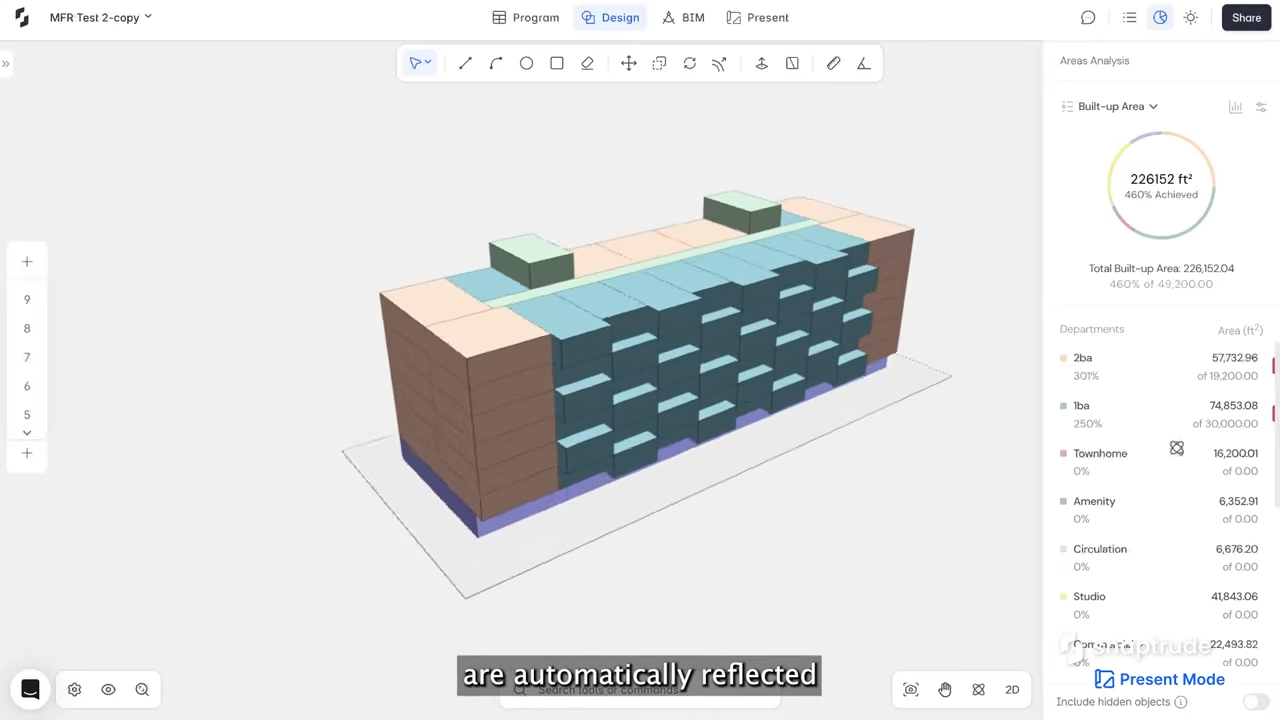
Snaptrude supports real-time multiplayer collaboration, comments, automatic version history, branching with merge workflows, and browser-based access. Its Program, Design, BIM, and Present modes connect requirements, geometry, documentation, schedules, quantities, and presentations within one platform.
Those verified capabilities provide useful building blocks for a decision trail: contextual discussion, preserved model states, isolated alternatives, and connected outputs. They do not automatically create a complete decision-governance process. Teams should define their record schema, trigger conditions, owners, approval states, naming conventions, and acceptance checks.
The strongest workflow is not the one with the most history. It is the one that lets a reviewer understand a consequential model state quickly and verify that the intended downstream effects were checked.
References
BIM Collaboration Format: An Introduction: buildingSMART's official overview of model-linked topics, viewpoints, snapshots, IFC element references, issue communication, and design-phase uses.
BCF REST API specification: buildingSMART's official API specification covering topics, comments, viewpoints, selected components, document references, related topics, status, assignment, and event history.
Frequently Asked Questions About a BIM Design Decision Log
Q: What is the purpose of a BIM design decision log?
A: Its purpose is to preserve why a consequential model state exists. The log connects a problem, assumptions, alternatives, criteria, rationale, approval, model actions, affected outputs, and validation. That structure helps new team members, reviewers, and future phases understand the decision without reconstructing it from scattered meetings, comments, screenshots, and file names.
Q: Is a model version history enough for design decisions?
A: No. Version history shows how the model changed and may identify who made an edit. It usually does not explain the problem, rejected alternatives, assumptions, tradeoffs, approval scope, or downstream checks. Link the relevant before and after versions to a decision record. Together they preserve both state and intent, which makes later review far more reliable.
Q: Which decisions should be logged?
A: Log decisions with meaningful impact, uncertainty, or approval requirements. Typical triggers include changes to cores, grids, envelopes, program targets, circulation, shared standards, multiple outputs, or discipline interfaces. Also log departures from the brief and choices between credible alternatives. Use a lighter record for reversible local decisions and a fuller record where the cost of rediscovery is high.
Q: How is a decision log different from BIM issue tracking?
A: Issue tracking defines a problem, responsibility, status, and resolution. A decision log also captures assumptions, alternatives, evaluation criteria, rationale, approval, implementation, and validation. Some issues can become decision records, and a format such as BCF can supply model-linked context. The distinction is that resolving an issue does not always explain why one design path was chosen over another.
Q: How can Snaptrude help preserve design decision context?
A: Snaptrude supports comments, automatic version history, real-time collaboration, branching with merge workflows, and connected program, design, BIM, and presentation modes. Teams can use those capabilities to discuss choices, isolate alternatives, compare states, and review affected outputs. A project standard must still define which decisions require records, who approves them, and what evidence closes them.
Q: Does Snaptrude automatically create a complete BIM audit trail?
A: Snaptrude provides automatic version history and collaboration features, but a complete design decision trail also needs human-authored rationale, explicit assumptions, approval scope, and validation criteria. Do not assume that raw activity history explains intent. Connect the relevant version, branch, objects, comments, and outputs to a structured decision record that the project team owns and reviews.
Start a BIM design decision log with the next cross-view change, then test whether someone outside the meeting can reconstruct the choice from the record alone.



