Last updated:
From Any Spreadsheet to a Building Program. One Prompt.
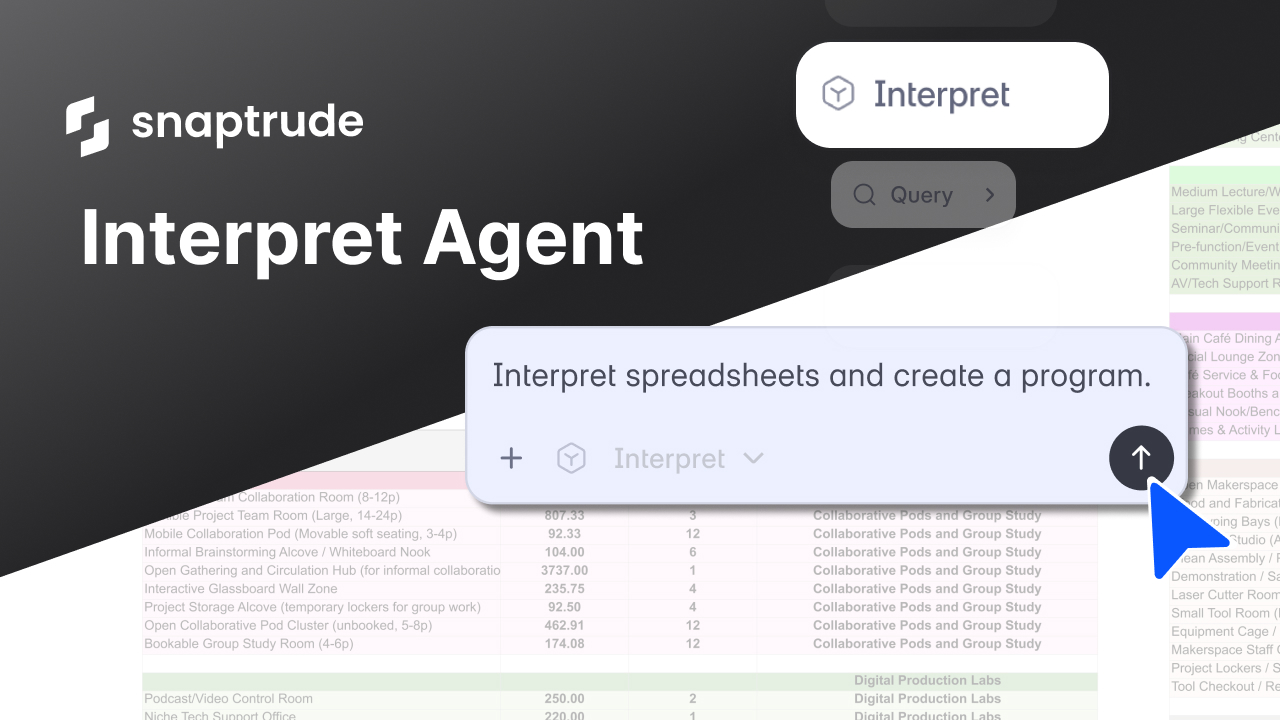
The Interpret Agent in Snaptrude reads data from any spreadsheet, whether it's a client's Excel program, an RFP attachment, or an internal brief, and converts it into a structured, editable building program. It extracts space names, areas, counts, departments, and metadata, then creates a clean Program Data Sheet you can design with immediately.
Why does every project start with the same data entry problem?
Every architecture firm knows this moment. A client sends over a program spreadsheet. It arrives as an Excel file with dense rows, merged cells, color-coded tabs, and a formatting system that made sense to whoever built it but doesn't match anything in your design tools.
The data is all there: departments, spaces, areas, room counts, sometimes floor assignments and phasing information. But it's organized the way the client thinks about the project, not the way your design tool expects it.
So someone on the team starts re-entering the data. They open the spreadsheet in one window and the design tool in another. They translate department names, reconcile area formats (is that ASF, GFA, or NFA?), figure out which rows are subtotals and which are actual spaces, and manually build the program structure from scratch.
On a small project, this takes an hour. On a hospital or campus with hundreds of spaces across multiple buildings and phases, it can take a full day. And if the client sends a revised spreadsheet next week (they will), you do it again.
This is one of those workflow problems that's so common it feels normal. Every firm does it. Nobody likes it. We built Snaptrude from scratch because we kept finding places where architects were spending time on data translation instead of design. This was one of the most obvious ones.
Key Takeaway: Program spreadsheets arrive in every format imaginable. Translating them into a designable program is manual, repetitive, and has to be redone every time the data changes.
What if the tool could read the spreadsheet the way you do?
When an experienced architect opens a client's program spreadsheet, they can parse it. They see the department headers. They recognize which rows are spaces and which are subtotals. They understand that "ASF" means assignable square feet and "NFA" means net floor area. They figure out the hierarchy even when it isn't labeled cleanly.
The Interpret Agent does the same thing. It reads the spreadsheet structure, identifies patterns in how the data is organized (departments, floors, zones, spaces, areas, buildings, phases), validates data quality, and extracts every space with the right label, area, count, and department assignment.
It's one of the AI agents we introduced with Snaptrude AI, designed to handle the bridge between external program data and the design workflow.
Here's what the workflow looks like. You import your Excel file into Snaptrude. It appears as a custom sheet. You select the relevant cells (or the whole sheet), type "interpret this spreadsheet and create a program," and the agent goes to work.
What comes back is a clean Program Data Sheet: departments identified, spaces extracted with their labels, per-unit areas calculated, counts assigned, and metadata preserved. The messy spreadsheet becomes a structured program you can immediately use for design, storey assignment, dimensioning, and space planning.
Key Takeaway: The Interpret Agent reads spreadsheet structure the way an architect would: recognizing patterns, identifying hierarchies, and extracting the right data, regardless of how the spreadsheet was formatted.
What kinds of spreadsheets can it handle?
This was the design challenge. Client spreadsheets don't follow a standard format. Every firm, every owner, every developer structures their program differently. The agent needed to handle that variety.
Different area formats. Some spreadsheets list area per room. Others list total department area. Some use ASF, others use GFA or NFA. The agent detects which format is being used and calculates per-unit area accordingly. If only the total area and count are provided, it divides to get the per-unit value.
Inconsistent headers. Not every spreadsheet has clean column headers in the first row. Some have headers buried in row 3 or row 5. Some have no headers at all, just patterns the agent can infer. The agent reads the structure and figures out which columns contain what.
Merged cells and visual formatting. Client spreadsheets use merged cells for department headers, color-coding for grouping, and sometimes nested sub-departments. The agent reads cell styles (font size, background color) as structural signals, not just decoration.
Multi-department layouts. Some spreadsheets list all departments in a single flat table. Others group departments with subtotals and sub-departments. The agent identifies department boundaries and extracts the hierarchy correctly in both cases.
Multiple buildings and phases. For campus or phased projects, the spreadsheet might include building names, phase assignments, or zone labels. The agent captures these as metadata and preserves them in the program output.
Notes, comments, and non-data rows. Real spreadsheets have footnotes, comments, and explanatory text mixed in with the data. The agent distinguishes between data rows and non-data content, so the program output only includes actual spaces.
Key Takeaway: The agent handles the full range of spreadsheet formats architects encounter: different area units, inconsistent headers, merged cells, multi-department structures, and metadata like building names and phases.
What does the output actually look like?
The Interpret Agent produces three things.
A project name, inferred from the spreadsheet content or specified by you.
An interpretation summary that explains what the agent found: how many departments, how many spaces, how the data was structured, and any assumptions it made. This is important because it lets you verify that the agent read the spreadsheet correctly before you start designing with the data.
A structured program with every space listed by label, per-unit area, count, and department. Additional metadata (storey assignments, sub-departments, building names, room types, program IDs, notes) is preserved from the original spreadsheet when present.
This output feeds directly into Snaptrude's Program Mode. From there, you can use the other agents: assign dimensions, assign storeys, generate charts, run research queries, and move into design. The Interpret Agent is the on-ramp that takes external data and makes it usable within the connected workflow.
Key Takeaway: The output is a clean, structured program with an interpretation summary you can verify. It feeds directly into Program Mode and connects to the rest of the design workflow.
Where does the Interpret Agent fit in a project?
If you're starting from scratch (no existing program data), the typical workflow in Snaptrude begins with Site Analysis, then Generate Program from a prompt or RFP. You don't need the Interpret Agent for that.
The Interpret Agent is for a different starting point: you already have program data, but it's in a spreadsheet that wasn't built for Snaptrude. This is the more common scenario for firms that receive programs from clients, owners, or planning consultants.
In the recommended workflows for teams that already have program data, the Interpret Agent is the first step. You import the spreadsheet, interpret it, and then continue with the standard design workflow: update the program, assign dimensions, assign storeys, and move to design.
For firms working within Snaptrude 3.0's connected environment, this means you can go from a client's Excel file to a 3D massing model in a single session. The spreadsheet becomes a program. The program gets dimensions and storey assignments. The storeys become a building you can design.
That's the sequence the GIF shows: messy spreadsheet, one prompt, clean program, 3D building. Not three tools and a day of data entry. One tool and one prompt.
What the Interpret Agent doesn't do
A few boundaries worth stating clearly.
The agent extracts and structures data from spreadsheets. It doesn't generate new program data. If the spreadsheet doesn't include a space, the agent won't invent it. If a department area total doesn't match the sum of its spaces, the agent flags the inconsistency rather than guessing which value is correct.
It works with the data as provided. User-specified values always take priority. If you tell the agent "this department should have 20 rooms, not 15," your override wins.
The interpretation happens once per import. If the client sends an updated spreadsheet, you re-import and re-interpret. The process takes seconds, so this isn't a limitation in practice, just worth knowing.
From any spreadsheet to a building
We built the Interpret Agent because the gap between "we have a program" and "we can start designing" was too wide. The data existed. It just wasn't in the right format.
When that translation takes seconds instead of hours, something shifts. You can start designing on the day the program arrives. You can re-interpret a revised spreadsheet without losing a morning. And the person who should be shaping the building gets to start shaping the building sooner.


