Last updated:
Sustainability Analysis for Architects: Sun Hours, Shadow Studies, and Solar Path in BIM software
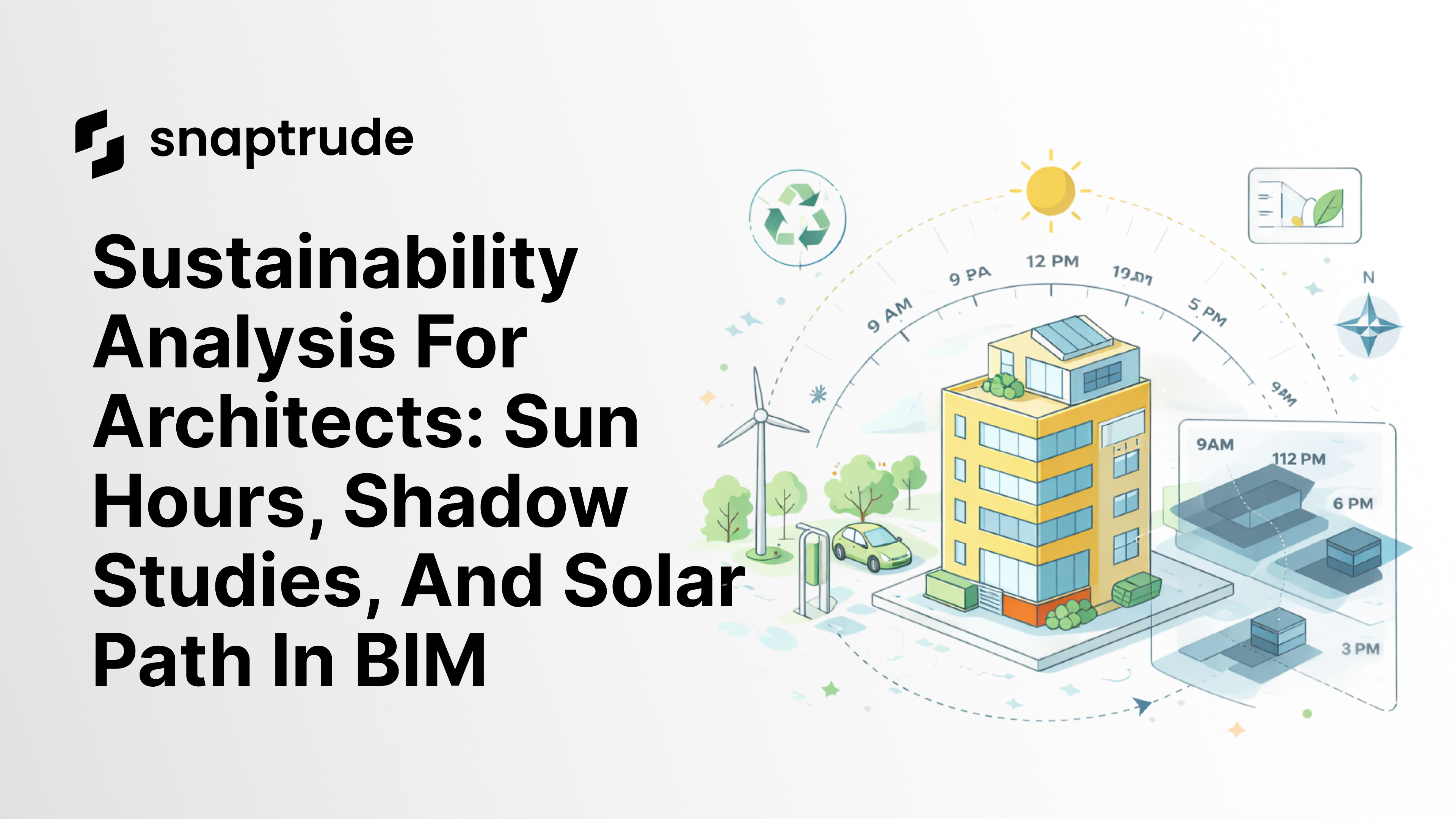
TL;DR Snaptrude's sustainability dashboard runs sun hours, shadow studies, and solar path analysis directly on your BIM model in under 60 seconds -- no geometry export, no separate simulation software, no waiting. Set the date range, select the analysis type, and get a heatmap showing which surfaces receive 9 or more hours of sunlight and which are shaded. Use that data to make design decisions on orientation, glazing, shading devices, and green roofs before committing to design development.
By the Numbers: Sustainable Building Design and Energy Performance
1. 30 to 40% less energy used by green-certified buildings compared to conventional buildings U.S. Green Building Council, 2024
2. 195,000+ LEED-certified buildings across 186 countries as of 2024, with over 205,000 LEED-accredited professionals USGBC, 2024
3. 40% energy savings vs baseline is now required for LEED v5 certification, introduced in 2025 U.S. Green Building Council, LEED v5
What Is Real-Time Sustainability Analysis in BIM?
Real-time sustainability analysis is the ability to run environmental performance calculations - solar exposure, shadow patterns, solar path -directly on a BIM model during design, without exporting to a separate simulation tool. Results update within the modeling environment so that design decisions and environmental data stay in the same workflow.
Snaptrude an AI-powered, cloud-native BIM design tool for architects includes a sustainability dashboard that performs this analysis on massing models, space layouts, and full BIM geometry. Location is auto-detected from the imported site data, so setup takes seconds rather than hours.
Why Sustainable Design Gets Left Until Too Late
Running solar analysis in most BIM workflows means: export geometry, configure a simulation environment in a separate tool, set up analysis parameters, wait for results, import heatmaps back into the design tool, and reconcile the analysis with a design that has since moved on.
By the time the feedback arrives, the decisions that environmental analysis should inform building orientation, facade composition, window placement -have already been made. Sustainability becomes a post-hoc justification rather than a design driver. This matters more than ever: LEED v5, released in 2025, now requires a 40% energy savings vs baseline a target that is only achievable when sustainability analysis drives early design decisions, not just validates them afterward.
The result is familiar: glazing systems optimized for cost rather than solar performance, green roofs placed on surfaces that don't get enough sun, shading devices added late as value-engineering targets.
Snaptrude's sustainability dashboard removes the export step entirely. Analysis runs in the same environment as the design model, in under 60 seconds.
What the Sustainability Dashboard Analyzes
Sun Hours Analysis
Sun hours analysis shows cumulative solar exposure across all building surfaces over a defined period. Snaptrude generates a heatmap with two key thresholds:
9 or more hours of sunlight annually (high exposure, shown in warm tones): Surfaces that need exterior shading, low-E glazing, or reduced window-to-wall ratios to control heat gain
Under 4 hours of sunlight annually (low exposure, shown in cool tones): Surfaces where standard glazing is sufficient, higher window-to-wall ratios are viable without heat gain concerns, and exterior shading adds cost without benefit
This analysis tells you where to invest in high-performance glazing and where standard systems are sufficient -- optimizing cost and performance at the same time.
Shadow Studies
Shadow studies show how shadows move across the site and building at specific times of day and year. Snaptrude generates shadow diagrams for user-defined dates and times, showing:
Which outdoor spaces are shaded at key times (useful for plaza and courtyard design in hot and cold climates)
How shadows from your building fall on adjacent properties (relevant for neighbor consultations and zoning approvals)
Seasonal variation between summer and winter shadow patterns
Solar Path Visualization
The solar path diagram shows the sun's trajectory across the sky at the project location throughout the year. This informs shading device design: an overhang sized to block the summer sun at a specific latitude will allow the lower winter sun to pass through, reducing heating load in winter and cooling load in summer.
Snaptrude's solar path visualization is tied to the actual site location (auto-detected from the property parcel import), so the analysis reflects real conditions for the project site.
How to Run Sustainability Analysis in Snaptrude: Step-by-Step
1. Import your site using Snaptrude's property parcel import. Location is auto-detected from the site coordinates.
2. Model your building the sustainability dashboard works with massing, space layouts, or full BIM models. No minimum detail level required.
3. Click "Sustainability" in the analysis menu.
4. Select analysis type: sun hours, shadow study, or solar path.
5. Set date range: annual, summer, winter, or specific months.
6. Click "Run Analysis" results appear as a heatmap overlay on the model in under 60 seconds.
7. Adjust your design: change orientation, window placement, or add shading devices, then re-run the analysis to compare before and after.
8. Save analysis views for design documentation and client presentations.
Design Decisions Driven by Sustainability Analysis
Glazing Strategy
Sun hours analysis identifies which facade surfaces are high-exposure and which are low-exposure. High-exposure surfaces need low-E glazing and exterior shading. Low-exposure surfaces can use standard glazing without solar coatings at lower cost.
A typical outcome: an architect identifies that the west facade receives significantly more solar exposure than expected, adds horizontal fins that block 60% of summer sun while allowing winter sun through, and reduces cooling load by an estimated 15% compared to a baseline building. That decision happens in schematic design, not during construction document review.
Green Roof Planning
Green roofs require sufficient solar exposure for vegetation. Surfaces receiving under 6 hours of sunlight daily support limited vegetation. Surfaces receiving 9 or more hours support a full planting palette but require more irrigation management.
Sun hours analysis on the roof surface identifies which zones are viable for green roofs, where intensive versus extensive planting systems make sense, and where solar panels are more appropriate than vegetation.
Neighbor Impact and Zoning
Shadow studies show how your building affects adjacent properties across seasons. Many jurisdictions require shadow impact analysis for planning approvals, particularly for mid-rise and high-rise buildings near residential neighborhoods.
Running shadow analysis in Snaptrude during schematic design gives architects the data needed for planning submissions without commissioning a separate environmental consultant for the initial feasibility study.
Sustainability Analysis Across Building Types
| Building Type | Primary Analysis | Key Design Decision |
|---|---|---|
| Residential | Sun hours (facades) | Window placement and shading device sizing |
| Office | Shadow study + sun hours | Glazing ratio and exterior solar control strategy |
| Healthcare | Sun hours (patient rooms) | Daylighting for patient-facing facades |
| Education | Solar path + shadow study | Classroom orientation and courtyard shading |
| Mixed-use | Shadow impact study | Neighbor and public space impact for planning |
Frequently Asked Questions


