Last updated:
When Spreadsheets Become Design Intent (and Why That Has Been the Problem All Along)
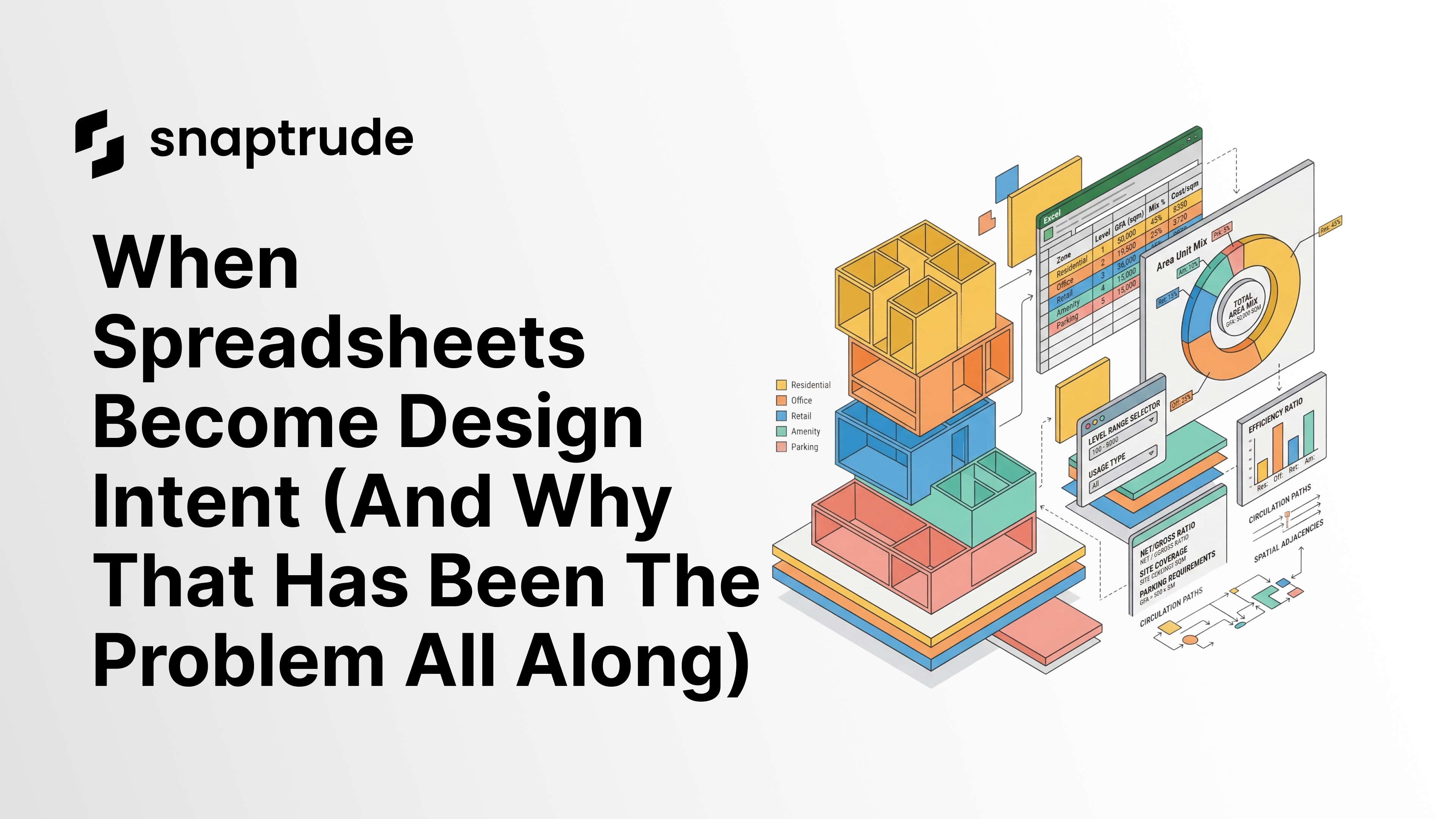
Every architecture firm has a program spreadsheet. It lives in Excel, off to the side of the design tools, and gets manually reconciled with the model every time the client changes requirements. The problem is not that firms use spreadsheets; it is that the spreadsheet and the model are two separate things. The program is the first design artifact. When it is disconnected from the geometry, design intent fragments from the first decision onward.
By the Numbers: Program Management and Design Disconnects
60 to 80% of architect billable time is spent on coordination, documentation, and rework rather than design (Autodesk and FMI, Construction Disconnected Report)
80% of cost deviation on construction projects originates in design decisions, not construction activities (construction rework research, 2025)
What Is Wrong with the Standard Program Workflow
Every architecture firm has the same workflow, and almost no one talks about it.
The client sends the program: room counts, area requirements, adjacencies, functional relationships. Someone puts it in Excel. That spreadsheet becomes the reference document for everything that follows.
Then design starts. SketchUp for massing. Rhino for form studies. AutoCAD for test fits. Eventually Revit for schematic design. And the whole time, that Excel file sits off to the side. The team references it, checks areas against it, and updates it when the client changes requirements. But it is never actually part of the design; it is a document being designed from.
That is backwards.
The program spreadsheet is not a reference document. It is the first design artifact. Treating it as something separate from the model has been fragmenting design intent for decades.
The Spreadsheet Is the Design
Consider what the program actually contains: room names, areas, occupancy counts, adjacency requirements, and functional relationships. That is not administrative data. That is design data.
When a hospital program specifies that the ICU must be adjacent to the surgical suite, that adjacency requirement shapes the entire floor plate. When an office program specifies 150 square feet per workstation at 300 seats, that dictates the floor plate size before a single wall is drawn.
The program is the design. The massing and walls come after. But in the standard workflow, the program lives in Excel while the design lives in Revit or SketchUp. They are two separate systems, manually synchronized by someone checking a spreadsheet and adjusting geometry to match.
Every time the client changes the program, someone has to update the spreadsheet and then separately update the model. Every time the model changes, someone has to check it against the spreadsheet. This reconciliation work has no design value; it is pure overhead, and it is where errors enter.
Why Firms Built Workarounds Instead of Demanding Better Tools
The disconnect between program and model is so common that firms have developed sophisticated manual workarounds.
Some firms build elaborate Excel templates with macros that calculate derived metrics (FAR, parking ratios, area efficiency). Some firms maintain parallel documentation in Revit schedules that have to be manually reconciled with the Excel program. Some firms assign a dedicated person to maintain the program document through design development.
These workarounds are real investments of time and process. They exist because the tools never made the program part of the model. They are symptoms of a workflow problem that has been normalized.
What Happens When the Program and the Model Are One Thing
In Snaptrude, the program is not a separate document. It is a layer of data that lives inside the model and stays in sync with the geometry.
You can define room requirements, area targets, adjacency rules, and occupancy data in Snaptrude's program mode. That data drives the design: the model reflects the program, and the program updates when the model changes.
When the client revises requirements (reducing the ICU from 20 beds to 16, for example), you update the program. The model responds. When the design evolves and a room changes shape, the program schedule updates automatically. You are not reconciling two separate systems; you are working in one.
This means the program is not a starting document that gets abandoned once design begins. It is an active constraint layer that travels through the entire design process, from test fit to schematic to design development.
Why This Matters for Renovation Work
Renovation projects highlight the program-model disconnect most clearly.
In a standard renovation workflow, the team has an existing building (usually documented in Revit from a previous project or a scan-to-BIM effort) and a new program from the client. The new program specifies which spaces change, which stay, and what the new functional requirements are.
In a disconnected workflow, you either start from the existing Revit model and manually adjust it to fit the new program, or start from the program and manually recreate the existing building as context.
When the program and the model are one continuous thing, you can import the existing Revit rooms, bring in the new program requirements, and see immediately where they align and where they conflict. The building geometry stays intact. The program data stays structured. You are designing the transformation, not redrawing the baseline.
The Workflow Firms Are Already Doing, Now Bidirectional
This is not a new workflow. Firms are already maintaining program spreadsheets with custom columns and firm-specific templates. They are already checking areas against the model. They are already updating both when the client changes requirements.
Snaptrude makes it bidirectional and keeps it in sync.
One firm described their previous workflow as: update Excel, export to PDF, share with the team, update Revit manually, check it against the PDF, repeat. With a connected program layer, that cycle collapses: change a requirement in the program, see the model flag the conflict, resolve it directly, move on.
The design work is the same. The reconciliation overhead disappears.
Related reading
- From Any Spreadsheet to a Building Program. One Prompt.
- The Double Data Entry Tax
- AI Floor Plan Generator: From Spreadsheet to 3D Layout in Minutes


