Last updated:
The Parallel Workflow Tax for Architects: What It Really Costs to Maintain Two Versions of the Same Project
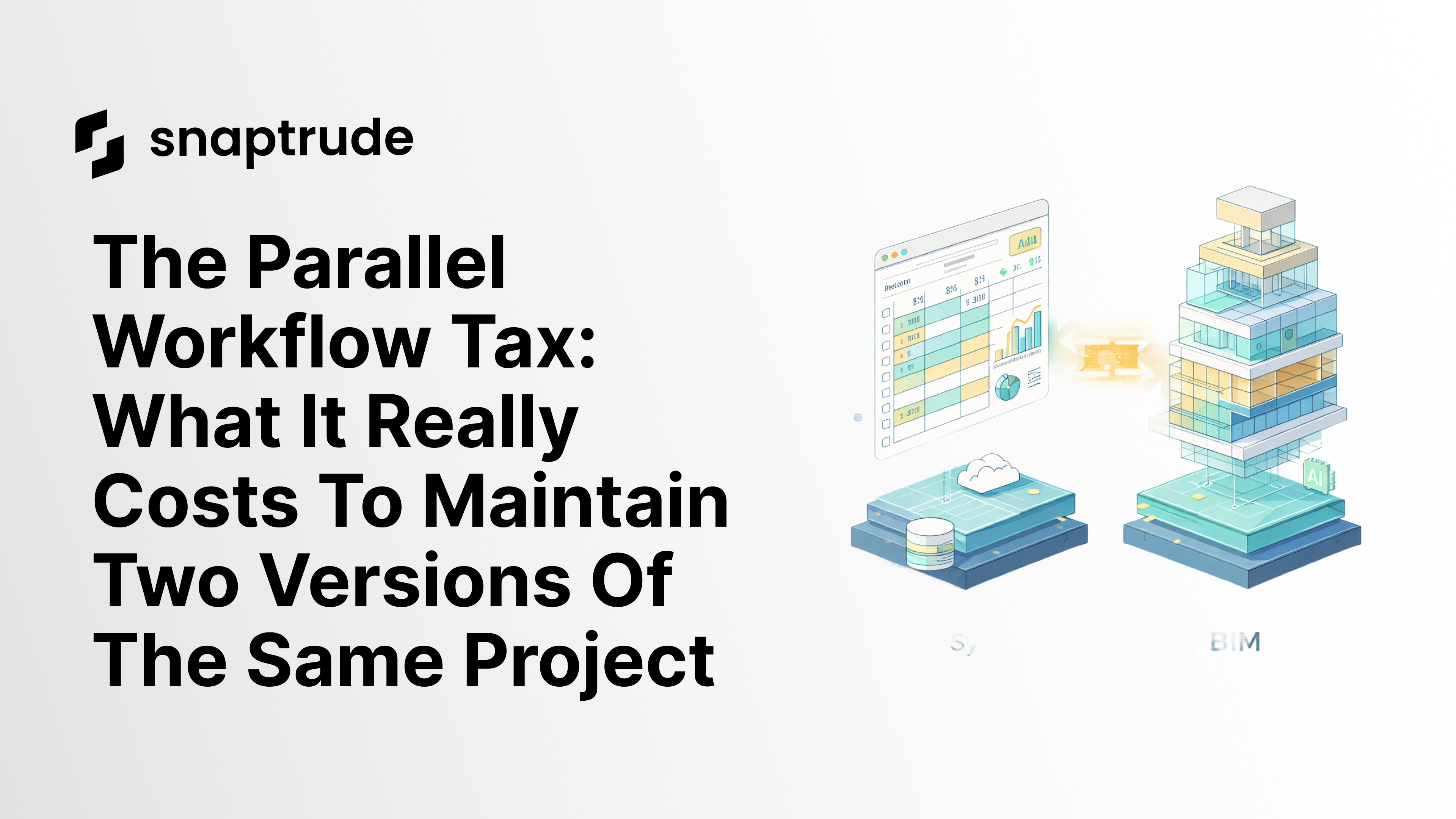
Most architecture firms doing institutional and healthcare work maintain two models during schematic design: SketchUp for massing and client presentations, Revit for BIM coordination and documentation. They update both, keep them in sync manually, and export PDFs to compare versions. This is not a workflow optimization problem. It is a structural waste that firms have normalized because no single tool has handled both phases well until now.
By the Numbers: The Cost of Split Workflows
50 to 60% efficiency gains reported by firms that eliminate tool-switching and version reconciliation in early-stage design (Snaptrude firm data, 2025)
48% of all construction rework is driven by poor collaboration between teams, including the version conflicts that parallel workflows create (PlanGrid / Autodesk research)
14+ hours per week wasted per person on rework, conflict resolution, and searching for project information in fragmented workflows (construction industry research, 2024)
The Conversation That Reveals the Problem
On a recent demo call with a firm doing institutional and healthcare work, the question was simple: "Do you maintain parallel models, SketchUp for massing and Revit for schematic, at the same time?"
The answer was immediate: "Yes, yes, that is one of the areas we are looking to enhance."
Not "yes, and it works fine." Not "yes, and we have solved it." Yes, and we know it is a problem.
This is a firm with decades of experience, strong BIM standards, and a dedicated technology team. They have accepted as normal that during schematic design, they will maintain two versions of the same project simultaneously, updating both, keeping them in sync manually, and exporting PDFs to compare.
That is not normal. It is waste. And it is invisible on timesheets because it is distributed across hundreds of small decisions.
The Hidden Cost of Parallel Workflows
The visible cost of maintaining two models is easy to quantify: hours spent updating the SketchUp model after a client meeting, hours spent reconciling it with Revit before a coordination review.
The hidden cost is harder to see and more expensive.
Version trust. When two models exist, which one is authoritative? The answer changes depending on who you ask. The project architect trusts the SketchUp model because it reflects the last client conversation. The BIM coordinator trusts the Revit model because it has the correct wall assemblies. Neither is wrong. Both are right about different things. But the team spends real time resolving that ambiguity on every coordination question.
Decision latency. When a client asks for a revised stacking diagram, who makes it: the person maintaining the SketchUp model or the person maintaining the Revit model? In practice, the answer is often "the person who is available," which means the output may not reflect the current state of the other model.
Junior staff overhead. A senior architect with years of experience can mentally reconcile SketchUp and Revit models with reasonable accuracy. A junior architect three years out of school is constantly second-guessing which version to trust. That slows delegation, increases review cycles, and makes training harder because the workflow itself is fragmented.
Why Firms Do It Anyway
The parallel workflow persists because it solves a real problem, just inefficiently.
SketchUp is fast for massing and easy to share with clients who do not have Revit licenses. Revit is necessary for coordination and documentation. Until recently, no single tool did both well. The parallel workflow was not a bad decision; it was a rational response to a tool landscape that required it.
What firms have not done is calculate the full cost. They see the hours spent in each tool but not the hours spent reconciling them. They see the value of fast massing iterations but not the value of having those iterations carry BIM data from the start.
What the Parallel Workflow Tax Actually Costs
For a medium-sized institutional project (say, a 150,000 square foot healthcare facility), the parallel workflow tax compounds across the full schematic design phase.
Conservative estimates from firms that have tracked this:
2 to 4 hours per week per project team member spent on version reconciliation and model updates that would not exist in a continuous workflow
1 to 2 additional review cycles per phase caused by version discrepancies surfacing during coordination meetings
3 to 5 days of rework when a major client revision (a floor plate change, a program update) has to be executed in both tools
Across a 16-week schematic design phase on a team of six people, the parallel workflow tax can easily exceed 200 billable hours. At standard architecture firm rates, that is a six-figure efficiency gap on a single project.
The Cognitive Load You Do Not Bill For
Beyond billable hours, parallel workflows impose a cognitive tax that does not appear on timesheets.
Every time a team member opens the SketchUp model, they spend mental energy verifying its currency. Every handoff between the two models requires the person doing the handoff to hold the state of both systems in mind simultaneously. Every client question about a specific dimension or area requires cross-referencing two sources.
That cognitive overhead reduces the quality of design decisions. Time and attention that should be spent on design judgment is spent on information reconciliation. The project does not benefit from that work; it just does not fall apart because of it.
Why This Matters for Firm Profitability
Schematic design is typically the lowest-margin phase of a project. Clients want extensive design exploration, but fee structures have not always kept pace with the number of iterations that good schematic design requires.
The alternative (maintaining the status quo with SketchUp and Revit as parallel systems) is accepting that schematic design will continue to carry overhead that produces no design value.
Eliminating the parallel workflow tax does not just reduce hours; it improves the margin on the phase where margin is hardest to maintain. Firms that have made this shift report 50 to 60% efficiency gains in early-stage design, which translates directly to improved project economics.
What It Looks Like When the Workflow Is Continuous
Snaptrude does not ask you to maintain two models. You model once, and the data follows through.
Massing studies in Design Mode carry real geometry and spatial data: not just surfaces, but walls, floors, rooms, and parameters. When you are ready to move into BIM Mode, the model does not get redrawn; it gets enriched with materials, schedules, and detail. The geometry is the same object, at a higher level of development.
When the client asks for a revised stacking diagram, you adjust the model once. The presentation views update. The area schedules update. The BIM coordination model reflects the change. There is no SketchUp counterpart to manually update afterward.
Firms that have made this shift report 50 to 60% efficiency gains in early-stage design, which translates directly to improved project economics.
Related reading
- The 2.5-Hour RFP Workflow: Site to Program to Envelope to Massing Without Switching Tools
- The Double Data Entry Tax: Why Architecture Firms Maintain Two Models
- Best Revit Alternatives 2025: Top BIM Tools Compared


