Last updated:
How to Sync Custom Program Sheets with BIM
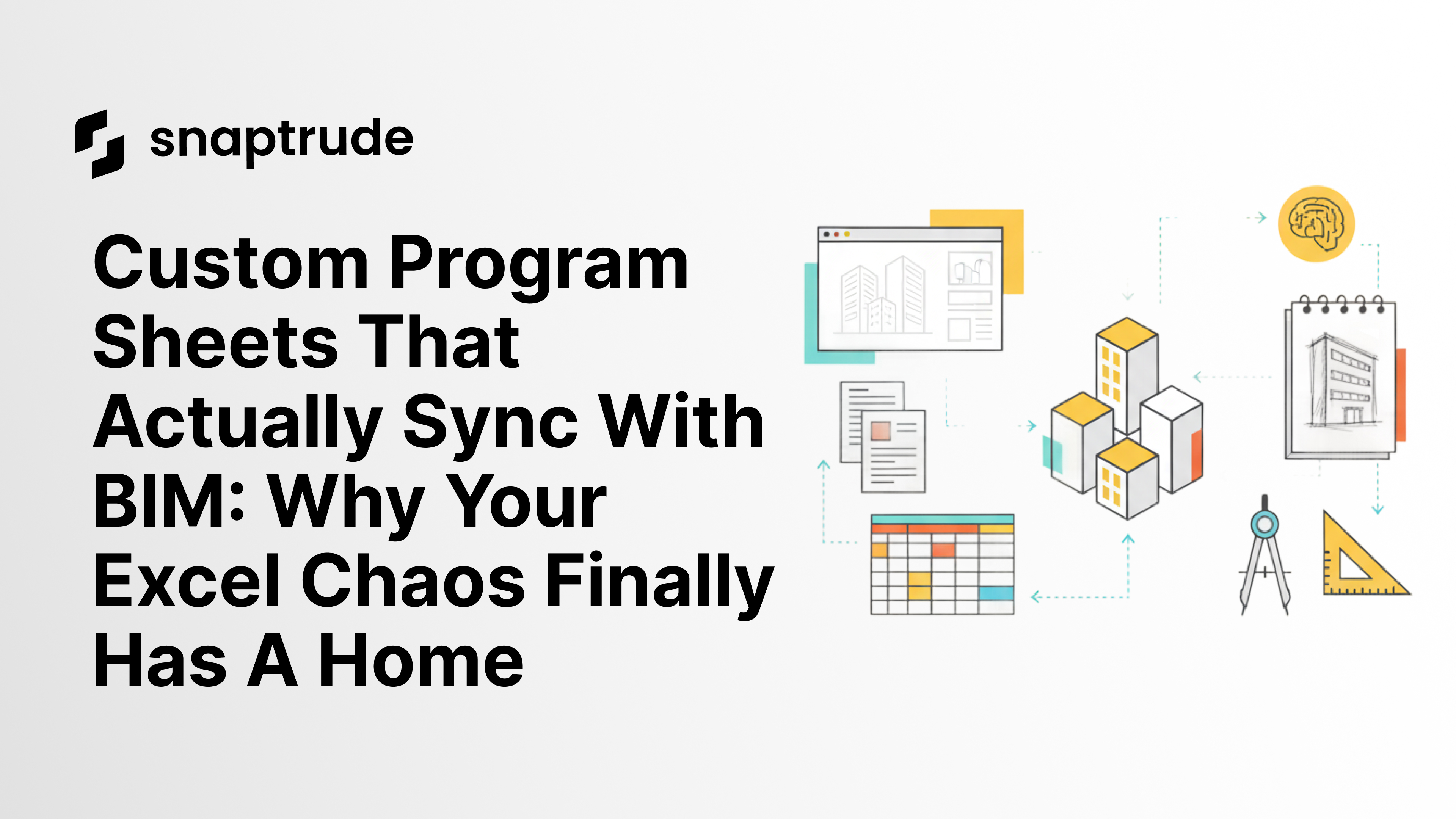
Every architecture firm has a custom Excel program template: columns for fixture counts, occupancy types, department codes, cost estimates, and phasing. Formulas that calculate net-to-gross ratios. Macros that auto-generate summary sheets. That template represents years of firm-specific workflow intelligence. Snaptrude imports it, keeps it bidirectional with the 3D model (change the model, the sheet updates; change the sheet, the model updates), and exports custom parameters as Revit-native fields. The workflow firms are already doing manually becomes automated. The reconciliation tax disappears.
By the Numbers: The Program Data Problem
60 to 80% of architect billable time is spent on coordination, documentation, and rework rather than design (Autodesk and FMI, Construction Disconnected Report)
80% of cost deviation on construction projects originates in design decisions, not construction activities (construction rework research, 2025)
48% of all construction rework is driven by poor collaboration between teams, including version conflicts that start with fragmented program data (PlanGrid / Autodesk research)
14+ hours per week wasted per person on rework, conflict resolution, and searching for information in fragmented project workflows (construction industry research, 2024)
The Program Sheet That Gets Left Behind
Every firm has their own program template.
Custom columns for fixture counts, occupancy types, department codes, cost estimates, and phasing. Formulas that calculate net-to-gross ratios. Conditional formatting that flags overbudget rooms. Macros that auto-generate summary sheets.
The spreadsheet is the source of truth, until design starts.
Then it becomes a reference document. You check it occasionally to confirm your room count is still aligned. You update it when the client changes requirements. But it drifts. The model evolves and the spreadsheet does not quite keep up. Or the spreadsheet gets updated and someone forgets to adjust the model.
By the end of schematic design, you are not entirely sure which version is correct.
One firm built an entire Power BI dashboard connected to SharePoint just to track how program data evolves across design phases: schematic design, design development, construction documents. It took months to build and requires dedicated maintenance. They made that investment because the alternative (manually reconciling Excel and Revit across a 20-person team) was costing them more in errors and rework than the dashboard cost to build.
What Architecture Firms Are Already Doing (Manually)
Firms are not ignoring program data. They are managing it, just manually, across fragmented tools.
Custom columns for firm-specific data (cost per square foot, equipment lists, phasing). Formulas that auto-calculate totals, net-to-gross ratios, and budget allocations. Revit schedules that duplicate some of the same data and have to be manually aligned with the Excel tracker. One person assigned to "own" the program document across the project lifecycle, whose job is essentially reconciliation.
This is not dysfunction. It is a sophisticated manual system built to compensate for the fact that the program and the model have never been the same object.
The workflow firms are doing manually has always been the right instinct: keep the program live, keep it connected to the design, make sure the numbers are always authoritative. Snaptrude makes that bidirectional connection automatic.
What Changes When the Program Sheet Is Live in the Model
In Snaptrude, you can import any sheet and live link it to your model. It is bi-drirectional so any changes in sheet reflects in model and changes made to the model are auto-updated in the sheet.
On a recent demo with a healthcare architecture firm, the reaction to Snaptrude's program sheet was not surprise. It was recognition.
"This is exactly what we're already doing, but we've been doing it in three separate tools."
The program sheet they had maintained in Excel for years: the one with custom columns, the formulas for net-to-gross calculations, the firm-specific metadata for their healthcare clients. That sheet, once imported into Snaptrude, became the live, authoritative source driving the 3D model. And when they adjusted the model, the sheet updated automatically.
Change an area in the 3D model and the program sheet updates. Change a fixture count in the sheet and it is reflected in the model's parameter tags. Add a new room to the model and it appears in the sheet with the correct department assignment.
That is not a new workflow. It is the workflow they already had, without the reconciliation tax. Now in Snaptrude, it is always synced.
Custom Parameters That Carry Through to Revit
Here is where the workflow matters downstream.
When you export a Snaptrude model to Revit, the custom parameters come with it. Not as generic text notes: as Revit parameters.
If your program sheet has a column for "Fixture Count," that becomes a Revit parameter. If you track "Phasing" in Snaptrude, it exports as a Revit parameter you can filter and schedule. If you have department codes, cost estimates, or equipment lists, those fields carry through.
The intellectual property embedded in your program template: the custom structure, the firm-specific data fields, the logic that drives your workflow. None of it gets lost when you move into Revit. It carries forward.
And because it is a Revit parameter, you can use it in schedules, filters, and color-coded views. You can generate a fixture count schedule directly from Revit. You can filter rooms by phasing to see what is changing in which phase. You can create cost estimate views without re-entering data.
The program intelligence your firm has built over years, preserved and usable throughout the full project workflow.
When the Client Changes the Program Mid-Project
The real test of any program management system is what happens when the client revises the brief mid-project.
In a fragmented workflow: update the Excel tracker, update the Revit model manually to match, check for rooms that were deleted, rooms that were added, rooms whose areas changed. Verify that the net-to-gross ratio is still within the client's target. Repeat for every team member who needs an updated version.
In Snaptrude: update the program sheet, see the model flag rooms that no longer meet the new requirements, resolve the conflicts directly. The sheet and the model are the same object. The update propagates through the workflow rather than requiring manual reconciliation at each handoff.
For a healthcare client that changes ICU bed counts from 20 to 16 two weeks into schematic design, that difference between workflows is not just faster: it is the difference between a coordinated revision and a version conflict that compounds through the rest of the project.


